I am having trouble adding watermarks to a PDF document.
Solved by I Love PDF
The Problem
Using the versatile online tool "I Love PDF" is problematic when it comes to adding watermarks to PDF documents. Despite its numerous features and user-friendliness, integrating a watermark seems to be an issue. The difficulty lies in the fact that the watermarks are not properly placed or not placed at all on the PDF document. As a result, I can't see the watermark on my PDF files, which is problematic since this is an essential element to customize and protect my PDF documents. This challenge raises questions about how to solve such problems that the tool should actually be able to handle.
Screenshots

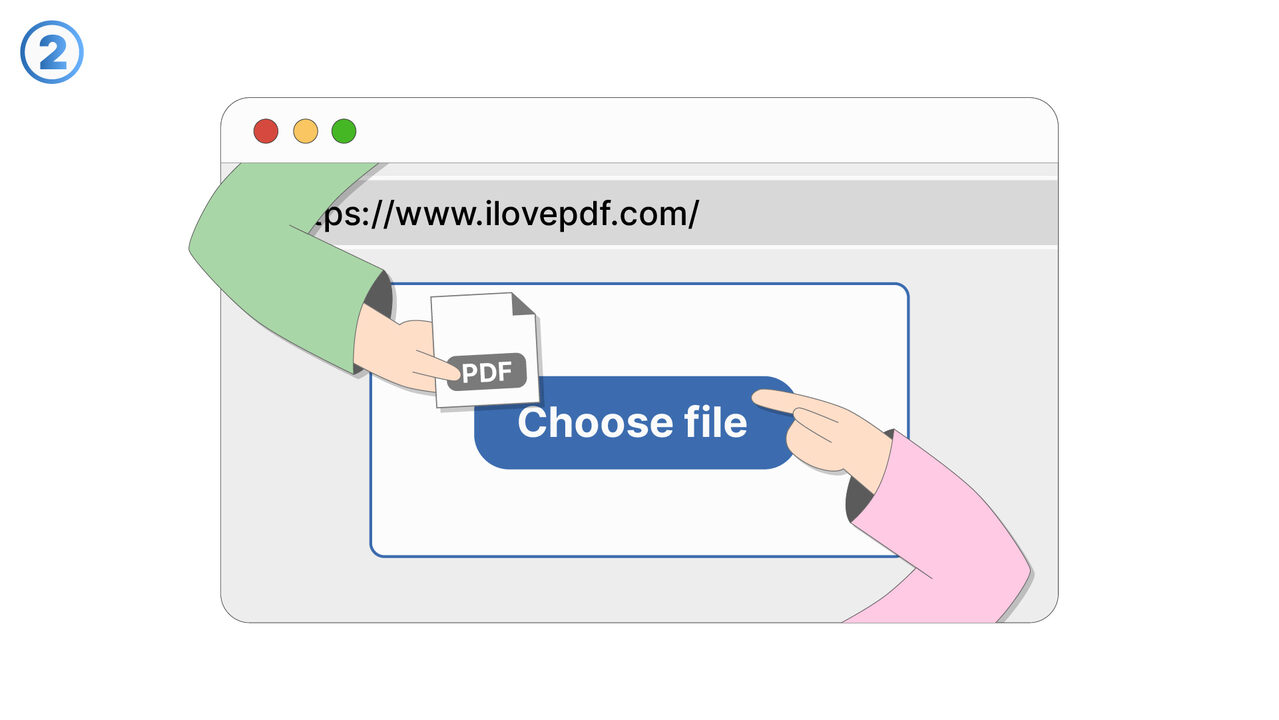
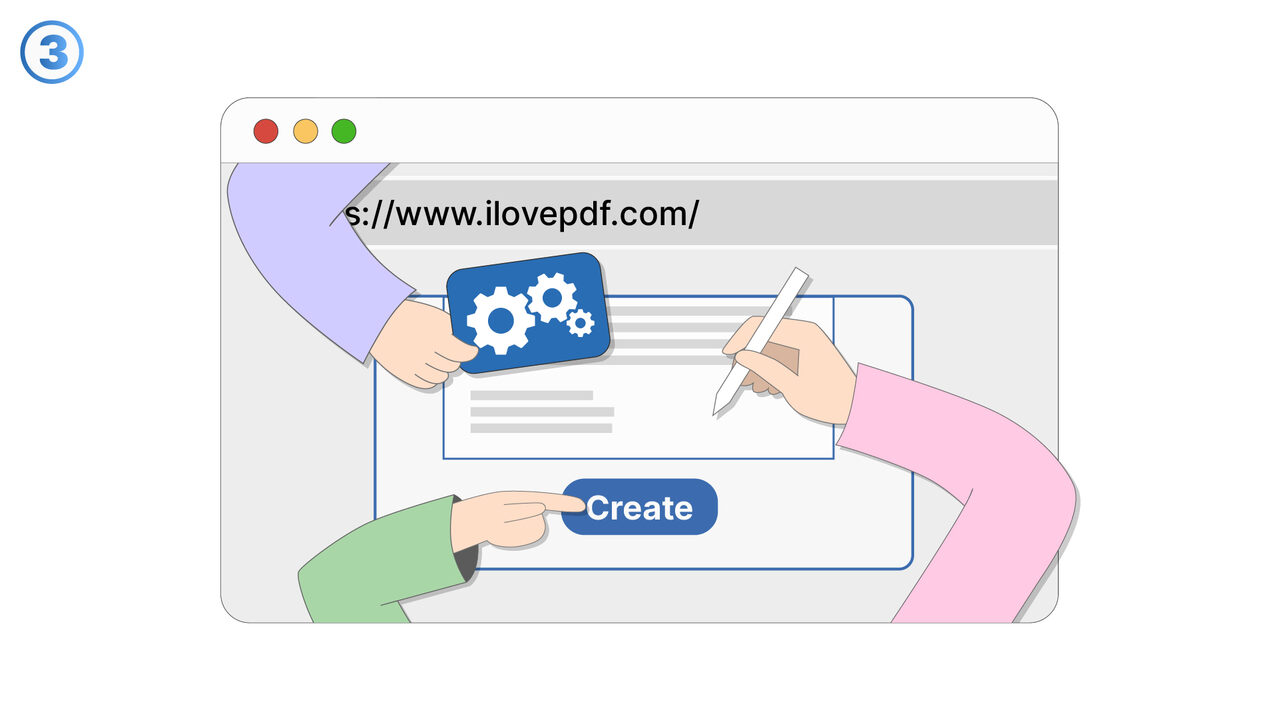
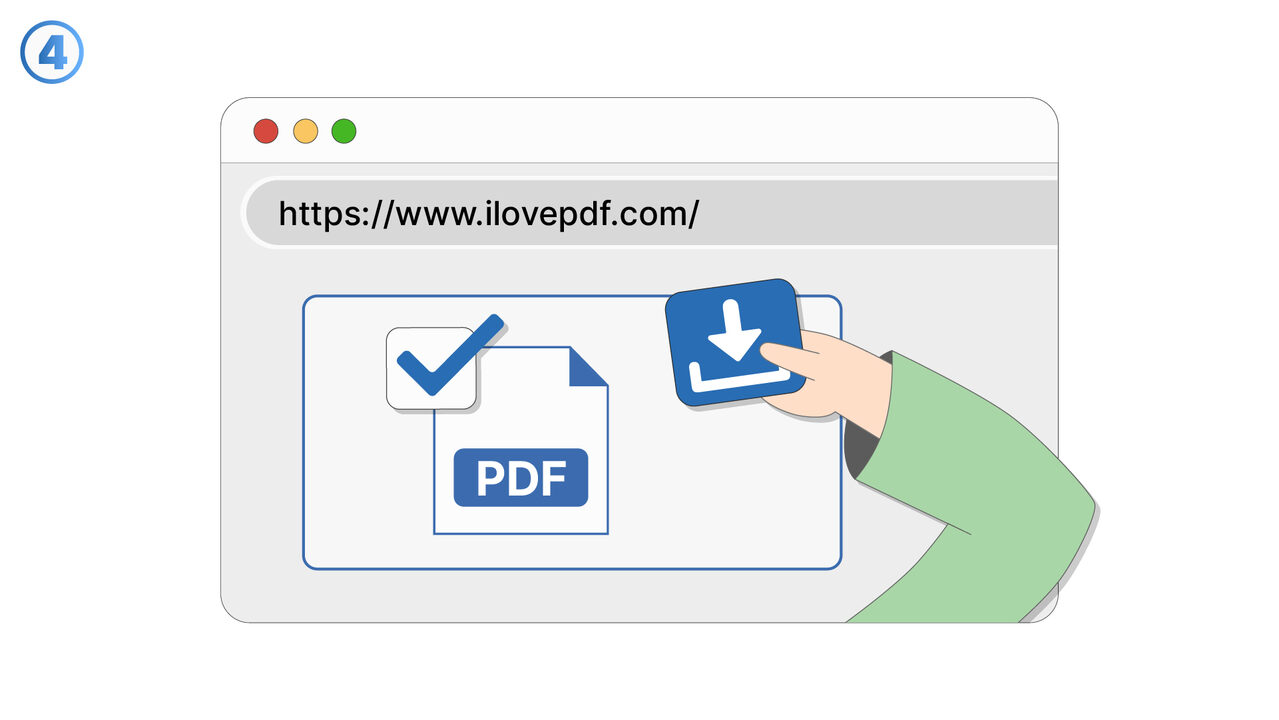
The Solution
First, you should make sure you're using the latest version of "I Love PDF" since outdated versions might not properly support features like adding watermarks. Once you've logged in, select the "Add Watermark" option and upload your PDF document. In the next step, you can choose an image or text as a watermark and place it in your desired position. Pay attention to transparency and size settings so that the watermark is clearly visible but does not overlay the document's content. After making all the adjustments, click on "Add Watermark" to complete the process and download your new PDF with a watermark added.
External Resource
https://www.ilovepdf.com/
Use this tool as a solution to the following problems
- I need to merge several PDF files into a single one.
- I need to split a PDF document into individual pages.
- I am having difficulties compressing a large PDF file.
- I can't convert my PDF document into another format.
- I need to extract text from a PDF document.
- I cannot edit my PDF and need a user-friendly online tool for it.
- I am having trouble protecting a PDF with a password.
- I need to repair a damaged PDF document.
- I need a tool with which I can change the orientation of pages in a PDF.
Know a better solution? Let us know.
If you know of a tool or approach that could help people solve a problem we haven't covered yet, we'd love to hear about it.