The Problem
The problem I'm currently facing relates to splitting a PDF document into individual pages. For different purposes, such as presentations or the transmission of specific information, it is often necessary to use only certain pages of a comprehensive PDF document. However, separating the pages of such a document can be a challenging task, especially if one does not possess specialized software or technical know-how. In addition, it is important that the quality of the pages is not compromised when splitting. Therefore, I need an effective tool that allows me to easily split my PDF document into individual pages.
Screenshots
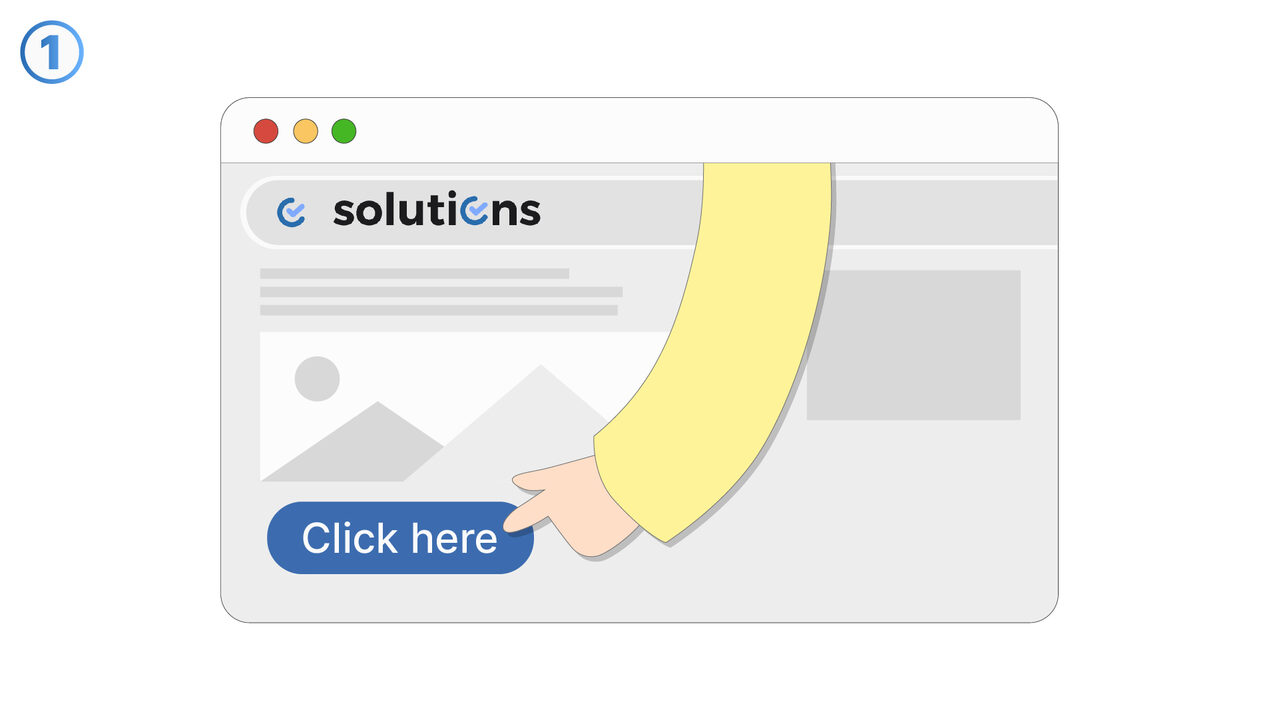
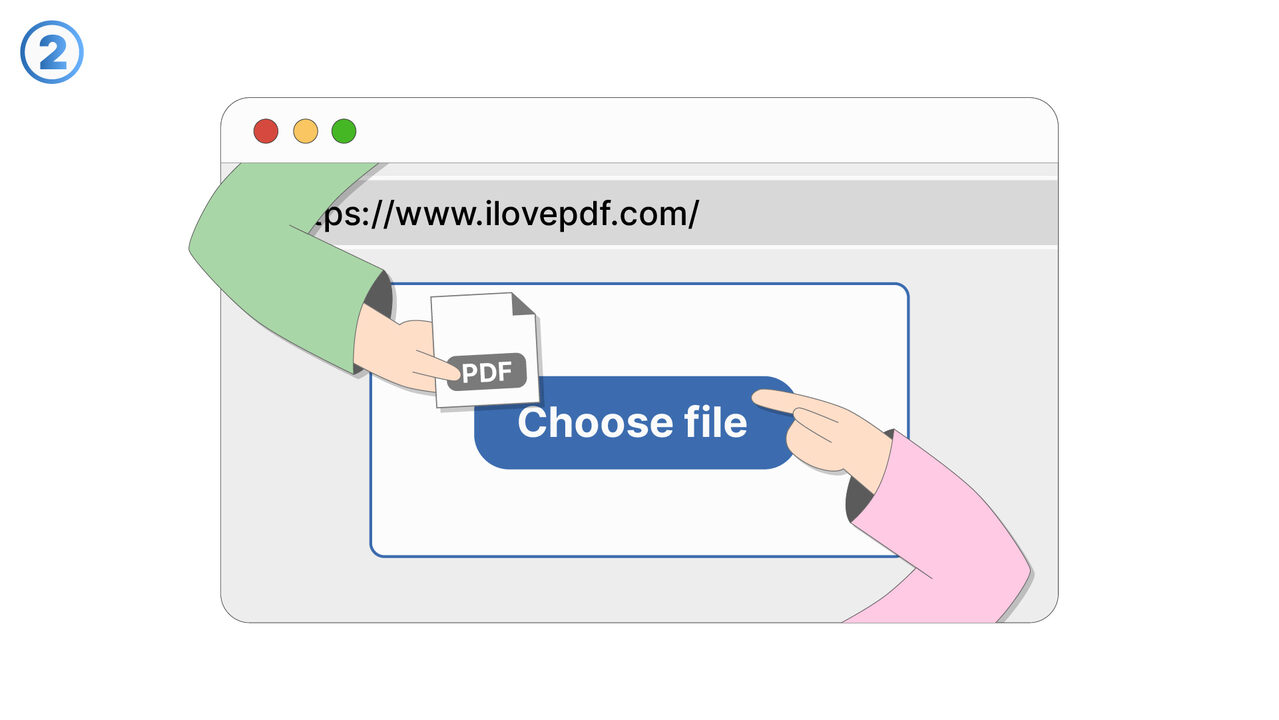
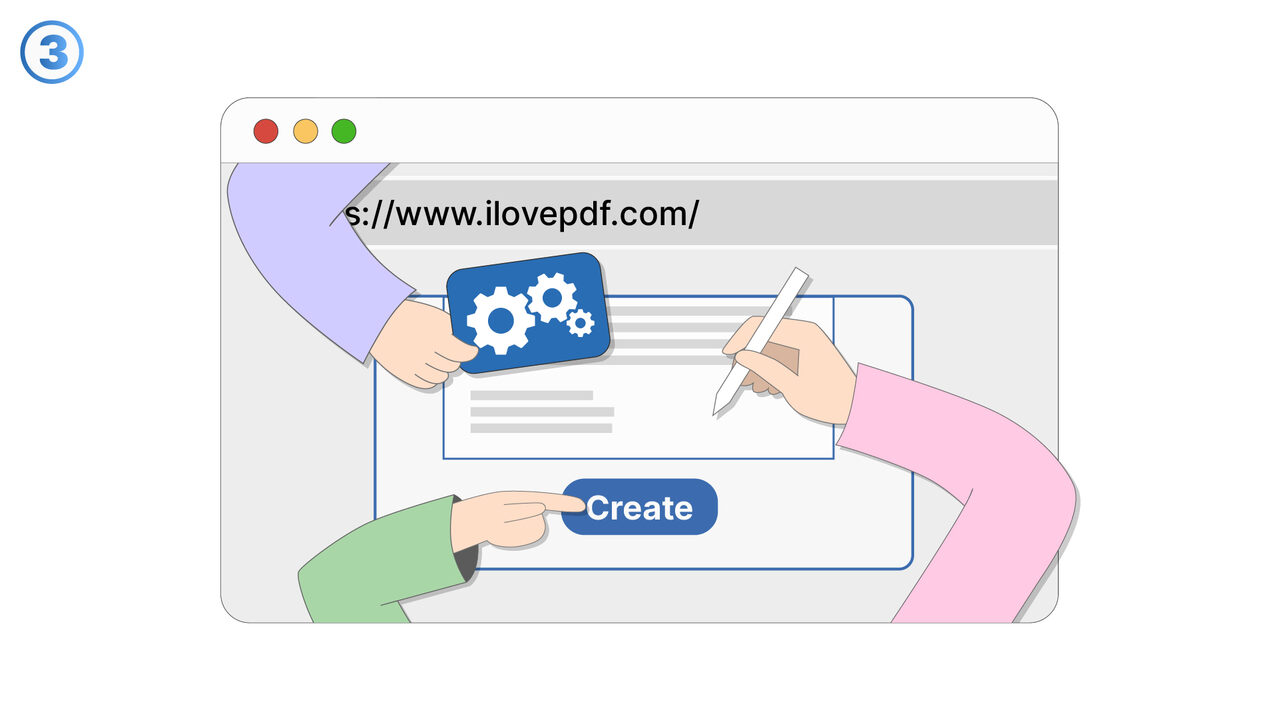
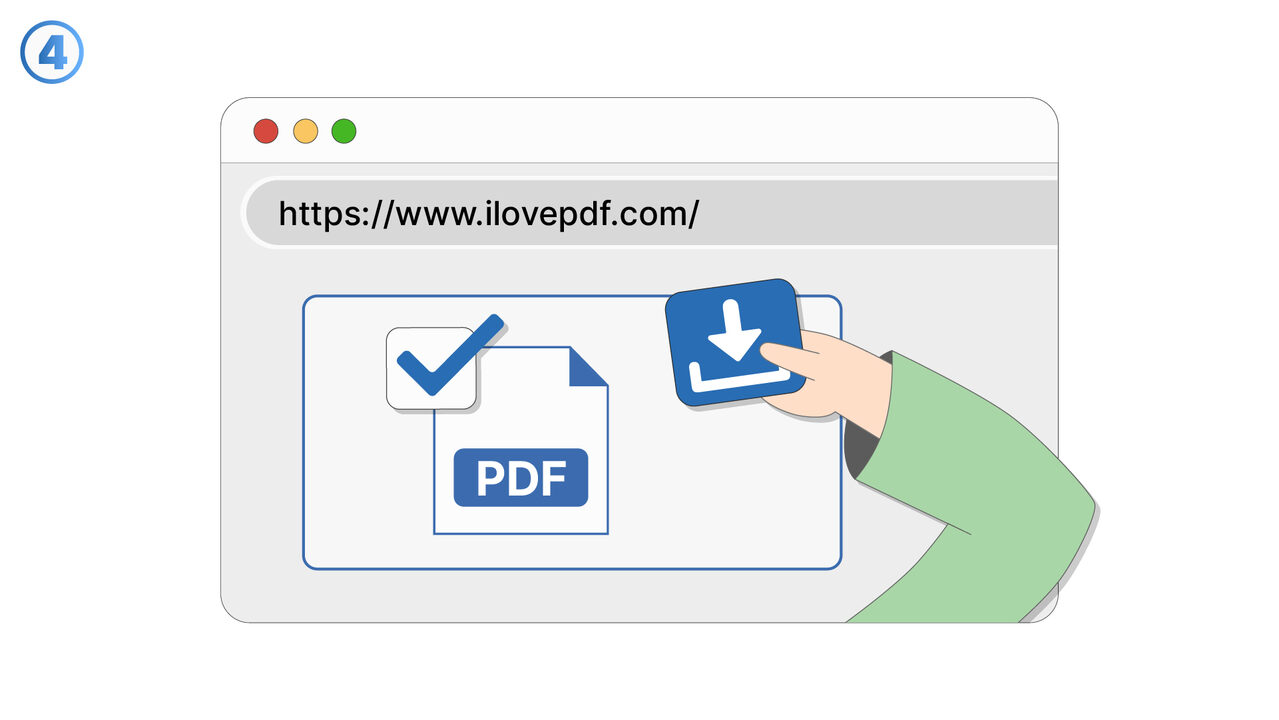
The Solution
With "I Love PDF", you can easily split your PDF document into individual pages. You simply upload the file to the platform and use the "Split PDF" function. The tool then automatically detects how many pages your document has and allows you to extract the desired pages. The quality of the pages remains completely unchanged. After processing, you can download the individual pages. All actions are intuitive and require no technical know-how. In addition, your files are deleted from the system after a certain period of time, so your data is safe.
External Resource
https://www.ilovepdf.com/
Use this tool as a solution to the following problems
- I need to merge several PDF files into a single one.
- I am having difficulties compressing a large PDF file.
- I can't convert my PDF document into another format.
- I need to extract text from a PDF document.
- I cannot edit my PDF and need a user-friendly online tool for it.
- I am having trouble protecting a PDF with a password.
- I am having trouble adding watermarks to a PDF document.
- I need to repair a damaged PDF document.
- I need a tool with which I can change the orientation of pages in a PDF.
Know a better solution? Let us know.
If you know of a tool or approach that could help people solve a problem we haven't covered yet, we'd love to hear about it.