I have trouble controlling the camera angles in my 3D graphics.
Solved by Google Earth Studio
The Problem
When using the Google Earth Studio tool, you encounter difficulties in controlling the camera angles in your 3D graphics. You are unable to set the desired angles and perspectives needed for your geographic data and visual narrations. Besides, you realize that this challenge impacts the quality of your motion graphics and the final video production. Even though Google Earth Studio promises robust customization options and control over camera angles, you struggle to use these features optimally. This negatively affects your work and limits your possibilities to tell meaningful stories with the help of 3D graphics.
Screenshots
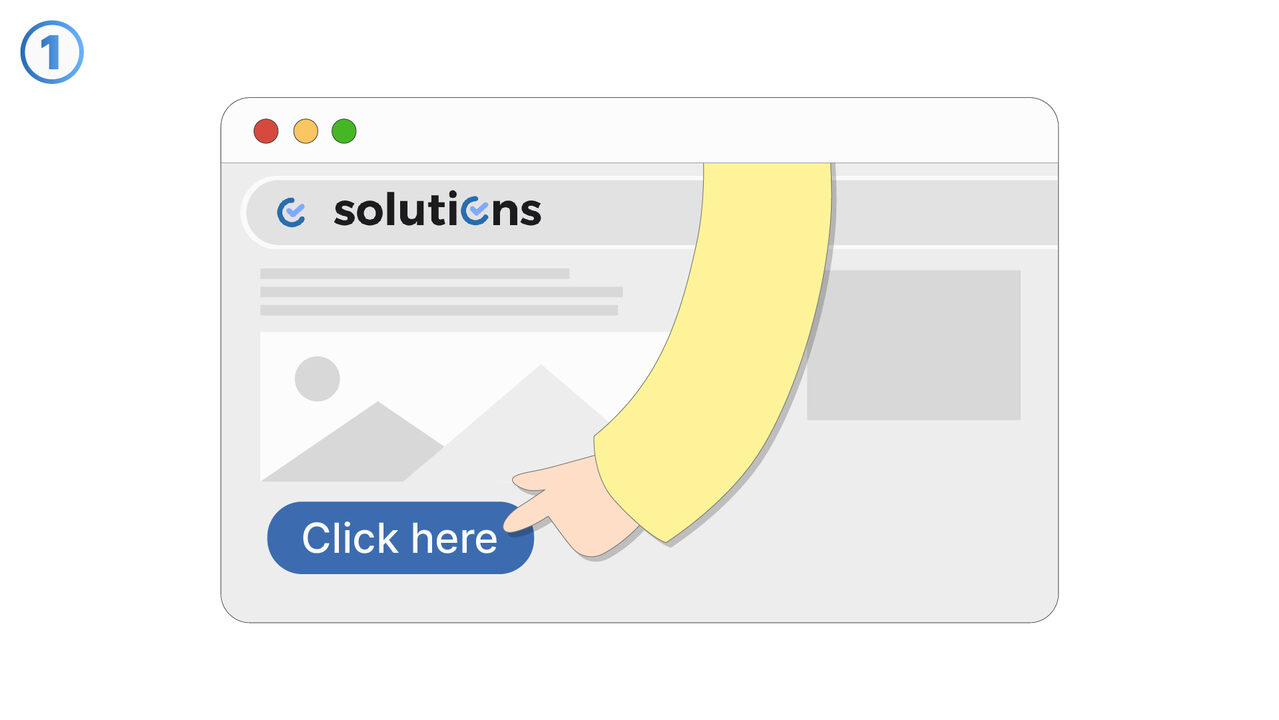
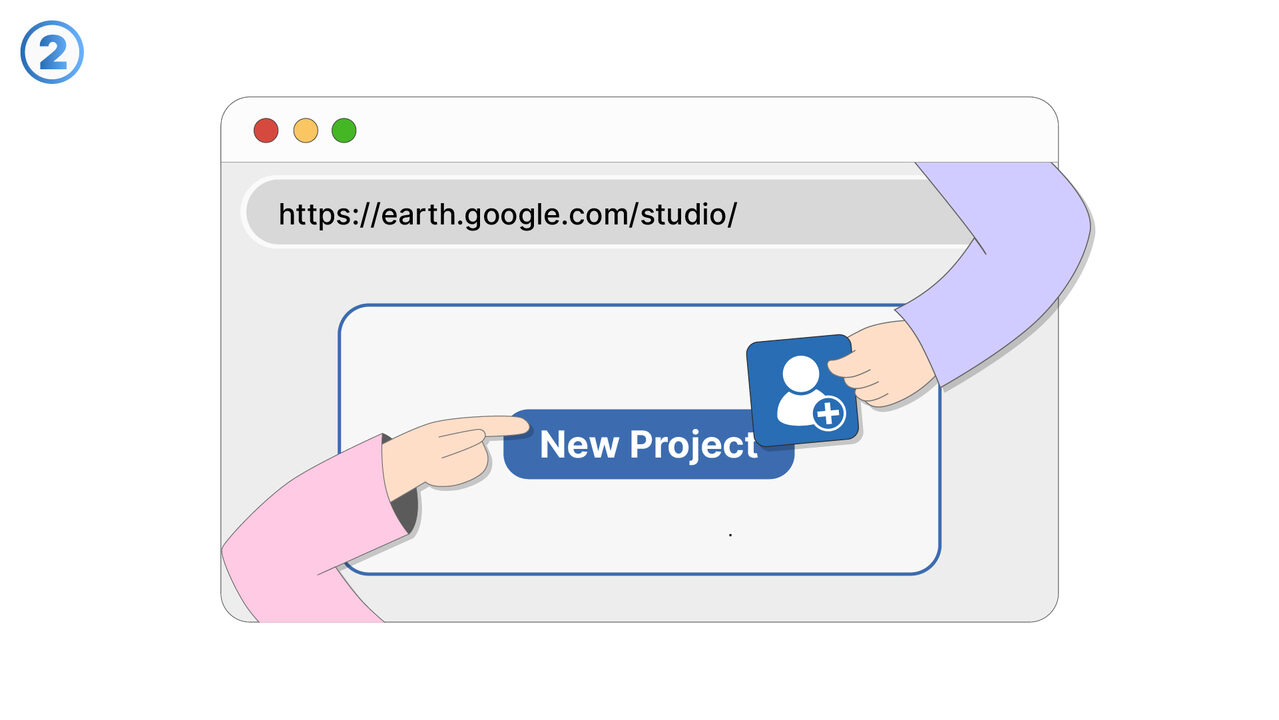
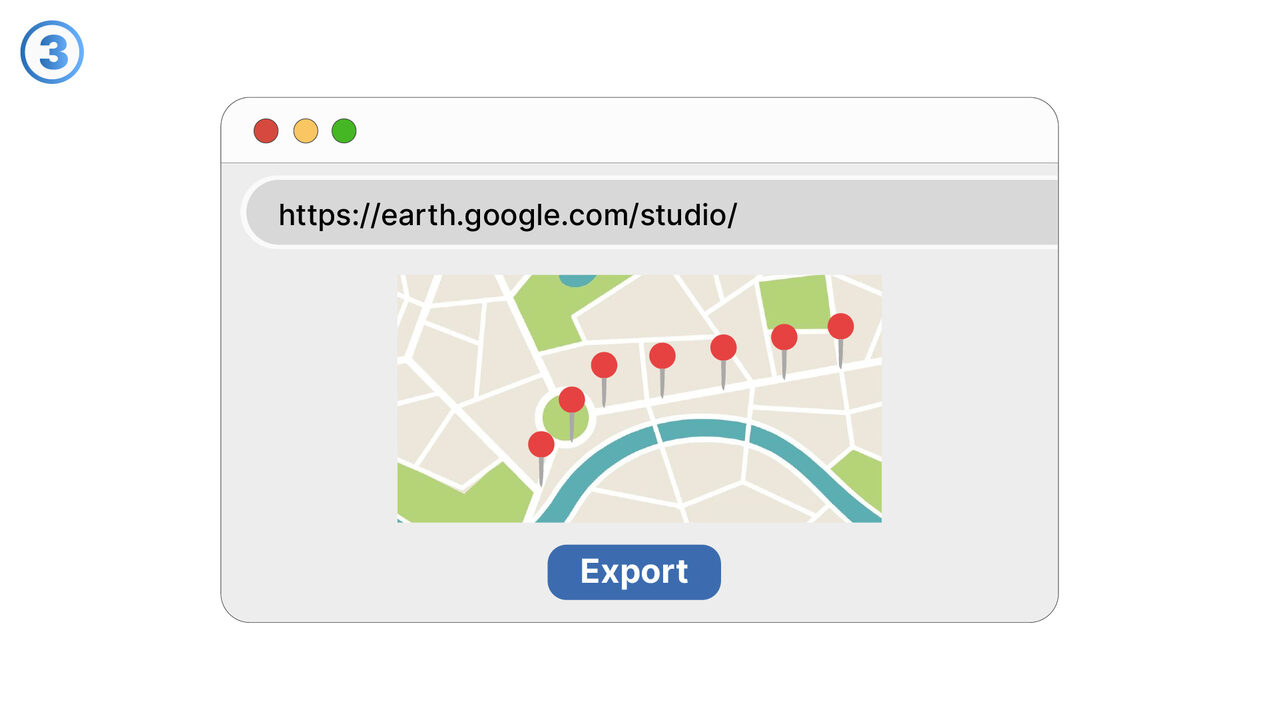
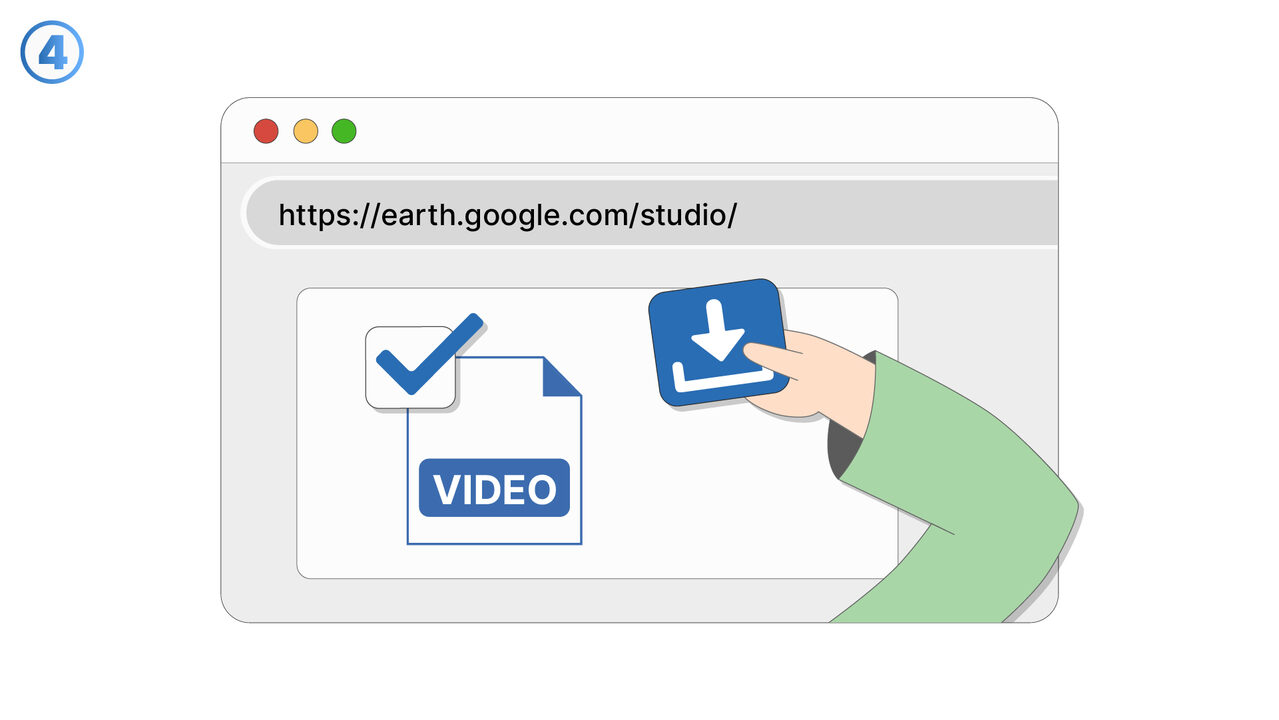
The Solution
Google Earth Studio provides a comprehensive tutorial library and technical support to assist users in controlling camera angles. With usable keyframes and timestamps, you can gain precise control over your camera angles and movements. Moreover, Earth Studio's multi-track timeline allows you to control and combine various camera settings simultaneously, resulting in more detailed and realistic 3D representations. The "preview and render in real time" feature gives you immediate feedback on your camera settings, enabling you to make fine adjustments and fix issues in camera management before you start the final production. With these tools and resources provided by Google Earth Studio, you can create impressive 3D graphics and tell stories that are equipped with just the right perspectives and angles.
External Resource
https://earth.google.com/studio/
Use this tool as a solution to the following problems
- I have problems creating videos that are based on geographical data.
- I need a tool to use high-quality 3D images for geographical storytelling in my videos.
- I have difficulties creating convincing virtual tours.
- I am having problems with the simulation of traffic flows with Google Earth Studio.
- I am having difficulties integrating geographic productions seamlessly into my usual production tools.
- I need a program to map complex geographical data in detail.
- I can't export 3D graphic videos with Google Earth Studio.
- I'm having trouble creating videos with high-resolution graphics in Google Earth Studio.
- I am having trouble visualizing geographical data in 3D.
Know a better solution? Let us know.
If you know of a tool or approach that could help people solve a problem we haven't covered yet, we'd love to hear about it.