I cannot highlight the text in a PDF file due to restrictions.
Solved by FreeMyPDF
The Problem
You have a PDF file that you need for your work or studies, but there is a restriction that does not allow you to highlight the text you need. This could be due to the file being locked for security or privacy reasons, or being password encrypted. Because of this limitation, you cannot interact with the information in the file, which could hinder your work or studies. Particularly in urgent situations, it can be frustrating when you need to trace, copy, or print the text for your work. This situation presents a challenge and prevents you from effectively completing your tasks.
Screenshots
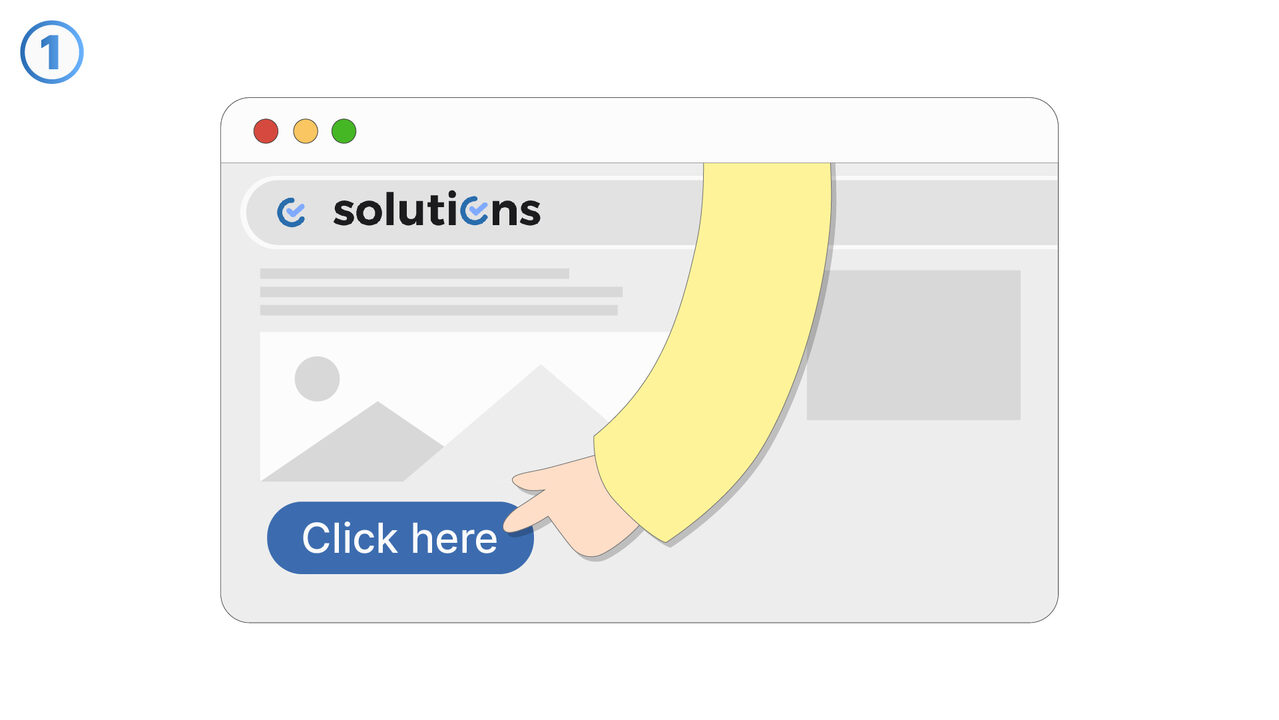
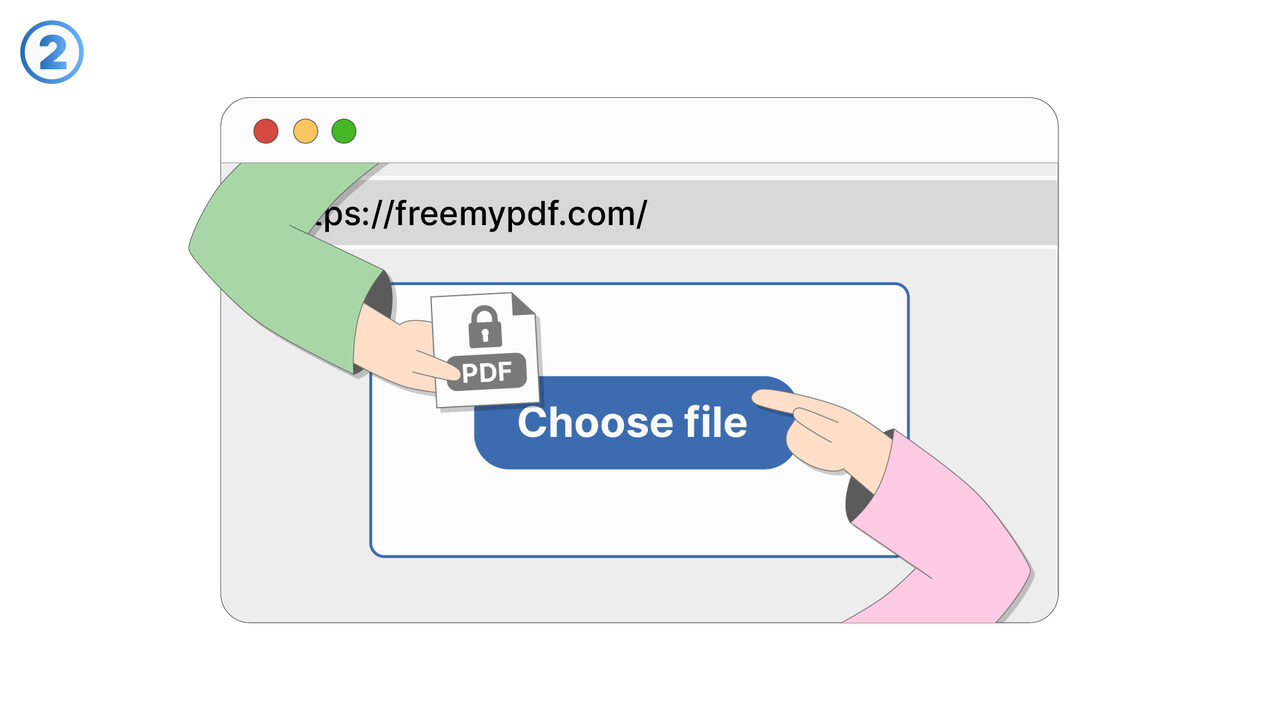
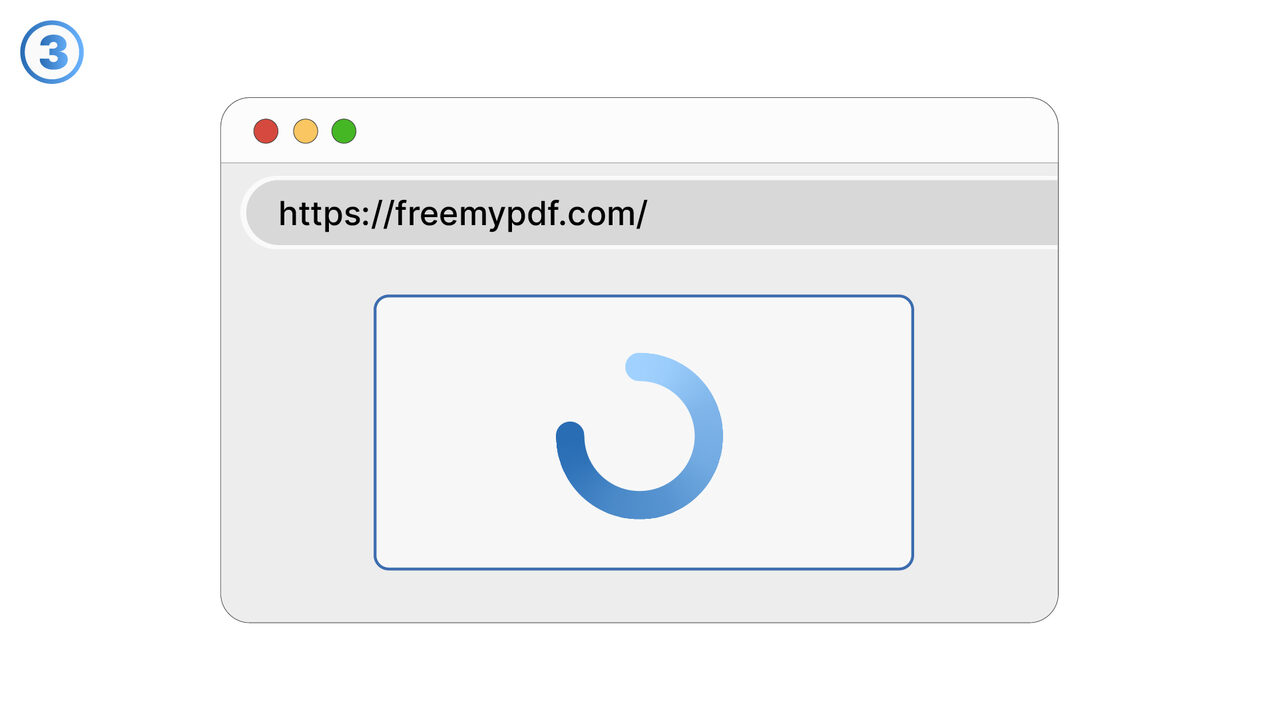
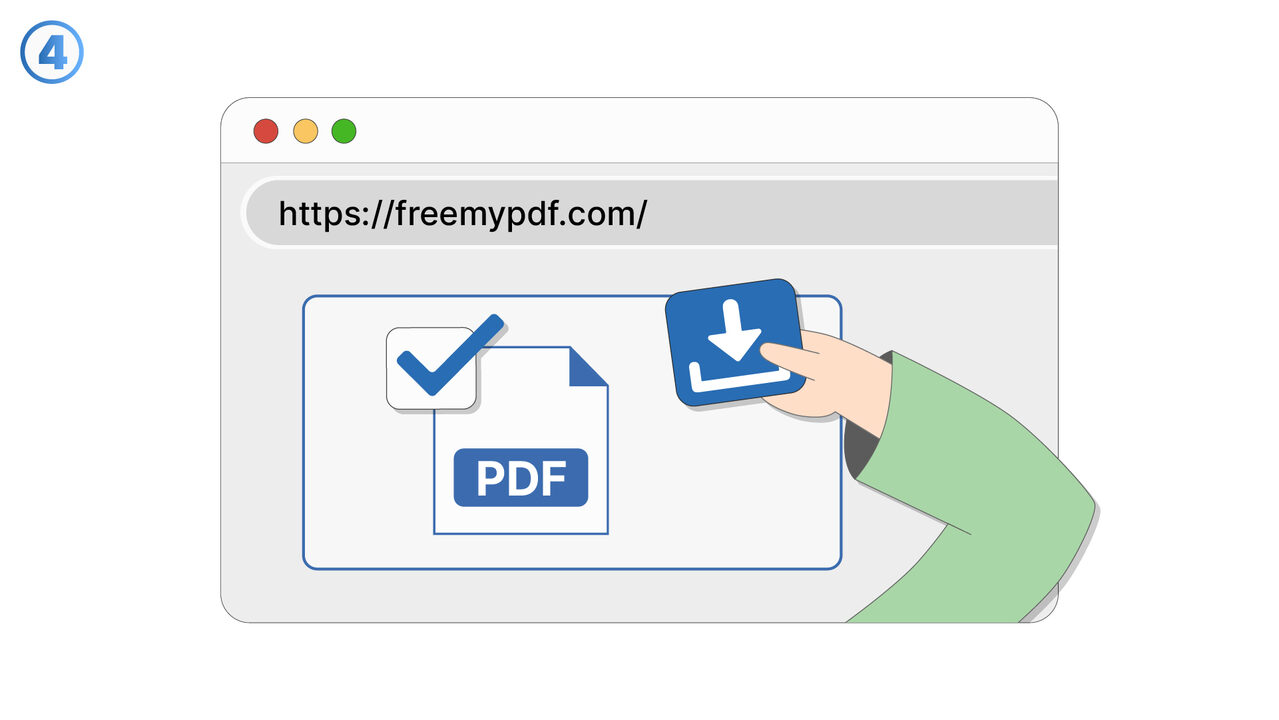
The Solution
FreeMyPDF offers relief in such cases by decrypting the locked or password-protected PDF files. You simply upload your restricted PDF file to the tool and it removes all restrictive security measures that prevent interaction with the content. This allows you to copy, paste, or print the text. Since it is web-based, no additional software needs to be installed. Furthermore, the uploaded PDF files are not stored after the unlocking process, ensuring your privacy. With FreeMyPDF, work or study is no longer hindered by locked PDF files. This tool enables efficient work, exactly when you need it most.
External Resource
https://www.freemypdf.com/
Use this tool as a solution to the following problems
- I cannot copy the text from a locked PDF file.
- I cannot edit or print a locked PDF file.
- I cannot print a locked PDF document.
- I cannot insert texts or graphics into a locked PDF file.
- I cannot add comments to my password-protected PDF.
- I need to unlock several locked PDF files, but I don't have suitable software for it.
- I need to extract images from a password-protected PDF file.
- I'm having trouble sending a large, password-protected PDF file.
- I can't edit my encrypted PDF document to add or delete pages.
Know a better solution? Let us know.
If you know of a tool or approach that could help people solve a problem we haven't covered yet, we'd love to hear about it.