I cannot insert texts or graphics into a locked PDF file.
Solved by FreeMyPDF
The Problem
Users often encounter PDF files that are locked or password protected due to security or privacy measures. This can be problematic in situations where they need to copy, paste, or print the content. The inability to insert text or graphics into a locked PDF file can lead to significant delays and frustration. This problem is especially prevalent in urgent tasks where users need immediate access to the information. Therefore, an effective solution is needed to remove these restrictions from the PDF file, so that users can work without interruption.
Screenshots
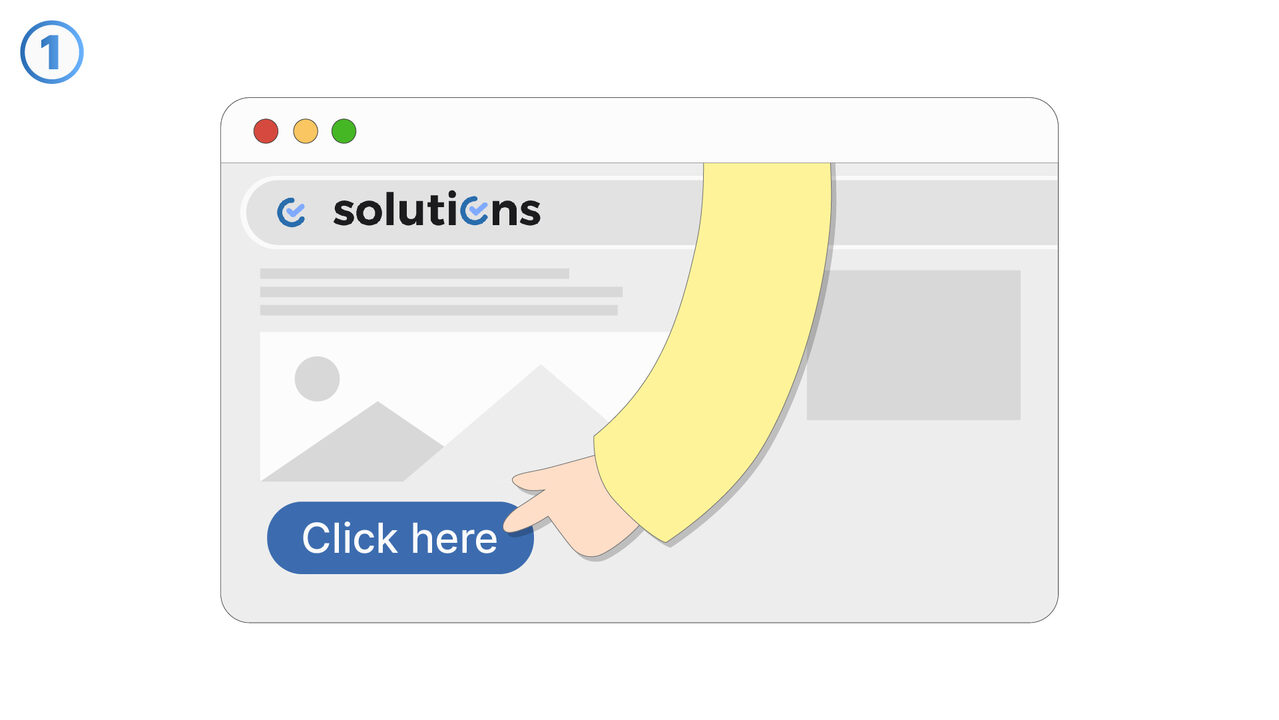
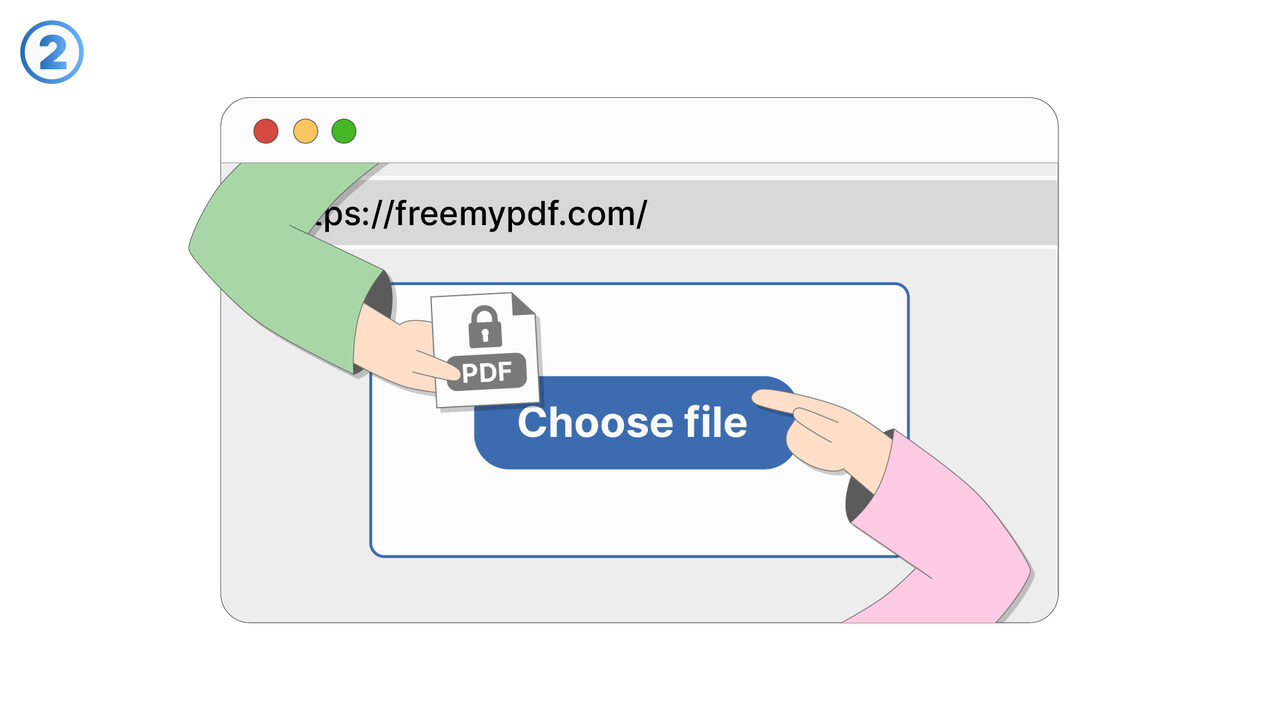
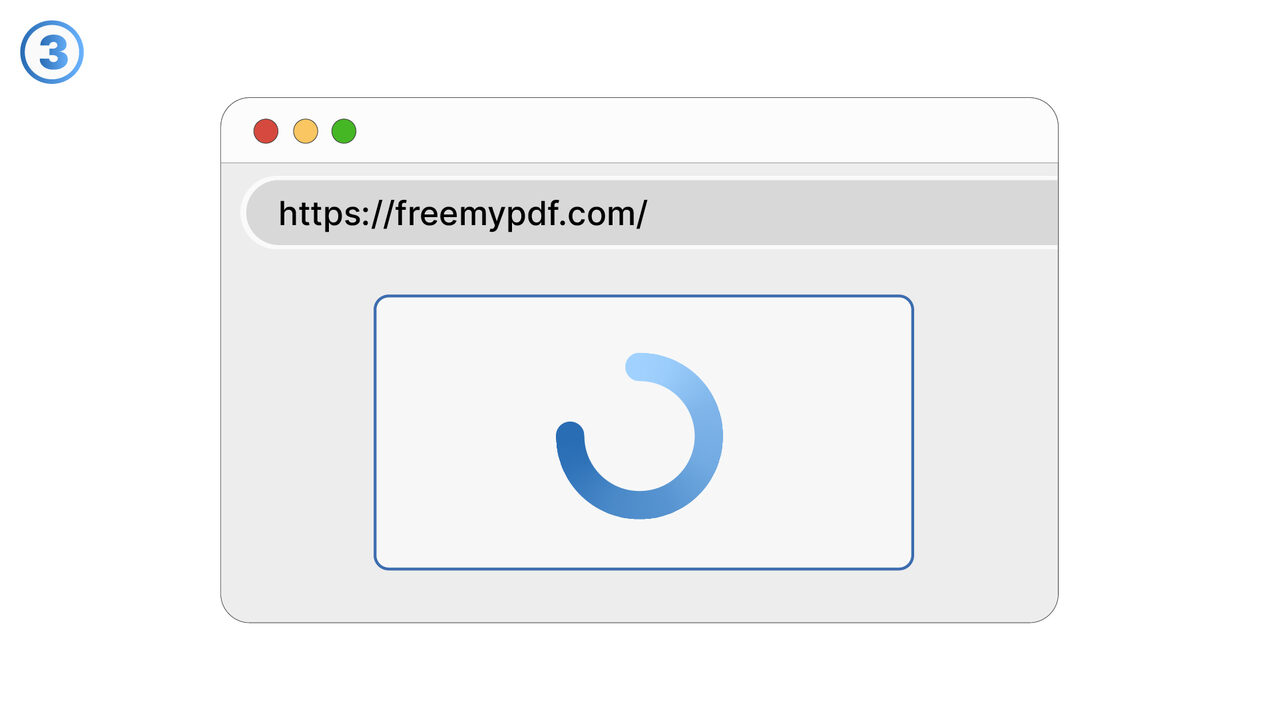
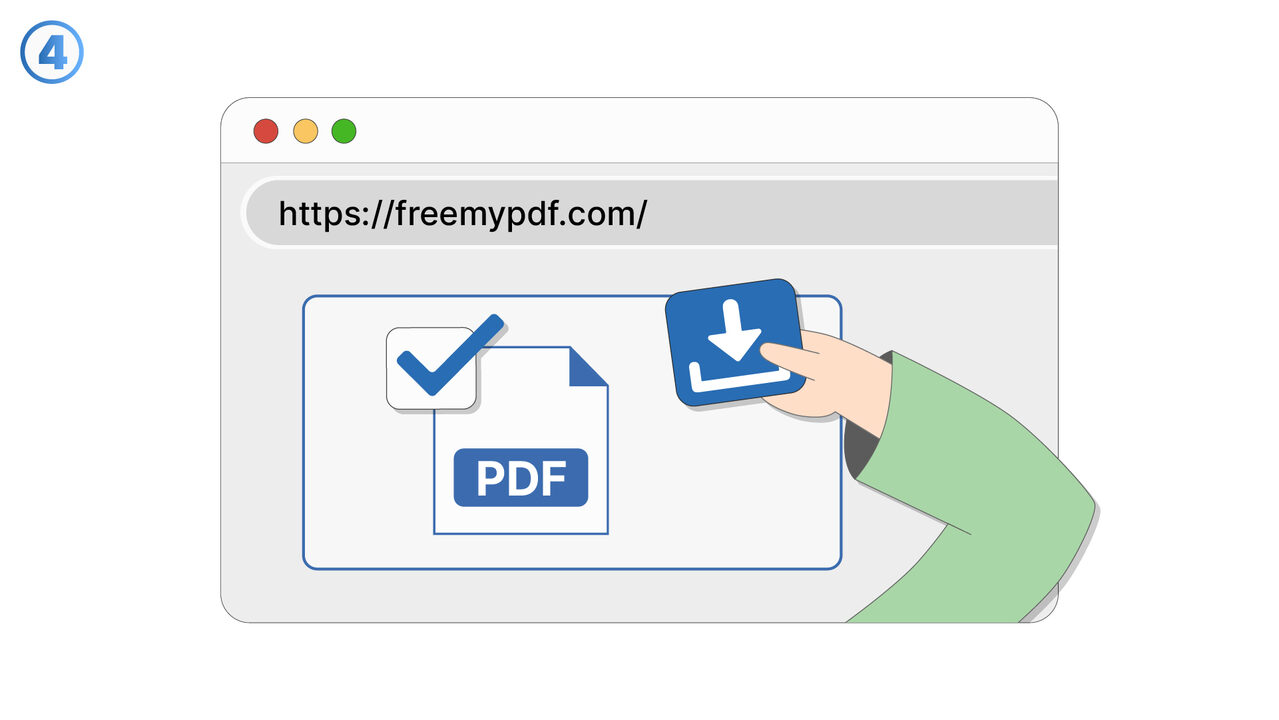
The Solution
FreeMyPDF serves as an effective solution for the problem described. Users simply upload their locked PDF file and the tool automatically removes all restrictions that are present in the file. This allows access to all content, including the possibility to copy, paste and print the text. FreeMyPDF operates web-based, so there's no need for any additional software installation. Moreover, the tool respects the user's privacy and does not store the uploaded files. This makes FreeMyPDF a fast, convenient, and safe solution for all PDF unlocking needs. Users can now work seamlessly with their PDF files.
External Resource
https://www.freemypdf.com/
Use this tool as a solution to the following problems
- I cannot copy the text from a locked PDF file.
- I cannot edit or print a locked PDF file.
- I cannot print a locked PDF document.
- I cannot highlight the text in a PDF file due to restrictions.
- I cannot add comments to my password-protected PDF.
- I need to unlock several locked PDF files, but I don't have suitable software for it.
- I need to extract images from a password-protected PDF file.
- I'm having trouble sending a large, password-protected PDF file.
- I can't edit my encrypted PDF document to add or delete pages.
Know a better solution? Let us know.
If you know of a tool or approach that could help people solve a problem we haven't covered yet, we'd love to hear about it.