I need to remove unnecessary data from my PDF document.
Solved by PDF24 Tools Edit PDF
The Problem
The problem is that unnecessary data must be removed from a PDF document. The data could be text, images, shapes, or freehand drawings that were originally inserted into the document, but are now considered superfluous or irrelevant. This data could disrupt the flow of text, make the document cluttered, or simply take up space on the pages of the PDF document, thereby unnecessarily increasing the file size. In addition, they can impair the readability and comprehensibility of the document. It's a challenge to efficiently and accurately remove this unnecessary data without affecting the remaining contents of the document.
Screenshots
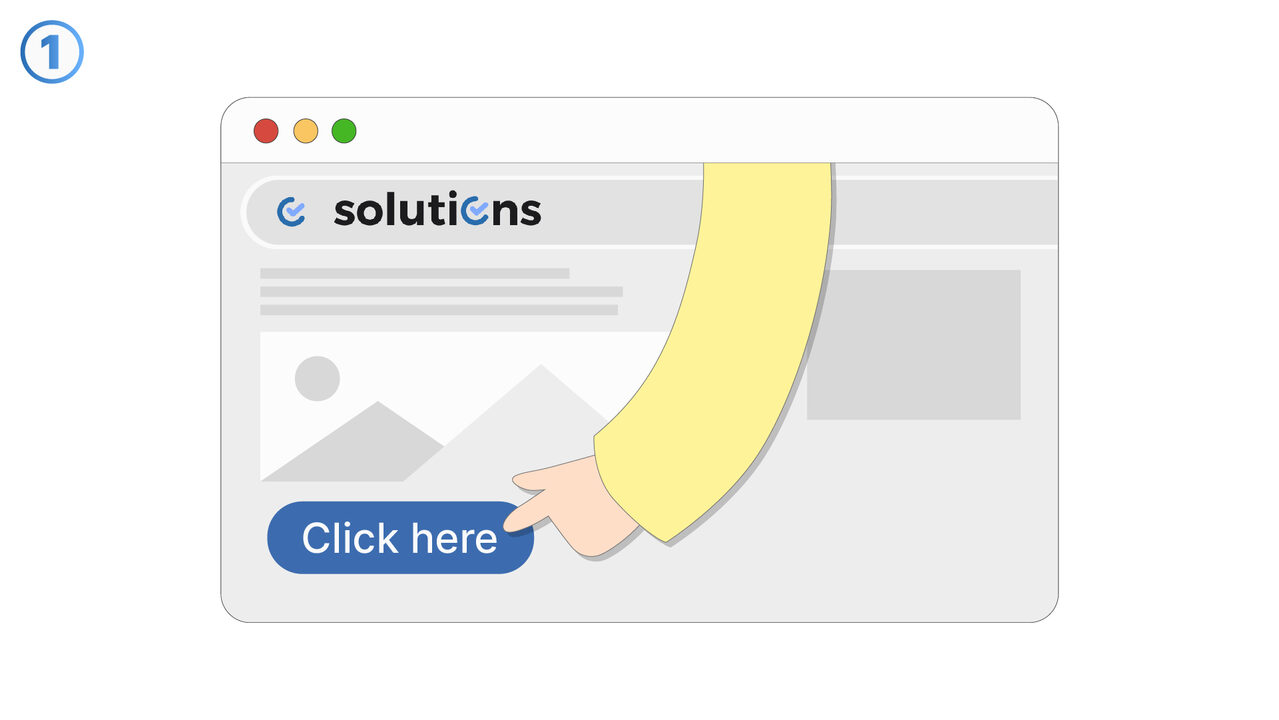
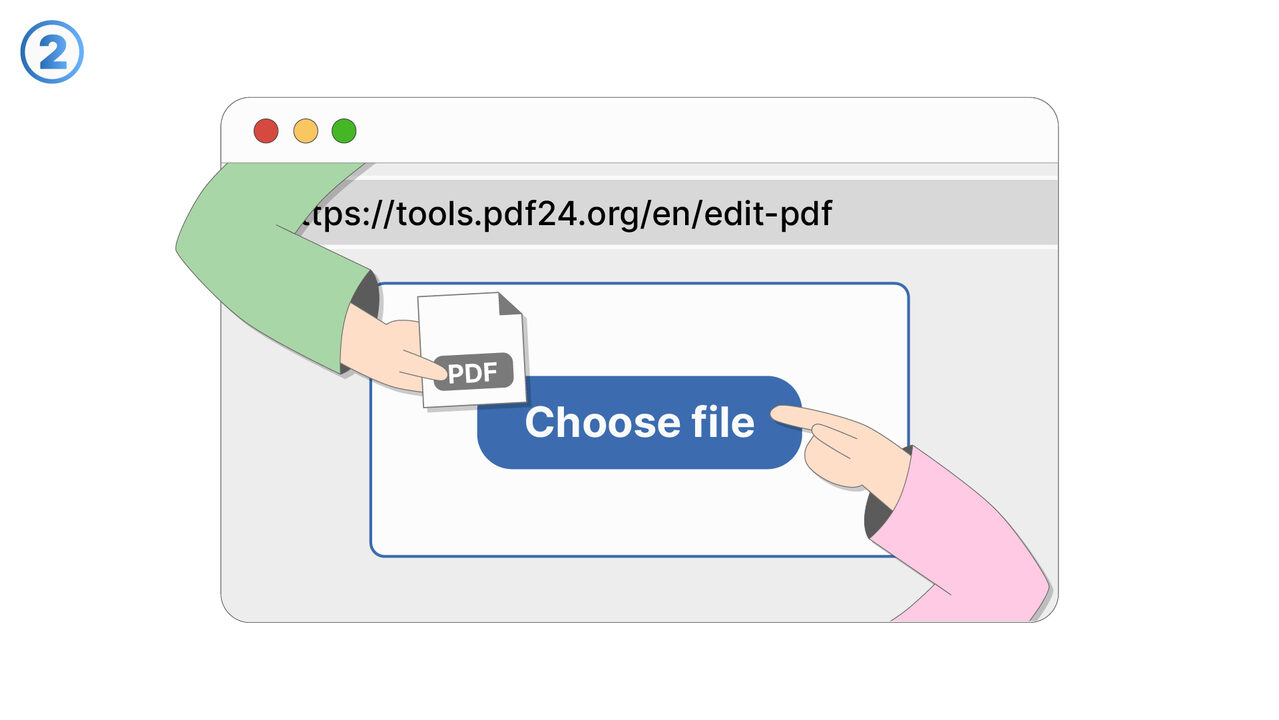
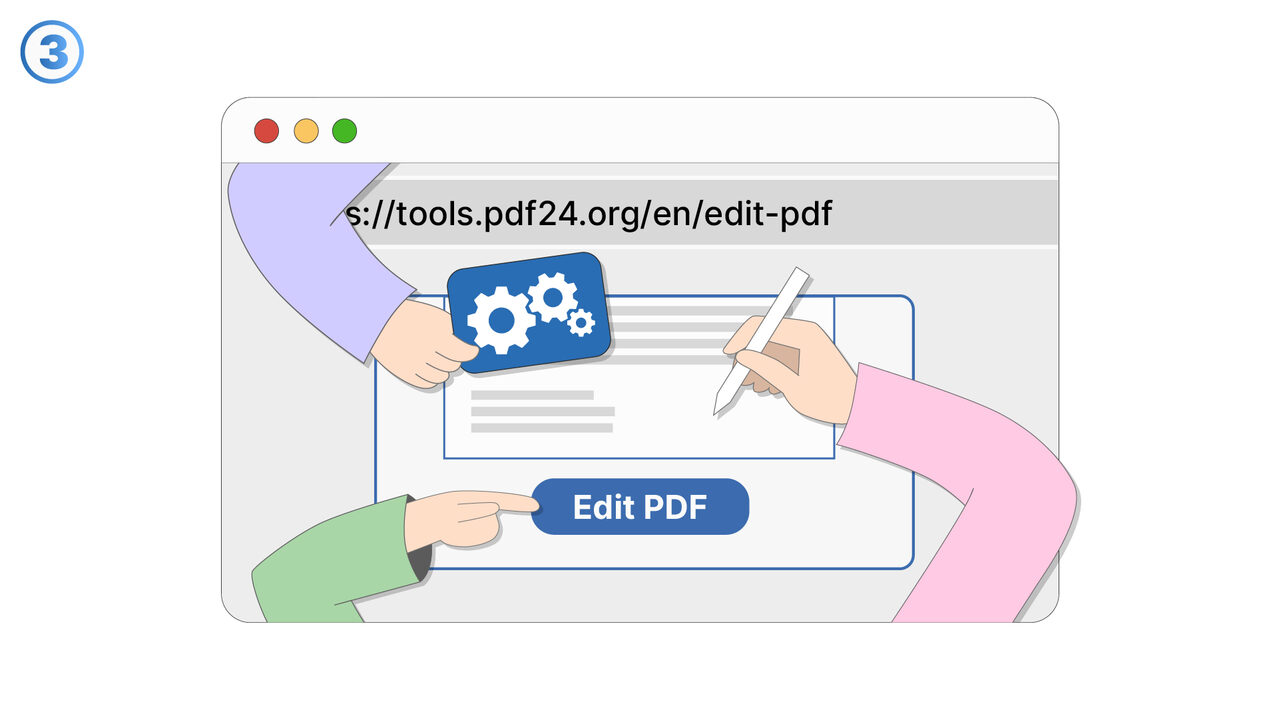
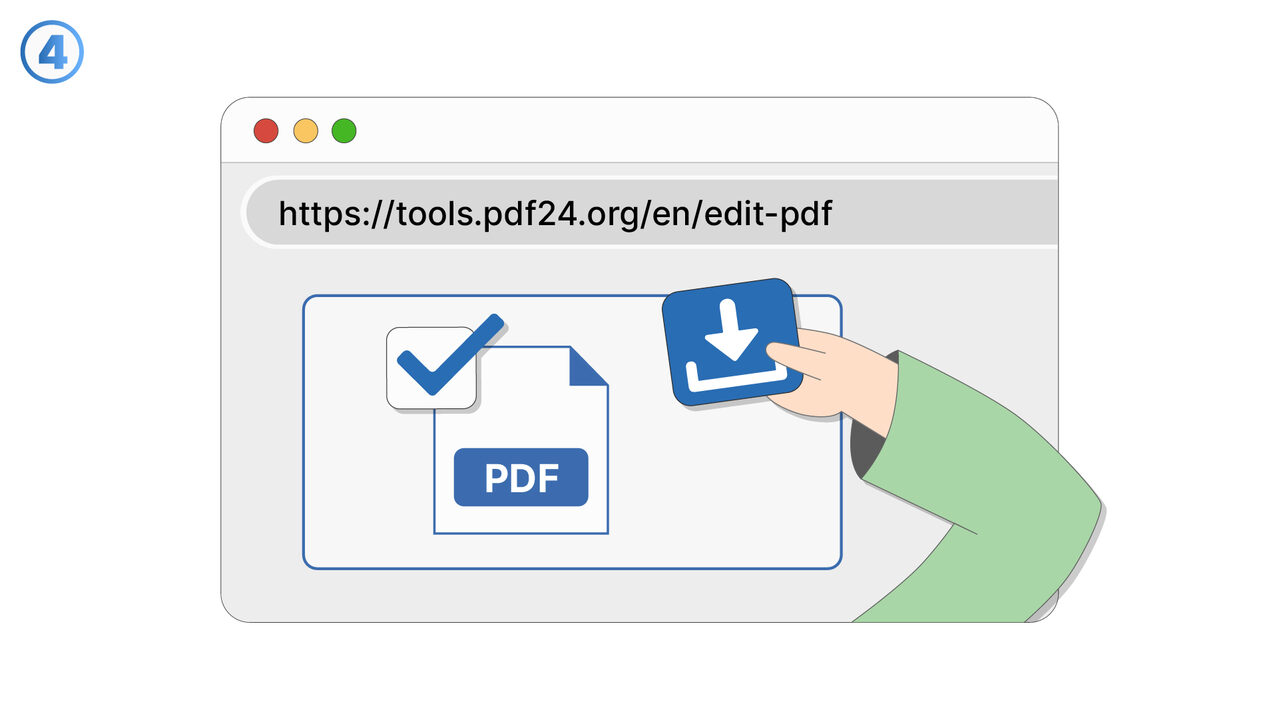
The Solution
The PDF24 Tools Edit PDF provides a versatile solution for effectively and precisely removing unnecessary data from your PDF document. With this tool, you can edit the text and easily delete or overwrite unwanted text. Images and shapes can also be individually removed or replaced. A deletion function is also available for freehand drawings. This intuitive software then cleans up your document without affecting the remaining content. Thus, the tool optimizes the readability and understandability of your document and also reduces the file size. With PDF24 Tools Edit PDF, you can thus remove unnecessary data in a straightforward manner and optimize your PDF files efficiently.
External Resource
https://tools.pdf24.org/en/edit-pdf
Use this tool as a solution to the following problems
- I'm having trouble editing text in a PDF file.
- I need to add text to an existing PDF document.
- I am having trouble inserting images into a PDF document.
- I am looking for a way to make freehand drawings on my PDF document.
- I am having trouble finding and fixing errors in my PDF file.
- I want to optimize the appearance of my PDF document and need a suitable tool for this.
- I need a tool to rotate pages in my PDF document.
- I need to change the size of elements in a PDF document.
- I am having problems with changing fonts, colors, and styles in my PDF document.
Know a better solution? Let us know.
If you know of a tool or approach that could help people solve a problem we haven't covered yet, we'd love to hear about it.