I'm having trouble editing text in a PDF file.
Solved by PDF24 Tools Edit PDF
The Problem
I am experiencing some difficulties working with the PDF file, particularly with text editing. When I try to make changes to existing text or add new text, I encounter obstacles. Either the editing function is not intuitive to use, or changes made are not saved. Inserting images, shapes, or freehand drawings into the document also poses a problem. This issue hampers my productivity and impedes the smooth workflow when improving my PDF documents.
Screenshots

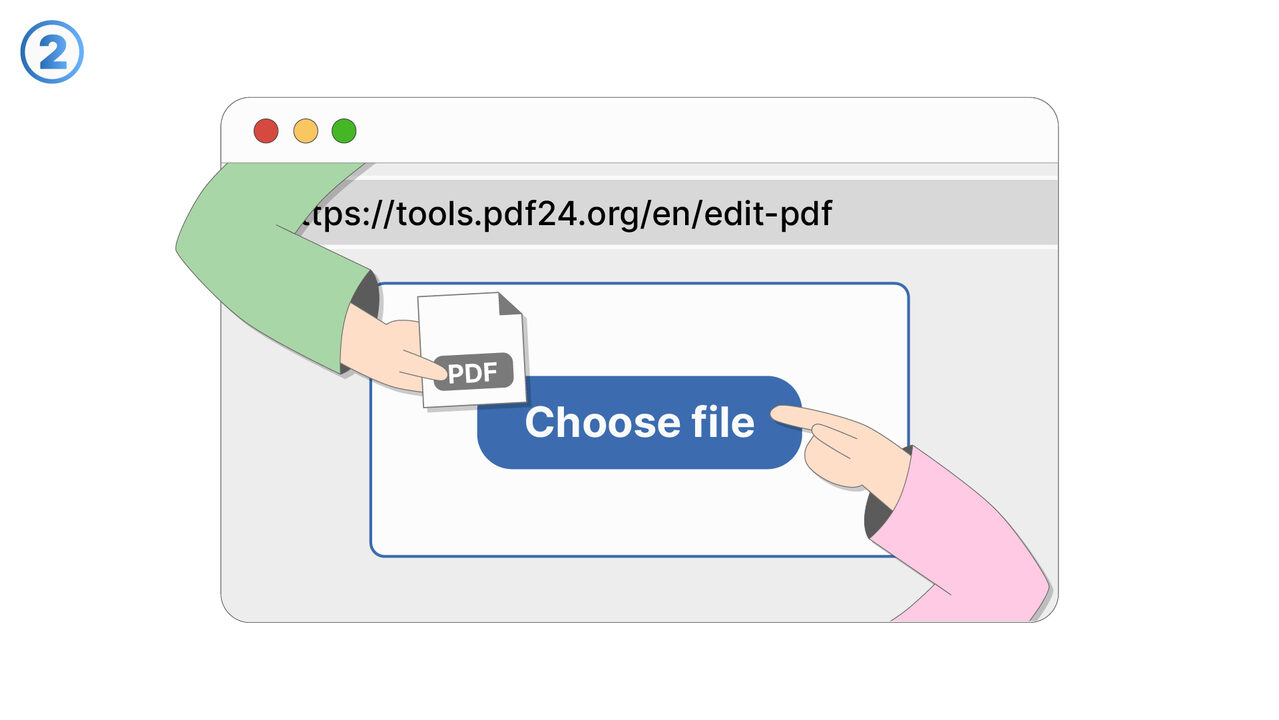
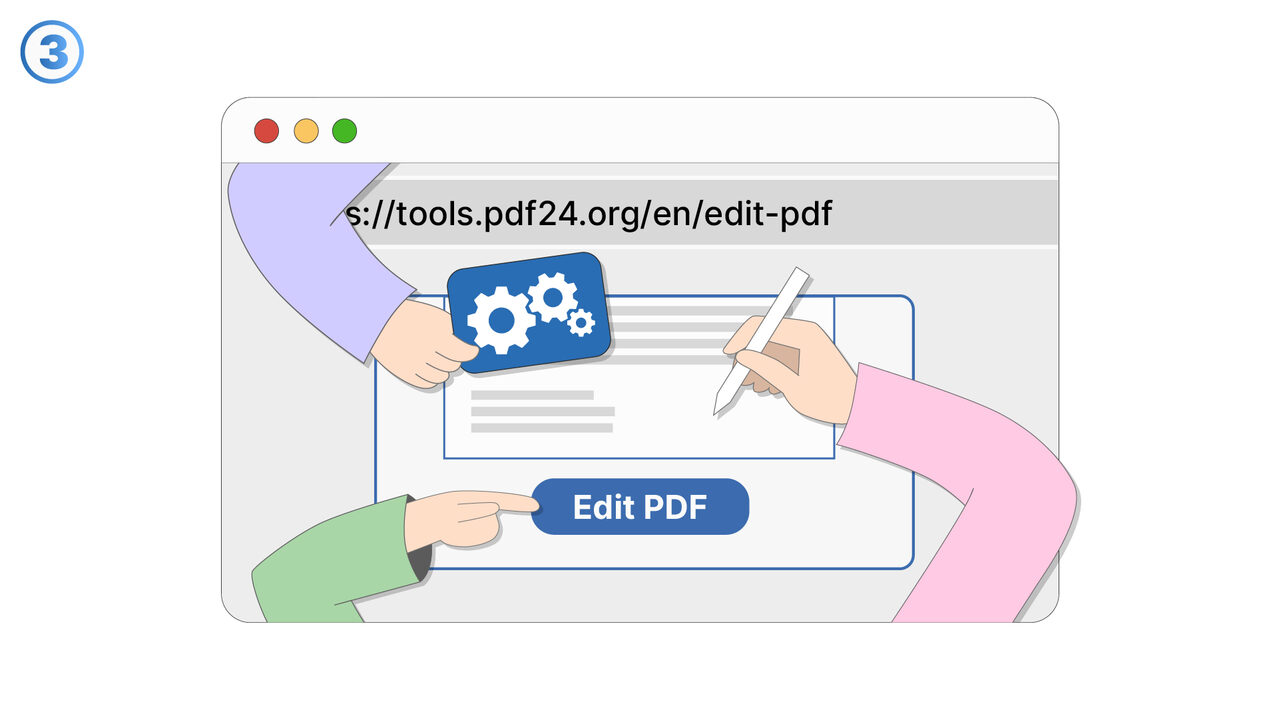
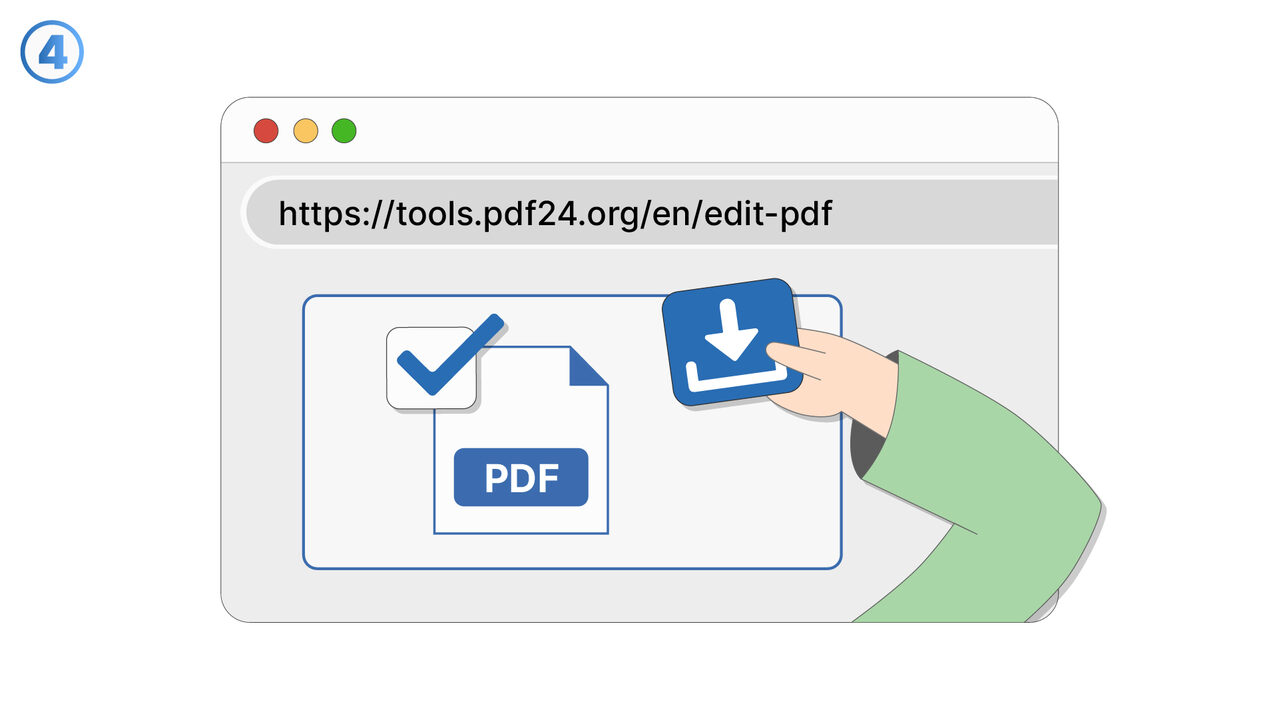
The Solution
The PDF24 Tools Edit PDF provides an intuitive and user-friendly interface that allows you to effortlessly edit or add to your text. The tool automatically saves all changes, so you don't have to worry about losing any information. It also enables the seamless insertion of images, shapes, or freehand drawings into your PDF documents. This increases your productivity and improves the workflow. In addition, the PDF24 Tools Edit PDF offers an efficient error correction function for PDF documents to fix any potential difficulties. As a web-based tool, it is easy to access and use, making it both handy and convenient.
External Resource
https://tools.pdf24.org/en/edit-pdf
Use this tool as a solution to the following problems
- I need to add text to an existing PDF document.
- I am having trouble inserting images into a PDF document.
- I am looking for a way to make freehand drawings on my PDF document.
- I am having trouble finding and fixing errors in my PDF file.
- I want to optimize the appearance of my PDF document and need a suitable tool for this.
- I need to remove unnecessary data from my PDF document.
- I need a tool to rotate pages in my PDF document.
- I need to change the size of elements in a PDF document.
- I am having problems with changing fonts, colors, and styles in my PDF document.
Know a better solution? Let us know.
If you know of a tool or approach that could help people solve a problem we haven't covered yet, we'd love to hear about it.