I need to convert several different file formats simultaneously.
Solved by CloudConvert
The Problem
The challenge lies in the fact that I have to convert multiple files in different formats at the same time. These different file formats could be documents, images, audio files, video files, e-books or spreadsheets, and each of these file types has its specific conversion settings that must be followed. Furthermore, it is important to me that the quality of the files is not lost after conversion. An added complication is that the converted files should be saved directly to online storage services like Google Drive or Dropbox. Additionally, it would be ideal if basic conversions could be performed for free, but there should also be premium options available for more complex requirements.
Screenshots
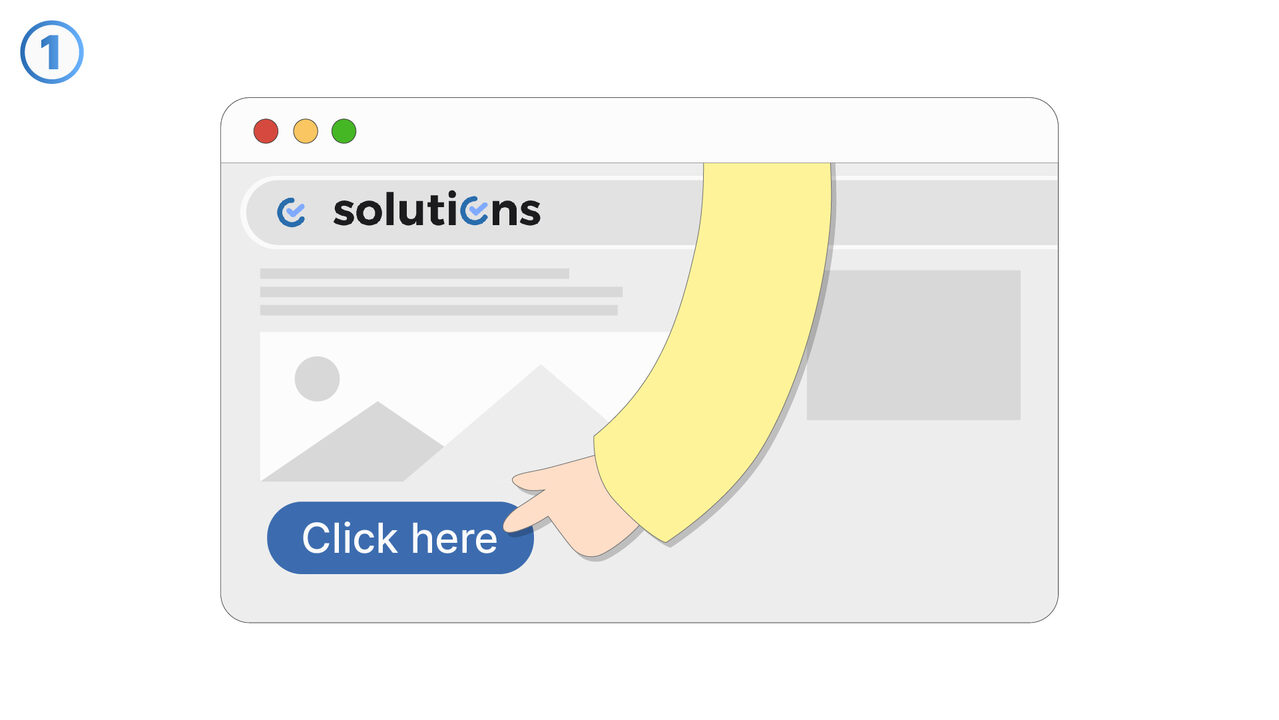
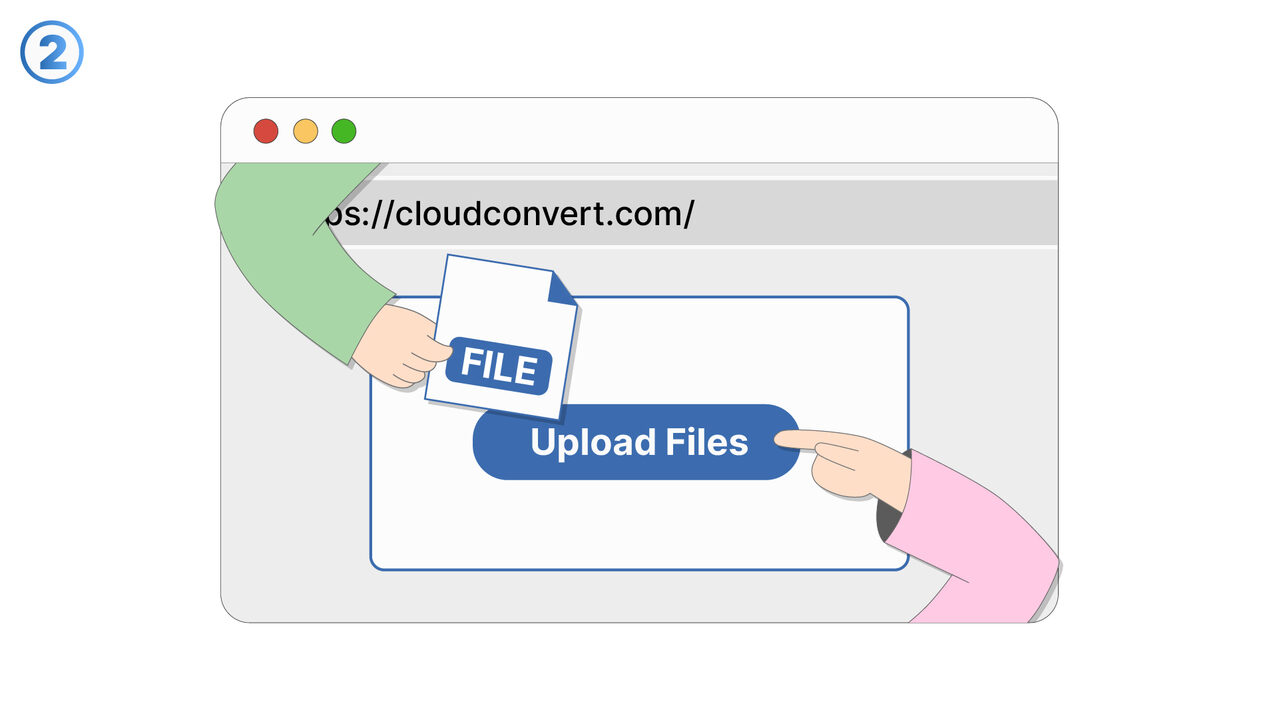
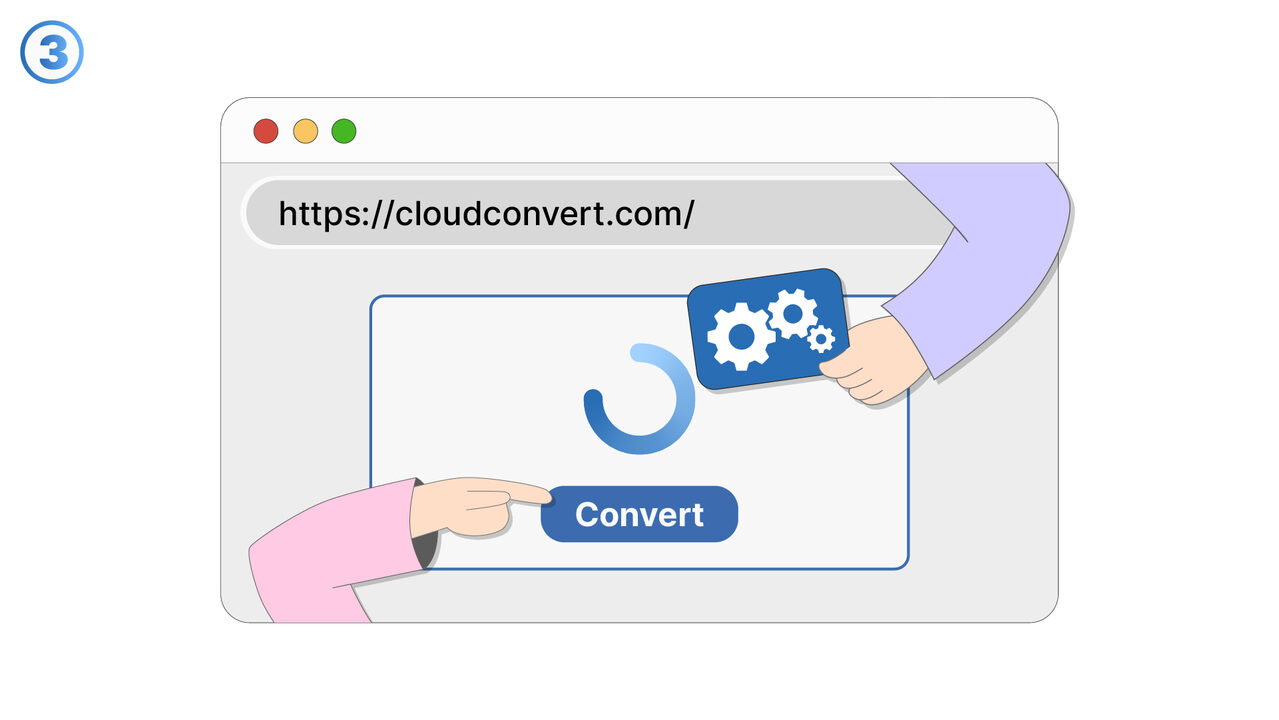
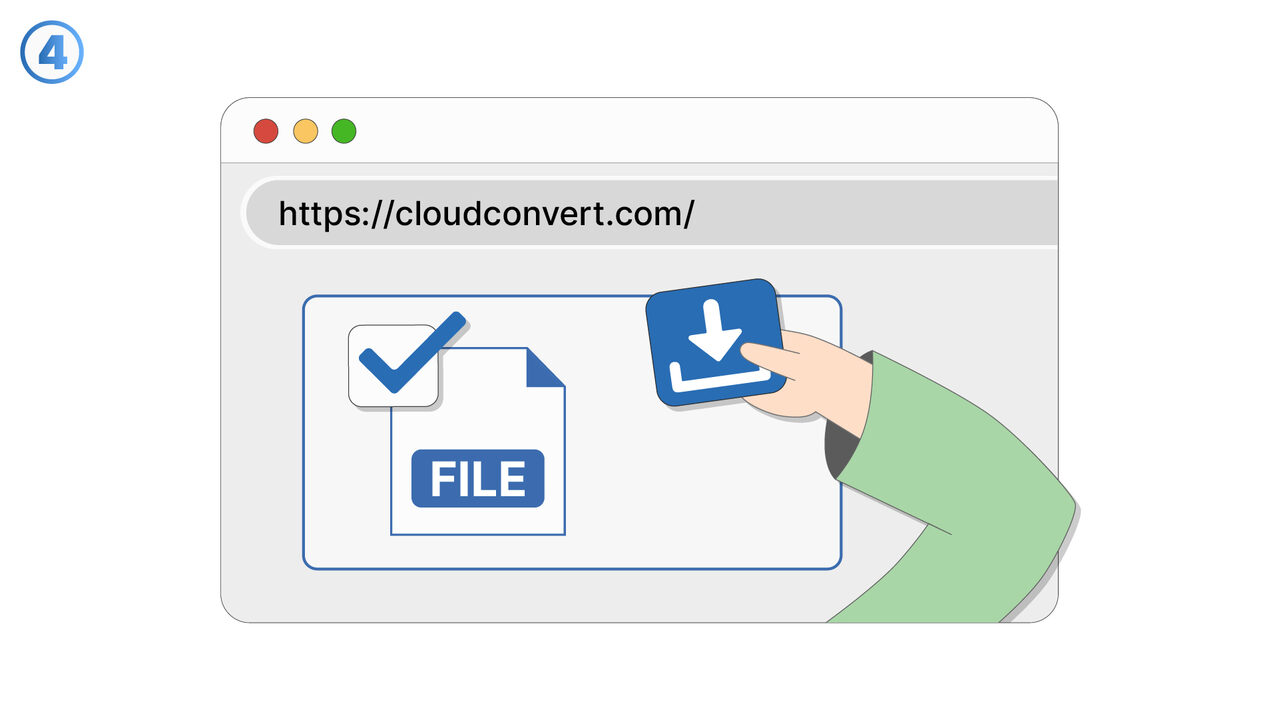
The Solution
CloudConvert is exactly the right tool for this challenge. You can upload and convert multiple files in different formats at the same time. You can set individual conversion settings for each file type. The tool ensures high quality of the converted files. Directly after conversion, files can be automatically stored on services such as Google Drive or Dropbox, without requiring any additional steps from you. Basic conversions are free of charge and for more complex requirements, CloudConvert offers suitable premium options. With CloudConvert, converting files into different formats becomes a straightforward task.
External Resource
https://cloudconvert.com/
Use this tool as a solution to the following problems
- I cannot open a specific file format and need a solution for conversion.
- I need an effective online tool to convert a DOCX file into a PDF.
- I cannot play a video file on my device and I'm looking for a tool to convert it into a compatible format.
- I need to convert a series of images into a different format and am looking for a tool that can handle this task.
- I need to convert a file and save it directly to Google Drive.
- I am having difficulties converting an audio file to a different format.
- I need a tool to change the format of my e-book.
- I need to individually adjust the conversion settings of my file.
- I need a solution to convert a file without having to download extra software.
Know a better solution? Let us know.
If you know of a tool or approach that could help people solve a problem we haven't covered yet, we'd love to hear about it.