I cannot play a video file on my device and I'm looking for a tool to convert it into a compatible format.
Solved by CloudConvert
The Problem
You have a video file on your device that you cannot play due to compatibility issues. Therefore, you need a tool that can convert this file into a compatible format. It is important to you that the conversion maintains the quality of the file and settings can be adjusted individually. Additionally, batch processing would be helpful if multiple files need to be converted. You also want to have the option to save the converted files directly to services like Google Drive or Dropbox.
Screenshots
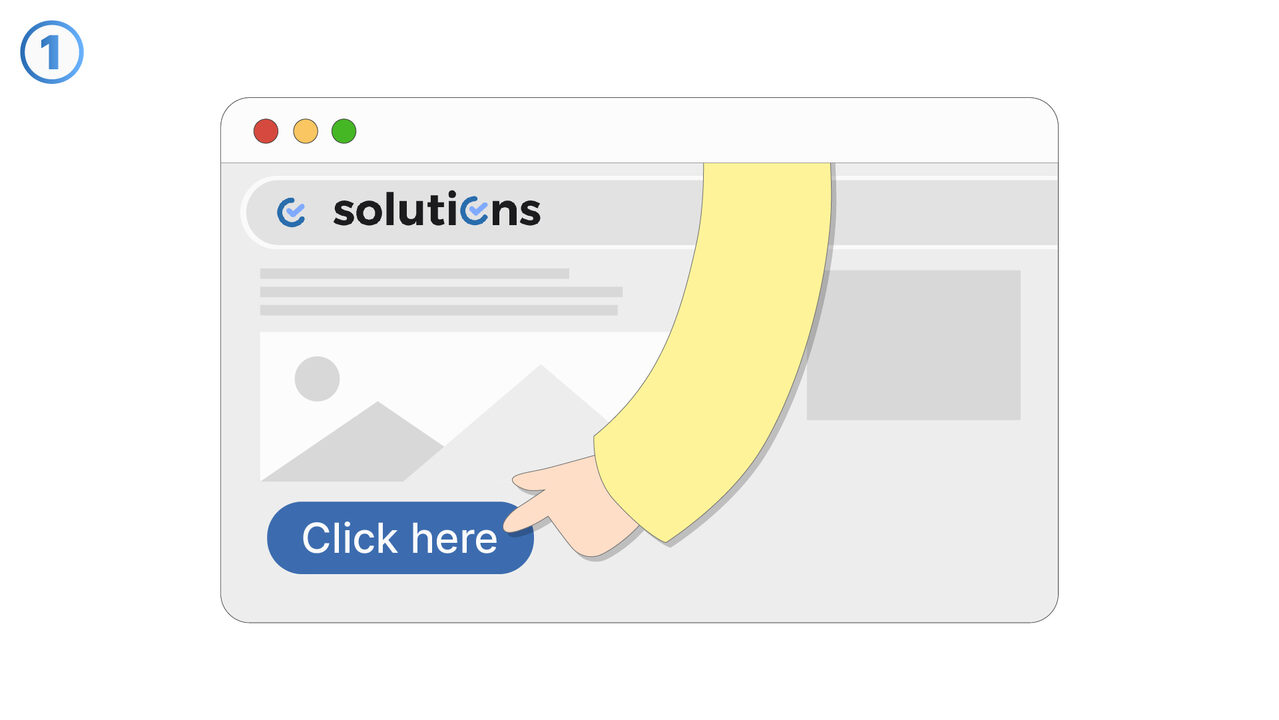
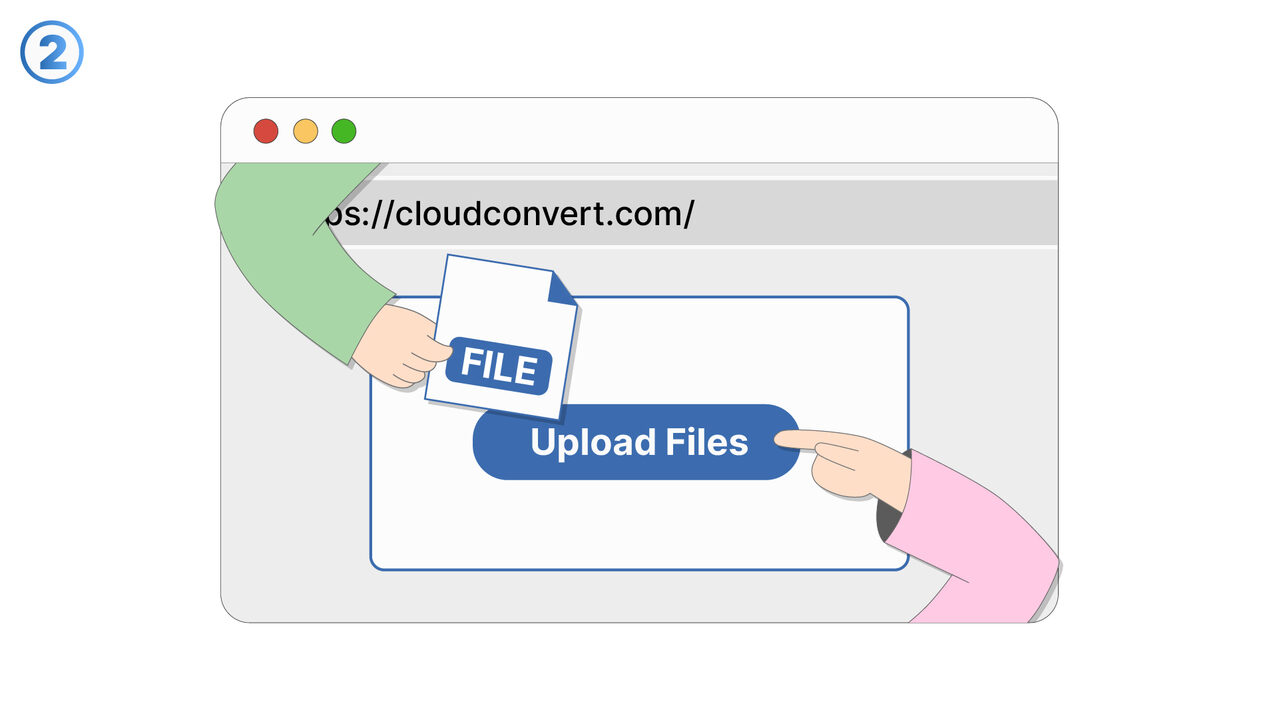
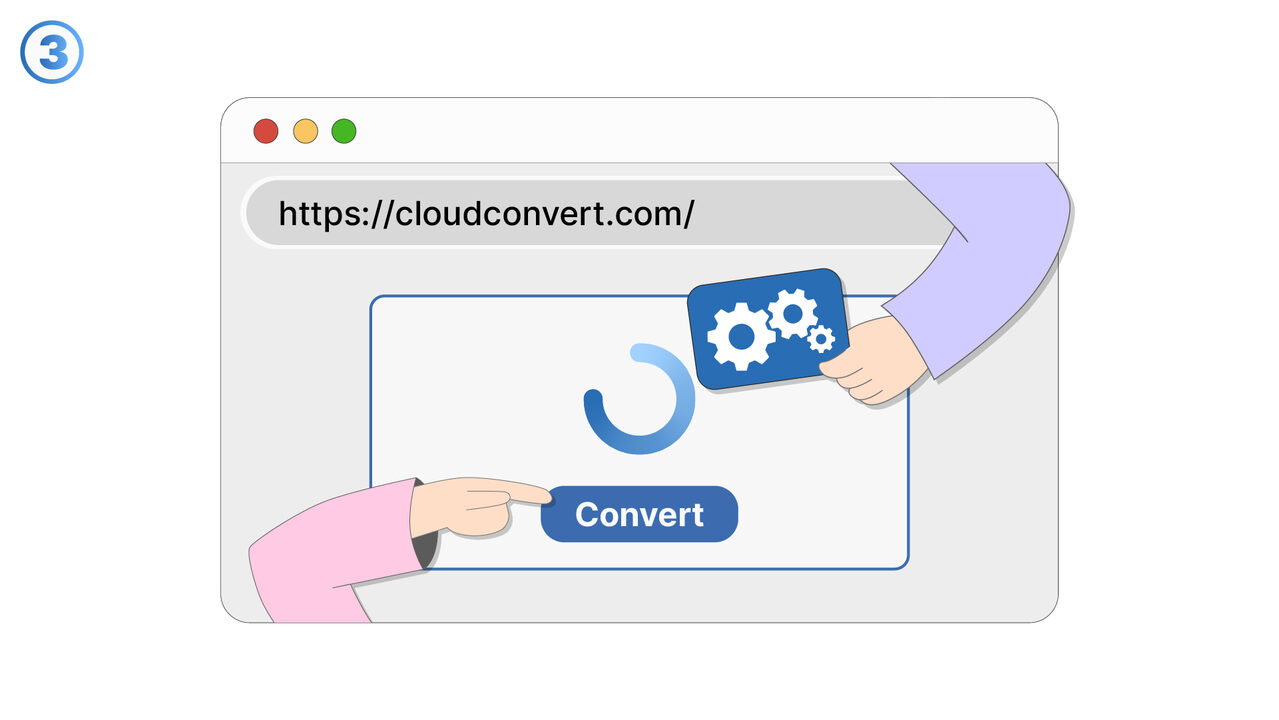
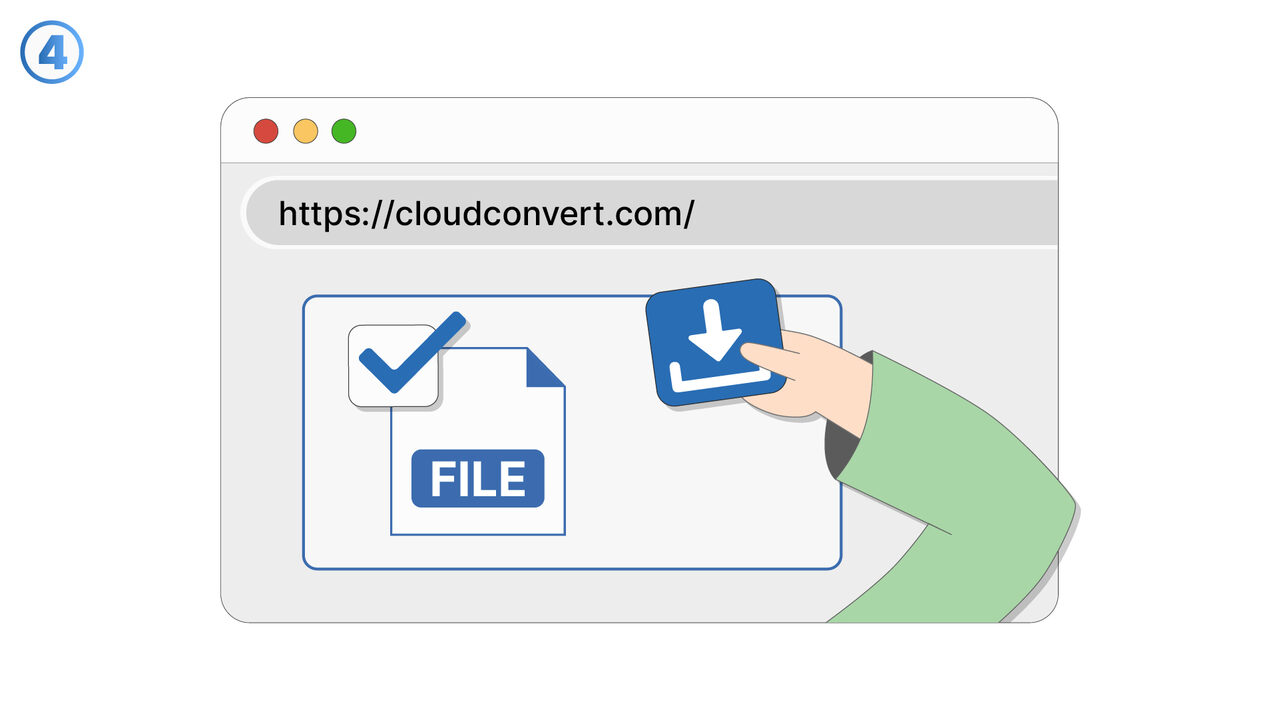
The Solution
CloudConvert is your ideal tool for solving this problem. It not only allows you to convert your video file into a compatible format but also maintains the quality of the video. With customizable conversion settings, you have full control over the process. The batch processing function is also practical, allowing you to convert multiple files at once. It's also pleasing that you can save the converted files directly to Google Drive or Dropbox. Therefore, CloudConvert provides an efficient, high-quality, and user-friendly solution for your compatibility issues.
External Resource
https://cloudconvert.com/
Use this tool as a solution to the following problems
- I cannot open a specific file format and need a solution for conversion.
- I need an effective online tool to convert a DOCX file into a PDF.
- I need to convert a series of images into a different format and am looking for a tool that can handle this task.
- I need to convert a file and save it directly to Google Drive.
- I am having difficulties converting an audio file to a different format.
- I need a tool to change the format of my e-book.
- I need to convert several different file formats simultaneously.
- I need to individually adjust the conversion settings of my file.
- I need a solution to convert a file without having to download extra software.
Know a better solution? Let us know.
If you know of a tool or approach that could help people solve a problem we haven't covered yet, we'd love to hear about it.