
I saved a document with a password months ago, and now I want an unlocked copy for easier daily access.
Solved by Unlock PDF
The Problem
This feature helps you create an unlocked copy of a document that was previously saved with a password, so you can open it quickly during day-to-day work. It reduces repetitive password entry while preserving the original protected version if you still need it.
Screenshots

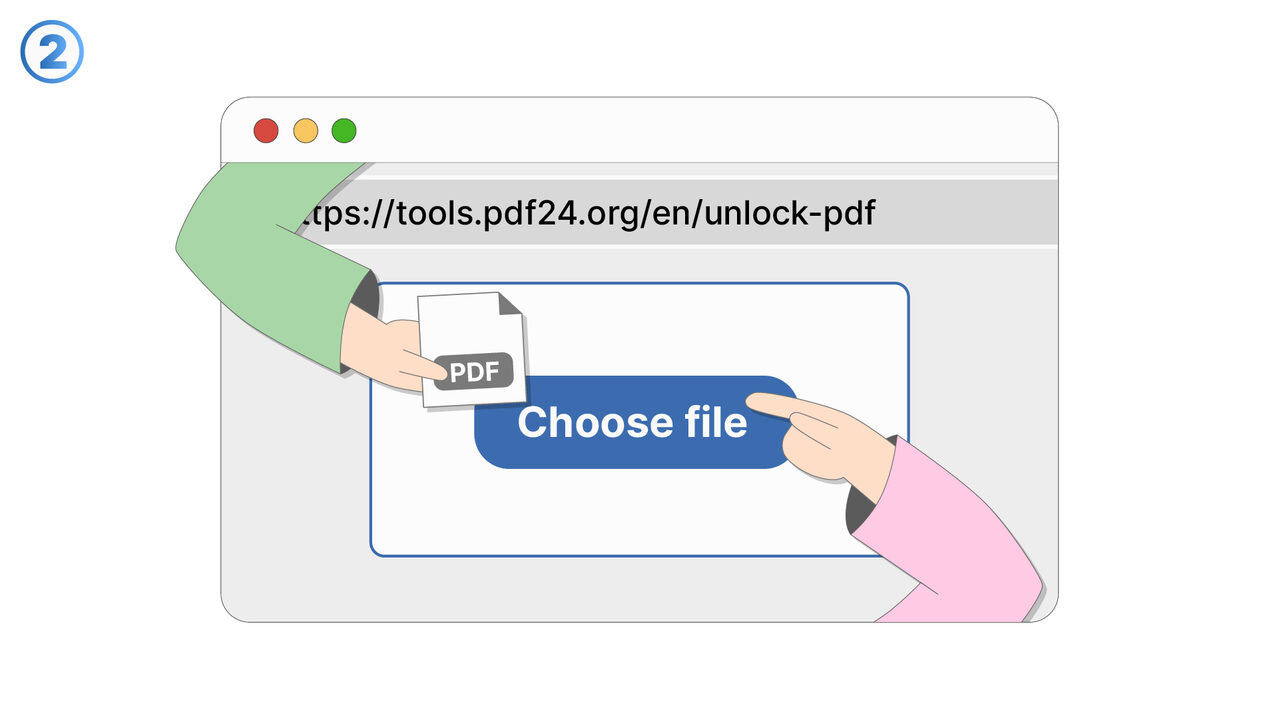
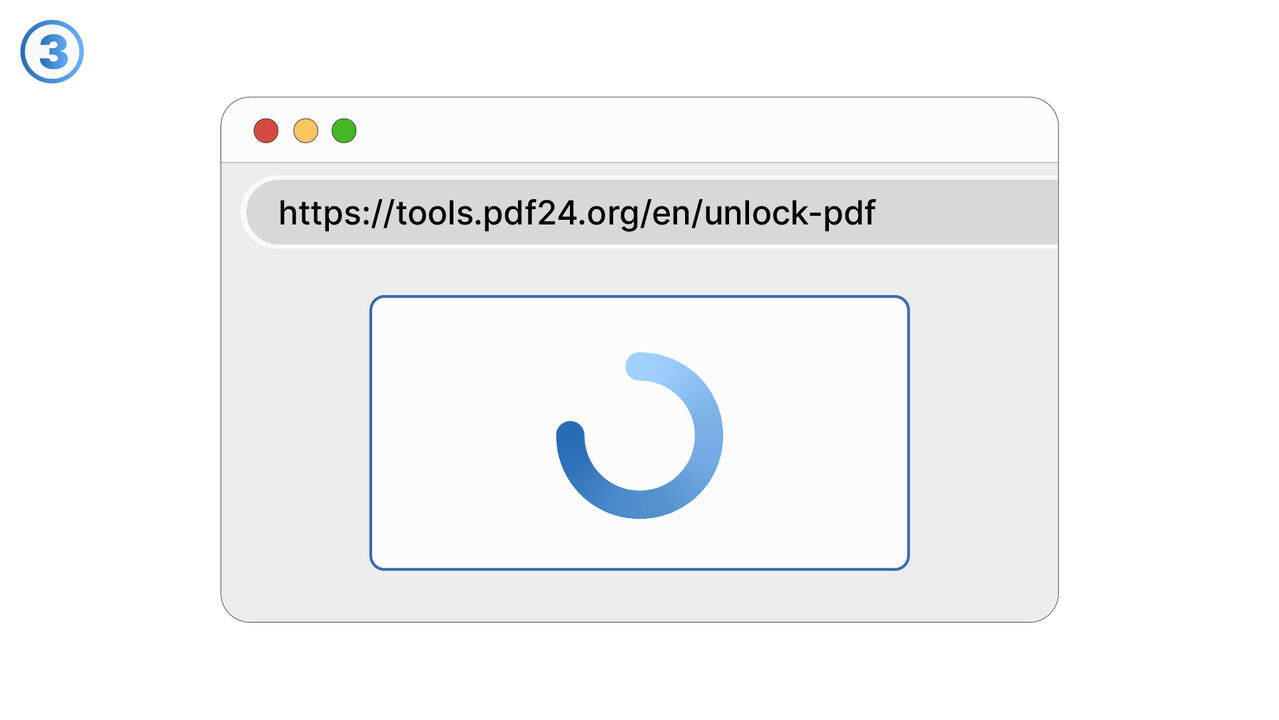
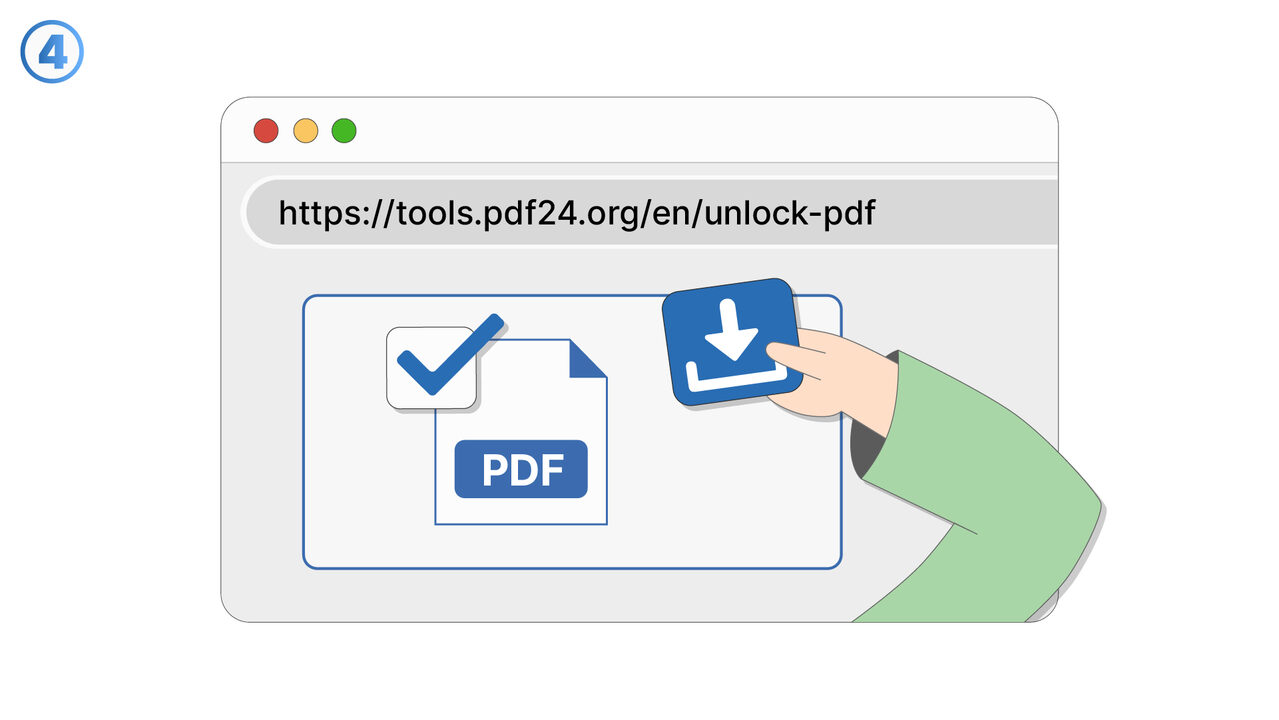
Try it
The Solution
This feature is designed for situations where a document was password-protected in the past, but you now need a convenient unlocked version for frequent access. After you successfully open the password-protected document using the correct password, you can save a new copy that is not protected. The original file remains unchanged so you can keep a secured version for archival or compliance needs. The unlocked copy can be stored in a location that fits your daily workflow, such as a work folder or a synced drive. This approach is useful for users who open the same file repeatedly and want to avoid entering a password each time. It also supports scenarios where a document has transitioned from sensitive to routine, such as internal drafts that are no longer confidential. The feature helps prevent workflow interruptions, especially when passwords are long or stored in a manager. It can be used to simplify access on devices where typing a password is inconvenient, such as mobile or shared workstations with appropriate permissions. The result is a faster, smoother daily experience while still allowing you to retain a protected version when needed.
External Resource
https://cross-service-solutions.com/
Use this tool as a solution to the following problems
- I have a PDF I’m allowed to use, but I’m tired of typing the password every time I open it.
- I need to print a password-protected PDF, and the password prompt keeps interrupting the process.
- I want to import a secured PDF into another app, but it won’t work unless the password is removed.
- I’m sharing a PDF internally with people who are authorized, and I need a version that opens without a password.
- I’m trying to view a protected PDF on a device that doesn’t handle password prompts well.
- I need to combine this password-protected PDF with other PDFs, but it’s blocked until it’s unlocked.
- I have an approved workflow for this document, and password protection is slowing down routine processing.
- I want to archive a readable version of a PDF for quick reference while keeping the protected original.
Know a better solution? Let us know.
If you know of a tool or approach that could help people solve a problem we haven't covered yet, we'd love to hear about it.