I have difficulties displaying two PDF pages side by side.
Solved by PDF24 PDF Reader
The Problem
Some users encounter difficulties when using the PDF24 PDF Reader to display two PDF pages at the same time in the 'Two-Page View'. This feature should enable two pages of a document to be displayed side by side, which significantly facilitates reading through and comparing content. The problem could be that this feature does not work correctly, cannot be activated, or does not work as expected. Therefore, the user may not be able to see two pages at the same time or has difficulty setting the view correctly. This could affect the efficiency when working with PDF documents.
Screenshots

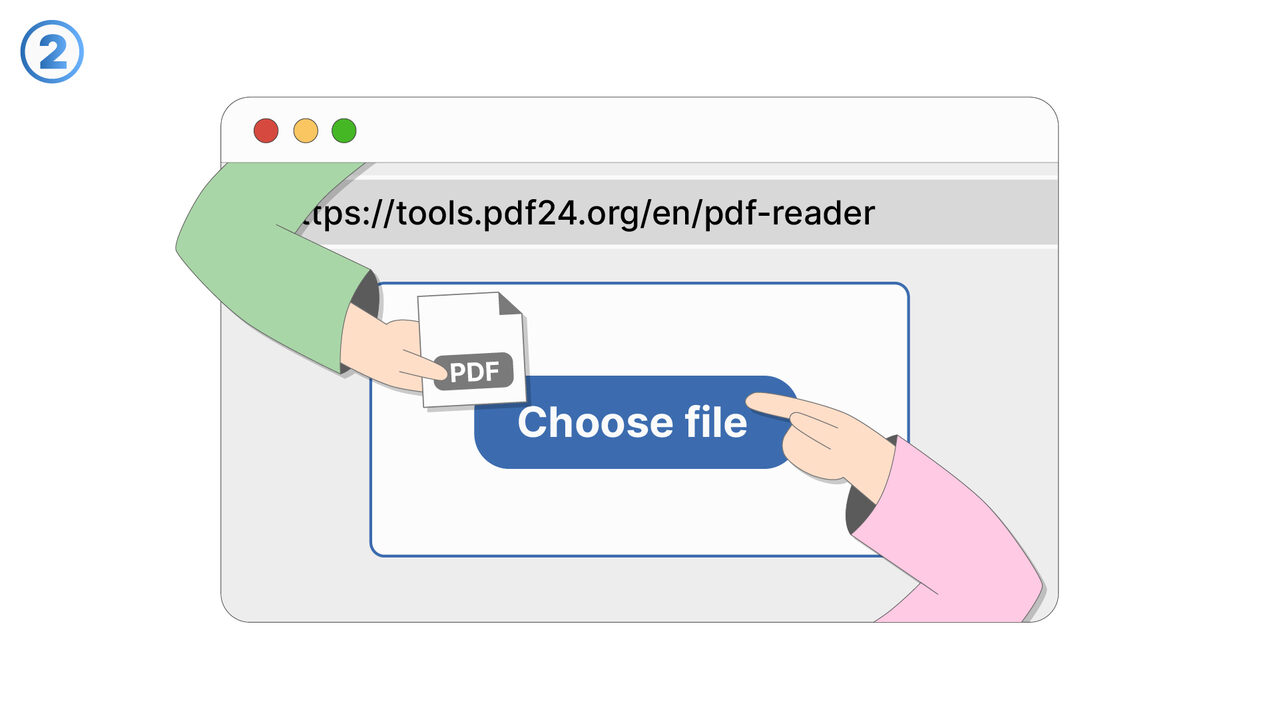
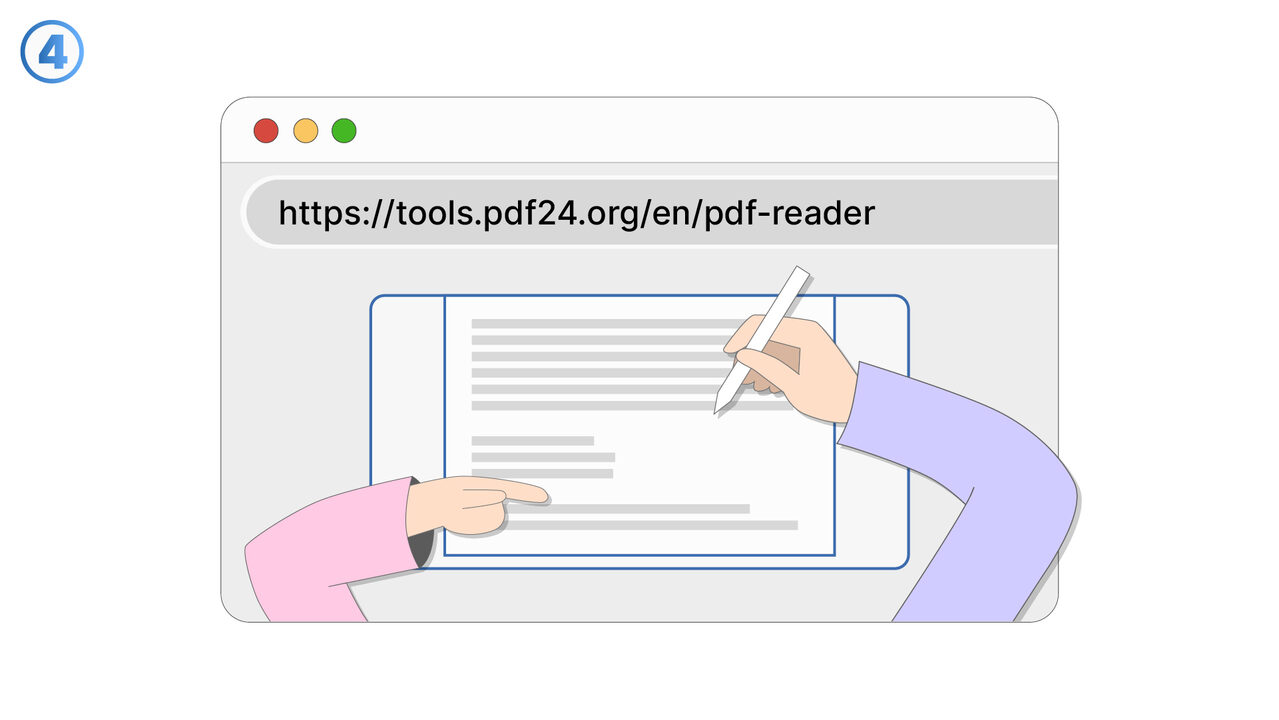
The Solution
The PDF24 PDF Reader offers a special feature in the menu under the option "View" for activating the 'two-page view'. By selecting this function, the document is automatically adjusted so that two pages are displayed side by side. If difficulties persist in viewing the two pages at the same time, it is advisable to adjust the size of the pages displayed. With the zoom tools of the PDF24 PDF Reader, the page display can be enlarged or reduced for better readability. If necessary, the page arrangement can also be changed to ensure an optimal page view. Thus, the user can efficiently view two pages at the same time with the PDF24 PDF Reader and perform their work with PDF documents without any problem.
External Resource
https://tools.pdf24.org/en/pdf-reader
Use this tool as a solution to the following problems
- 'I'm having trouble displaying my PDF files.'
- I can't scroll through my PDF file with my current software.
- I have trouble finding specific contents in my PDF files.
- I am having issues with zooming in or out of pages in my PDF documents.
- I can't just flip through my PDF documents.
- I'm having trouble enlarging the size of individual pages in my PDF for a better view.
- I'm having trouble navigating through my PDF documents.
- "I need a tool with more options for editing PDF files."
- I'm having trouble handling my PDF files in a flexible and convenient way.
Know a better solution? Let us know.
If you know of a tool or approach that could help people solve a problem we haven't covered yet, we'd love to hear about it.