I am having difficulties converting the text from image-based PDFs into editable text.
Solved by OCR PDF
The Problem
The difficulty lies in extracting text from PDF files, which are actually images, and converting it into editable text. This can happen, for example, when you have digitized old documents or need to process texts from image-based sources. In this case, a software must be capable of recognizing typed, handwritten or printed text and converting it accordingly. In addition, it should be possible to carry out error corrections that may have occurred during the processing of the manuscripts, and a high level of precision must be ensured as long as the original manuscript is clear. This issue significantly impacts productivity and efficiency in document management.
Screenshots
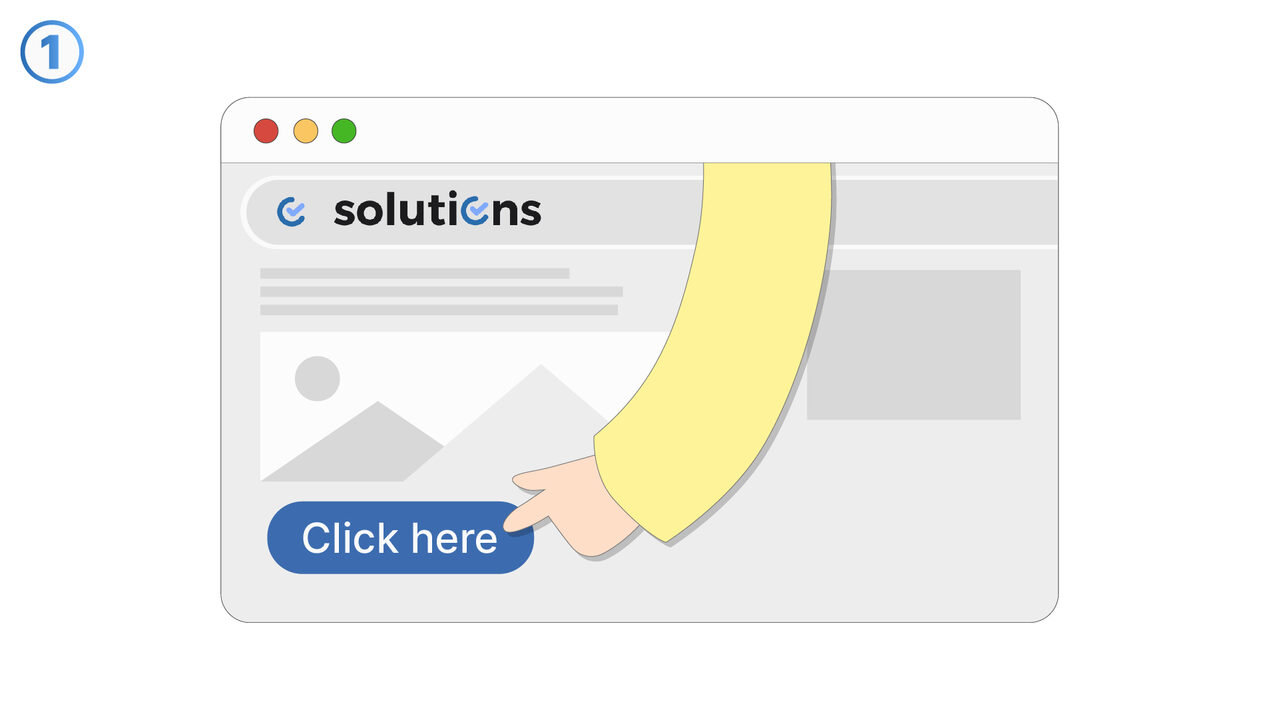
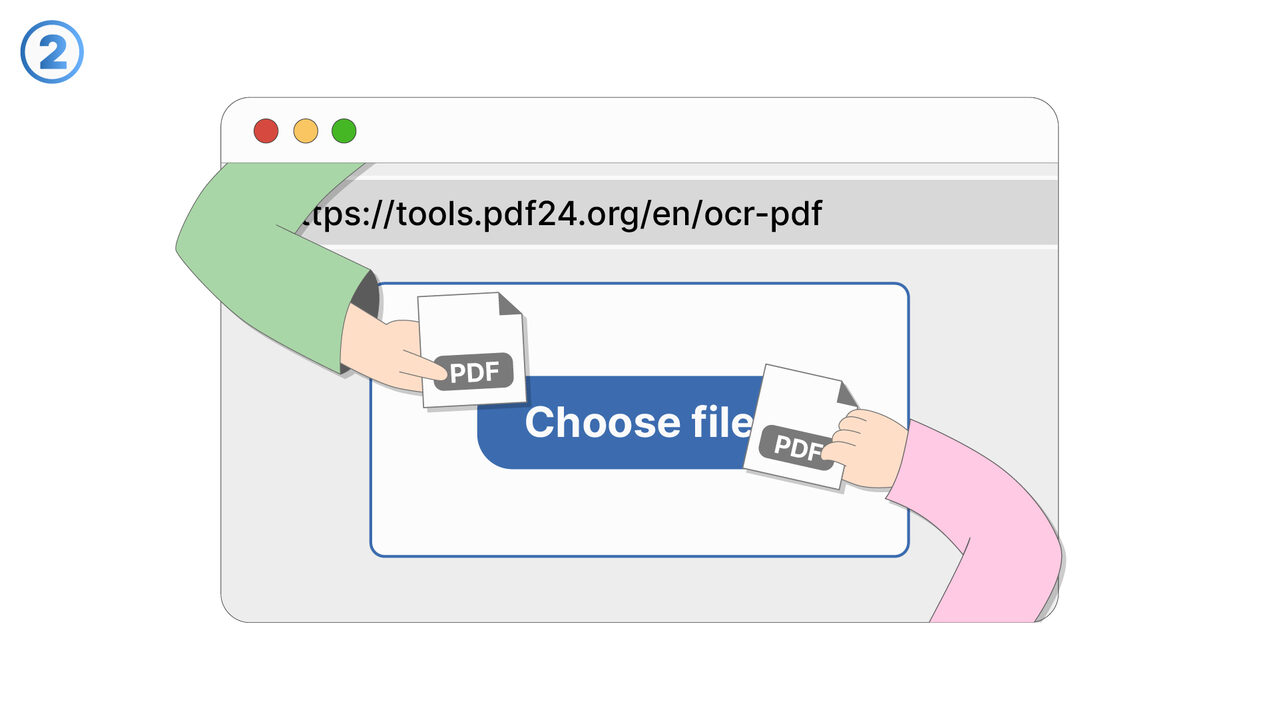
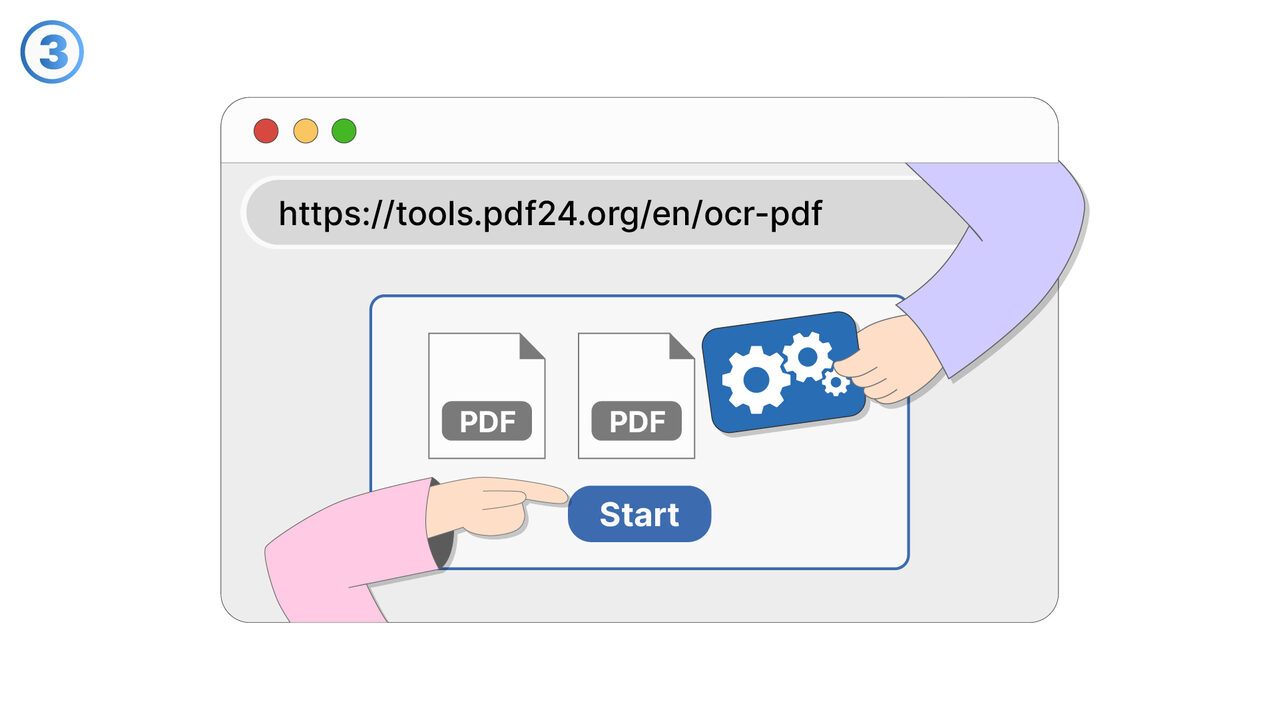
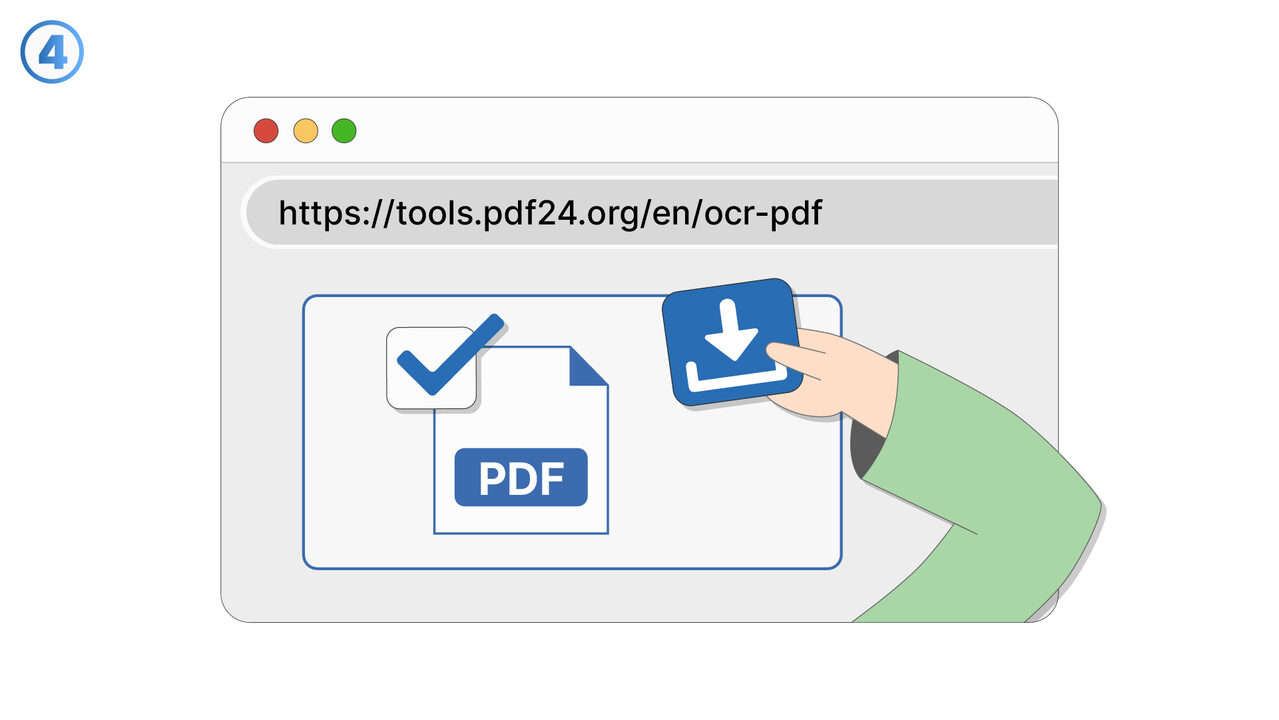
The Solution
The OCR PDF tool solves this problem by using optical character recognition to extract text from PDF files and convert it into editable text. Thus, it can process text from digitized old documents and image-based sources. The software can recognize typed, handwritten, and printed text. In addition, the OCR PDF tool allows you to correct any errors that may have arisen from the processing of handwriting and ensures high precision as long as the original handwriting is clear. The entire document is scanned and the text is converted accordingly to make it searchable and indexable, making it easier to work with large documents. Therefore, the OCR PDF tool significantly contributes to improved productivity and efficiency in document management.
External Resource
https://tools.pdf24.org/en/ocr-pdf
Use this tool as a solution to the following problems
- I cannot edit the text in my PDF file and need a solution for this.
- I am having trouble digitizing old paper documents.
- I can't search the content in my PDF file and need a text recognition tool.
- I am having trouble copying text from a scanned document.
- I have problems extracting and digitizing text from physical documents.
- I cannot correct errors in my scanned PDF documents.
- I am having trouble extracting and managing the text from my physical documents.
- I have difficulties extracting text from physical documents and sharing them digitally.
- I can't index and categorize the text in my scanned PDF.
Know a better solution? Let us know.
If you know of a tool or approach that could help people solve a problem we haven't covered yet, we'd love to hear about it.