I cannot share my HEIC photo files with non-Apple users because they lack the necessary software.
Solved by HEIC to JPG Converter
The Problem
The problem statement is that users of Apple devices, who have photos taken in HEIC format, experience difficulties when they want to share these photos with non-Apple users. Since the HEIC format is not supported by many devices, such as Windows computers or Android smartphones, this leads to compatibility issues and the inability to display the photos. In addition, most non-Apple users lack the necessary software to open HEIC files. This can be particularly problematic for professionals such as photographers or graphic designers, who often work with and need to share images. Therefore, a tool is needed that provides a fast and efficient solution for converting HEIC files into the universally accepted JPG format.
Screenshots

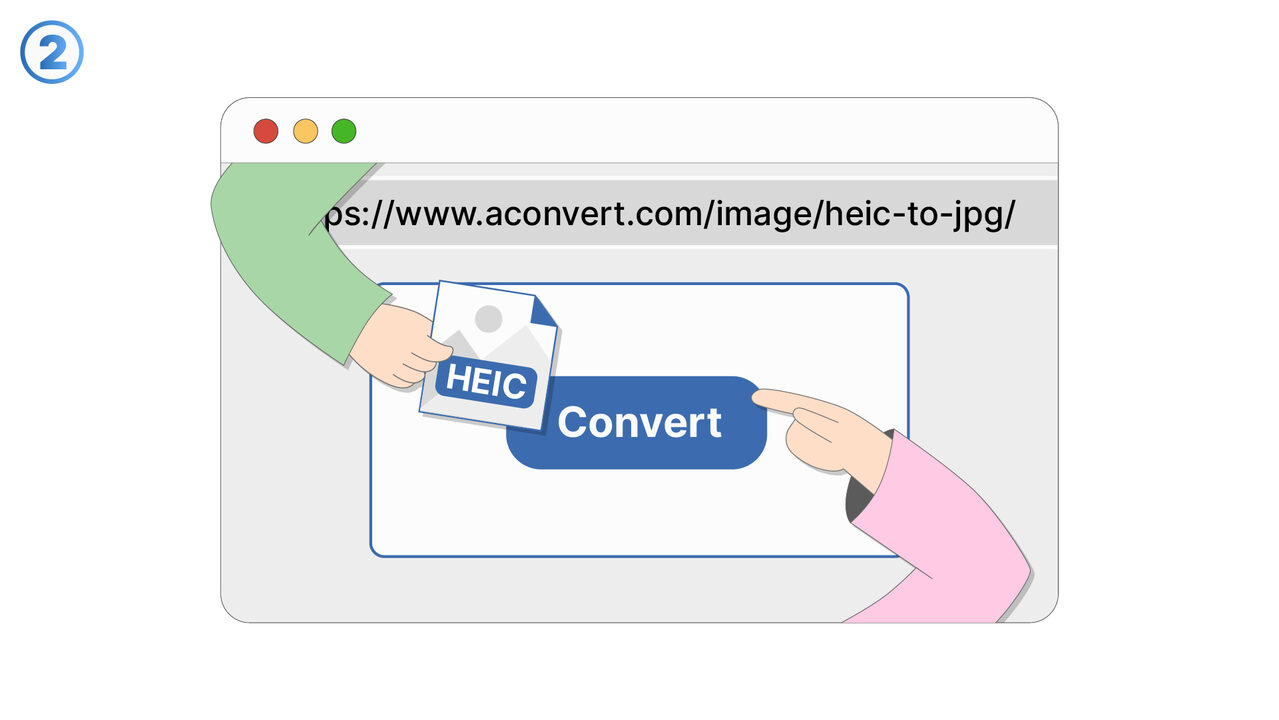
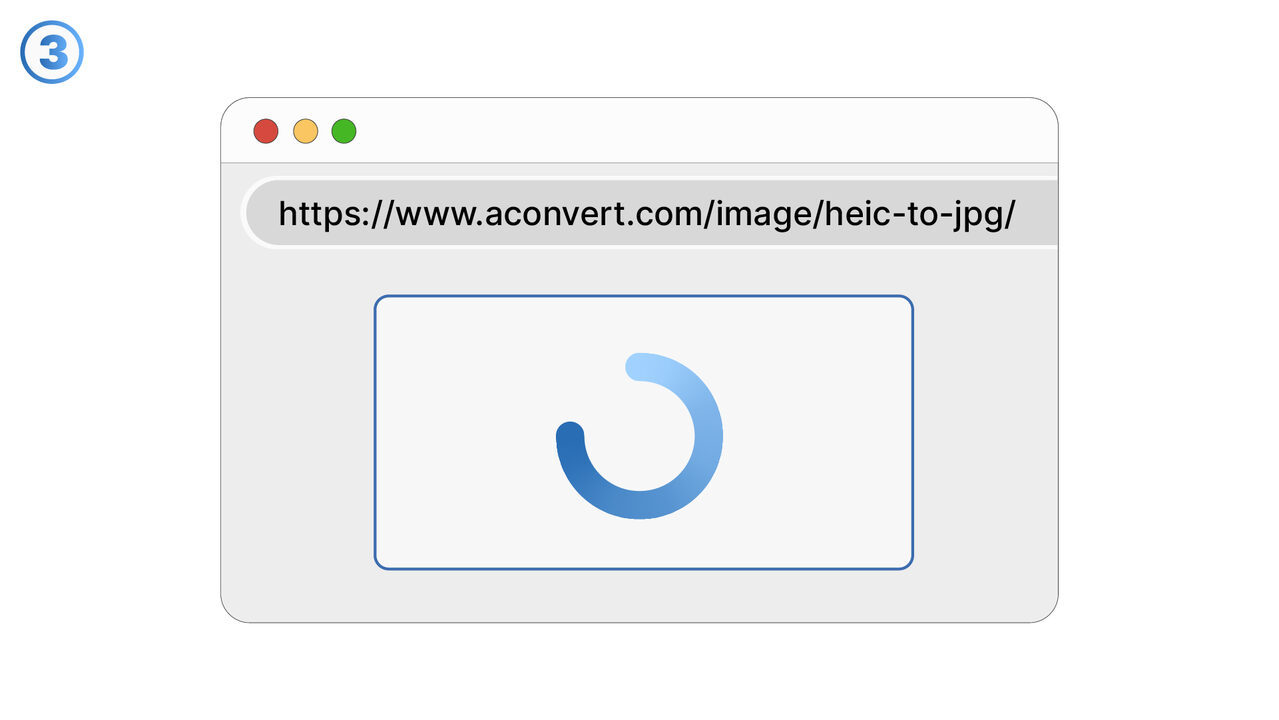
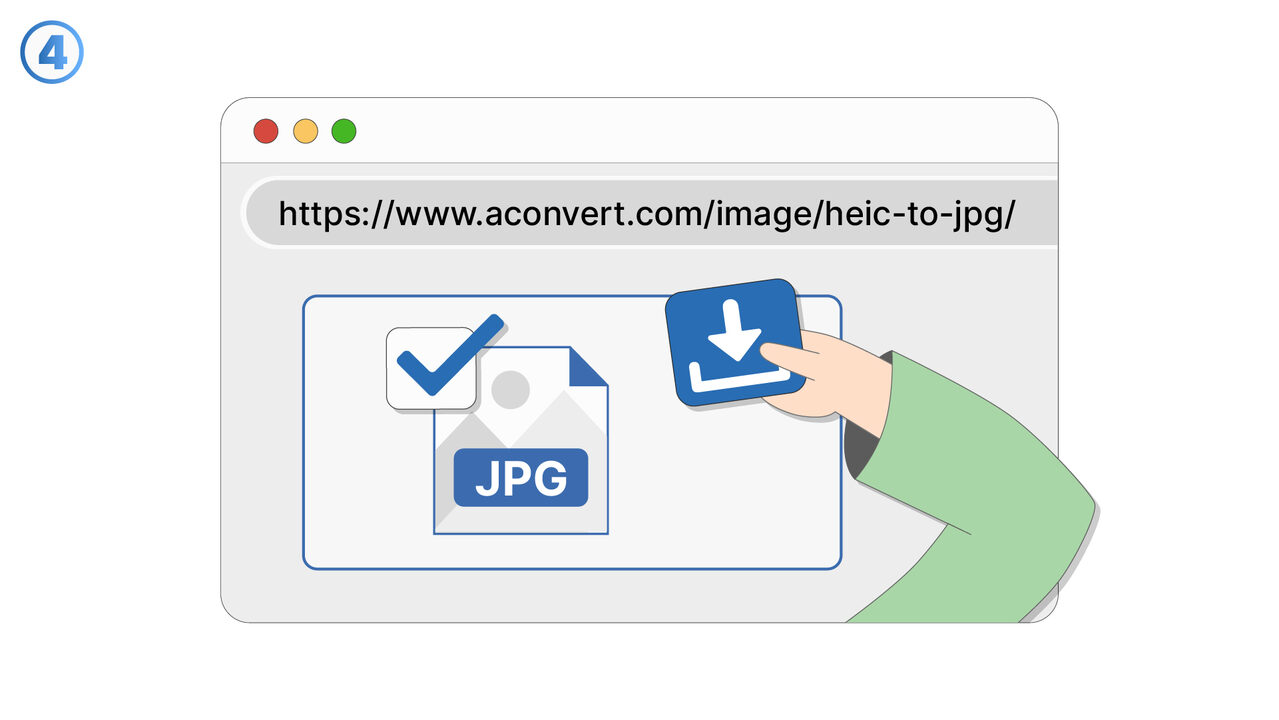
The Solution
The HEIC to JPG Converter is the ideal tool to solve the compatibility problem of HEIC files. With just a few clicks, users can quickly and easily convert their HEIC photos into the universally supported JPG format. This efficient tool allows multiple files to be converted at the same time, saving time and minimizing effort. The intuitive user interface makes it easy to use for anyone, regardless of technical knowledge. For professionals like photographers or graphic designers, it provides a safe and reliable solution to share and display images without any trouble. The conversion with this tool also ensures the quality and resolution of the original images. This way, compatibility issues with HEIC files are effectively solved and the way is paved for smooth image display on all devices.
External Resource
https://www.aconvert.com/image/heic-to-jpg/
Use this tool as a solution to the following problems
- I'm having trouble displaying my HEIC files on other devices and need a solution for quick conversion to JPG.
- I need to convert HEIC photos to JPG for social media, as they do not support the HEIC format.
- I need to convert HEIC images into a format that the recipient can conveniently view via email.
- I cannot print my HEIC photos and need a tool to convert them into JPG format.
- I need to edit a HEIC image in a software that does not support this format.
- I'm having trouble loading my HEIC pictures quickly, since they have a large file size.
- I am having trouble converting my HEIC images to the more common JPG format to make them accessible to everyone.
- I need a tool to convert my HEIC files into JPG format to save storage space.
- I need to convert HEIC images to JPG format for my PowerPoint presentation.
Know a better solution? Let us know.
If you know of a tool or approach that could help people solve a problem we haven't covered yet, we'd love to hear about it.