I have difficulty creating professional-looking drawings.
Solved by Google AutoDraw
The Problem
The challenge lies in creating professional-looking drawings, especially for people who do not possess advanced drawing skills. It could be laborious and time-consuming to precisely draw the desired shapes and patterns, and there is often a lack of consistency and quality in the created designs. Furthermore, converting these drawings into digital formats can present additional difficulties for use or sharing across various media. There may also be a desire to be inspired by proffessionally drawn pieces to improve one's own design. Ultimately, there is a need for a tool that enhances the drawing experience and assists in creating professional drawings more easily.
Screenshots
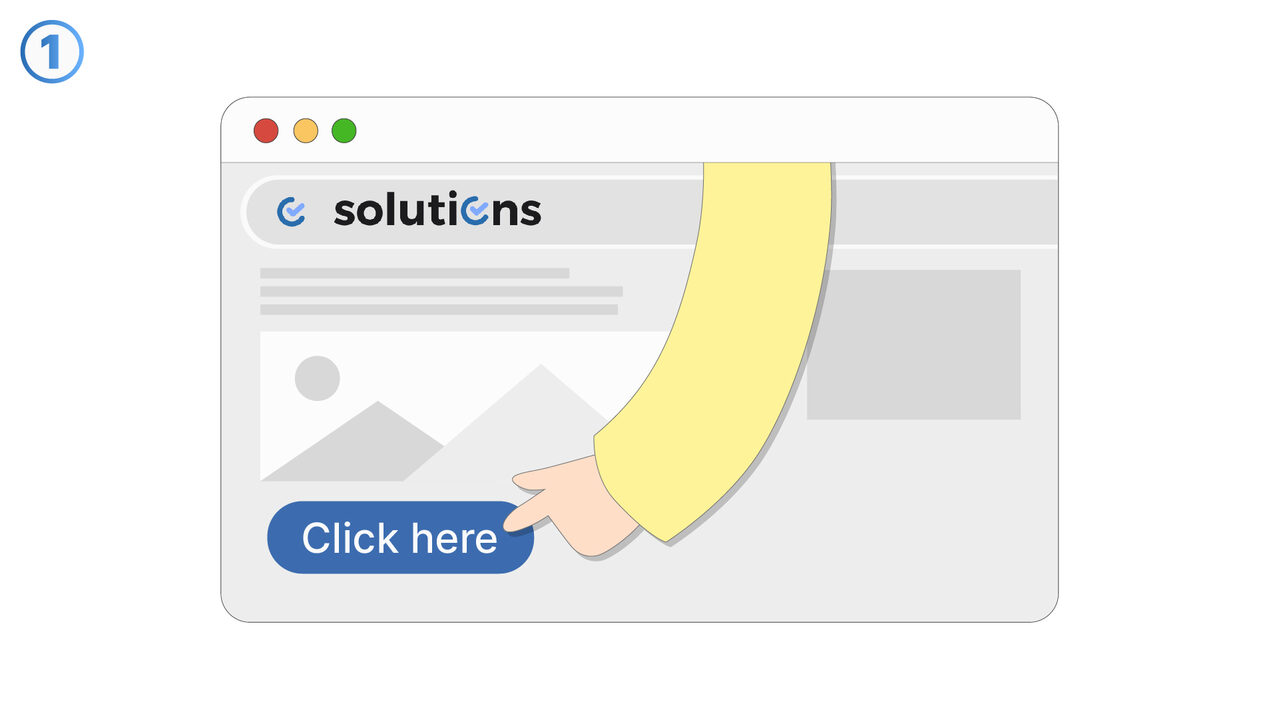
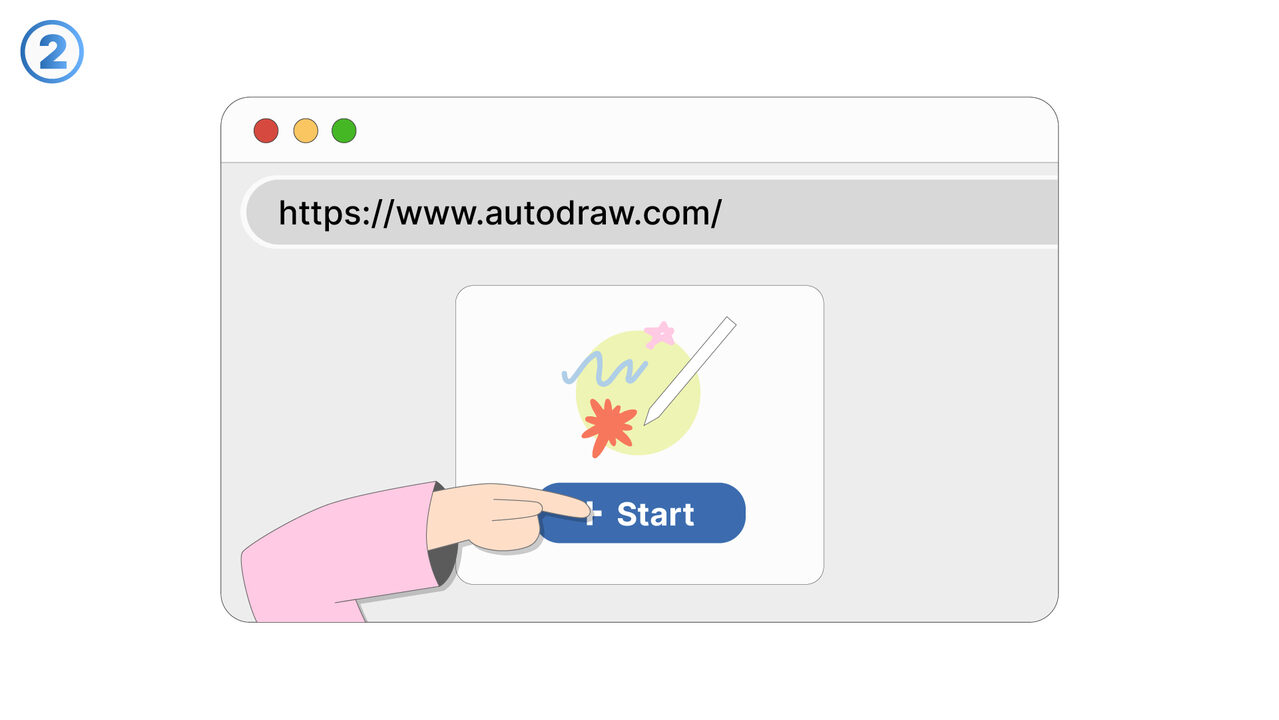
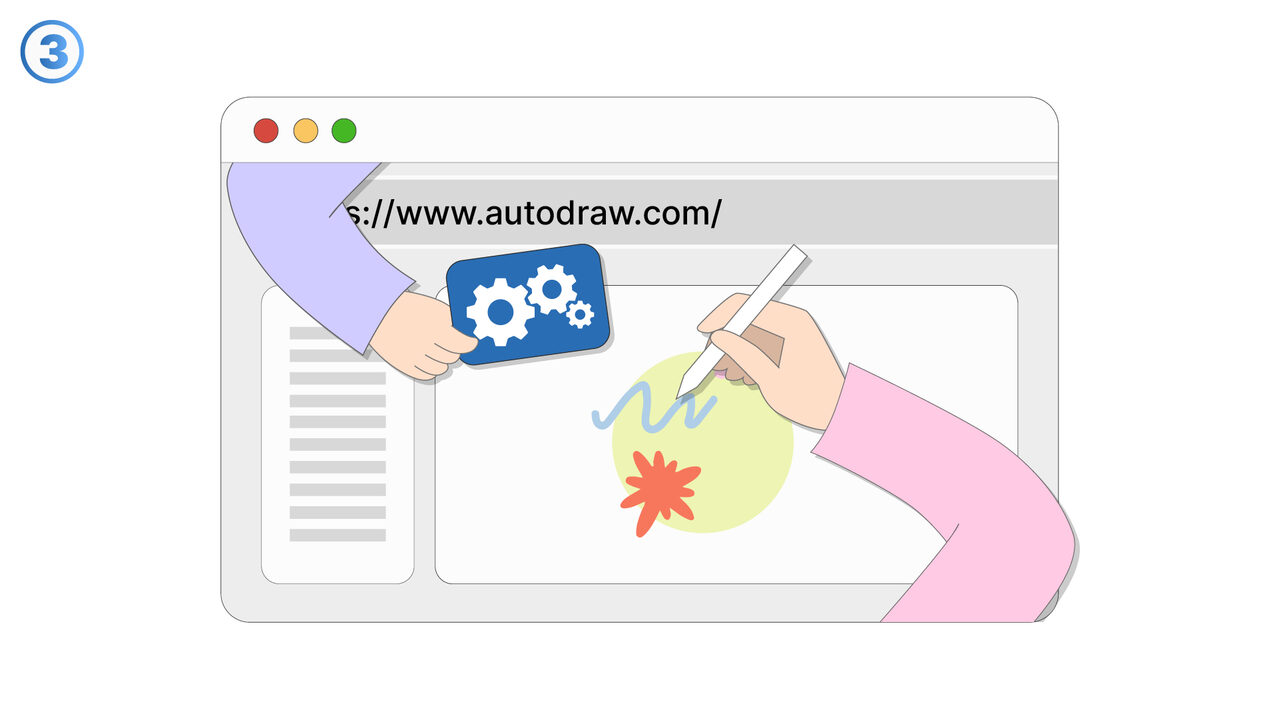
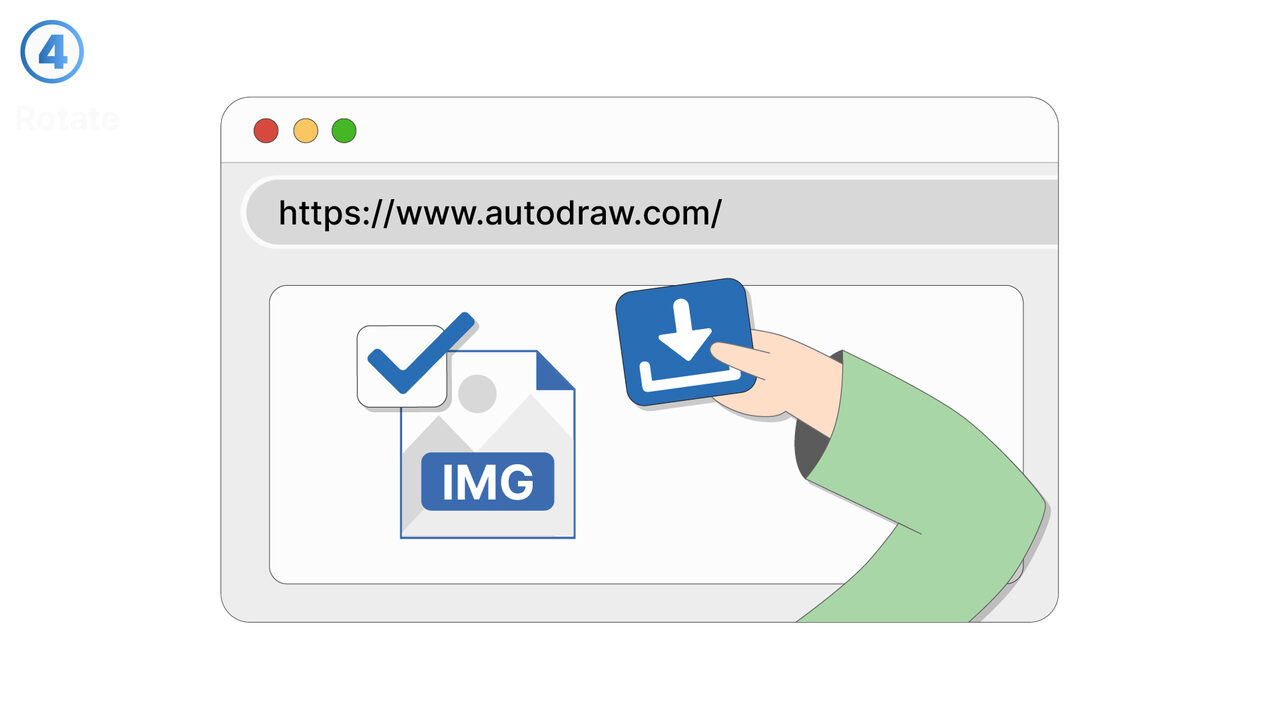
The Solution
Google AutoDraw is the perfect tool for these challenges. Using machine learning, it recognizes the element you want to draw and offers you a selection of professionally drawn pieces for inspiration. As a result, you can create high-quality and consistent designs without having to use your own drawing skills. The user interface allows for easy operation and conversion of your drawings into digital formats that you can share on various media. The suggestion feature assists you in improving your design and helps you to create professional-looking drawings more easily. In addition, the tool provides the ability to draw freely to promote your creativity, as well as options to download and share your finished works. This way, Google AutoDraw can make your drawing and design process significantly more efficient and enjoyable.
External Resource
https://www.autodraw.com/
Use this tool as a solution to the following problems
- I often struggle with lack of inspiration for design ideas and need a tool that helps me with it.
- I find it difficult to find suitable professional drawing references for my designs.
- I need a user-friendly drawing tool app that recognizes my sketches and gives me professional suggestions.
- I cannot immediately share my drawings with Google AutoDraw.
- I'm having trouble saving my drawings with Google AutoDraw.
- I want to improve my freehand drawing skills and need an online tool for that.
- I am looking for a drawing tool that gives me multiple suggestions for my drawing.
- I need a tool that helps me create professional sketches quickly.
- I want to start my drawing completely anew and am looking for a suitable tool.
Know a better solution? Let us know.
If you know of a tool or approach that could help people solve a problem we haven't covered yet, we'd love to hear about it.