I require a method to analyze the security of my installed Chrome extensions and to identify potential security risks.
Solved by CRXcavator
The Problem
As a user of Google Chrome, I am constantly looking for useful extensions that can improve my workflows. However, I am aware of the potential security risks that each Chrome extension can bring, including data theft, security breaches, and malware. Therefore, I need an efficient way to analyze the security of the Chrome extensions I have installed and identify potential security risks. Currently, I lack a tool that provides me with a comprehensive overview of such risks and can assess their impact. Without such a tool, I cannot fully guarantee the safety of my browsing experience.
Screenshots
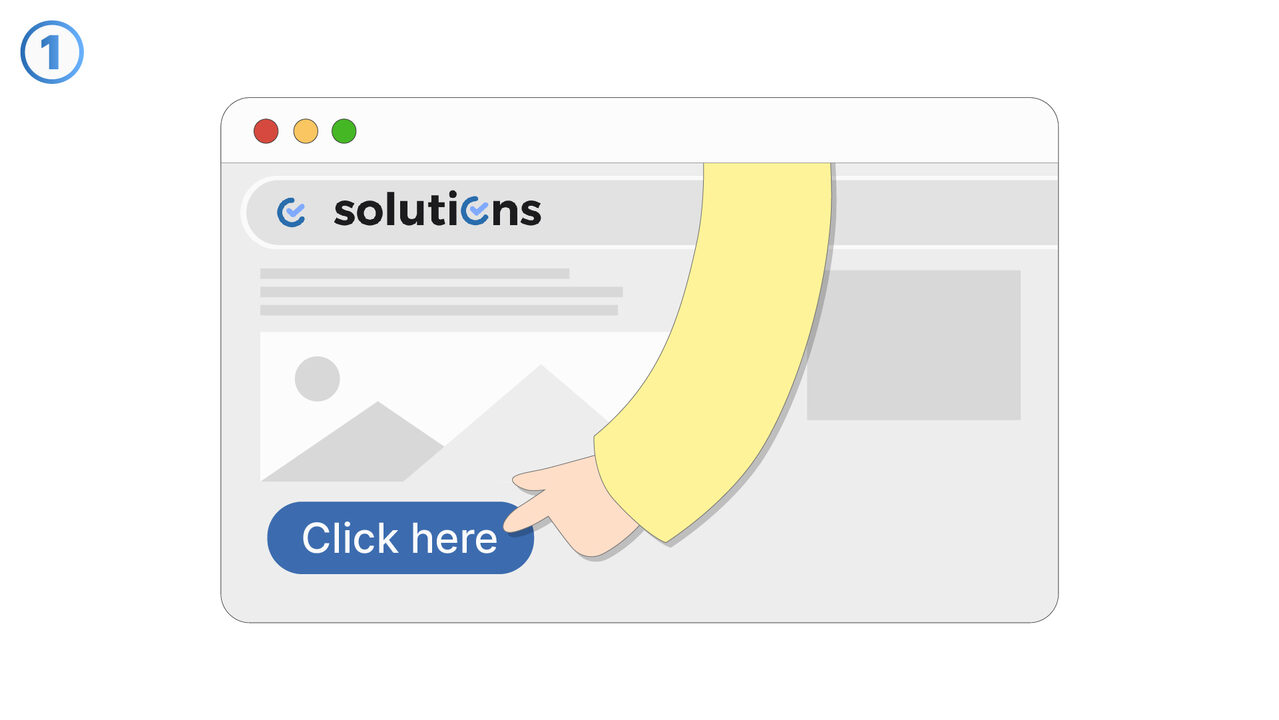
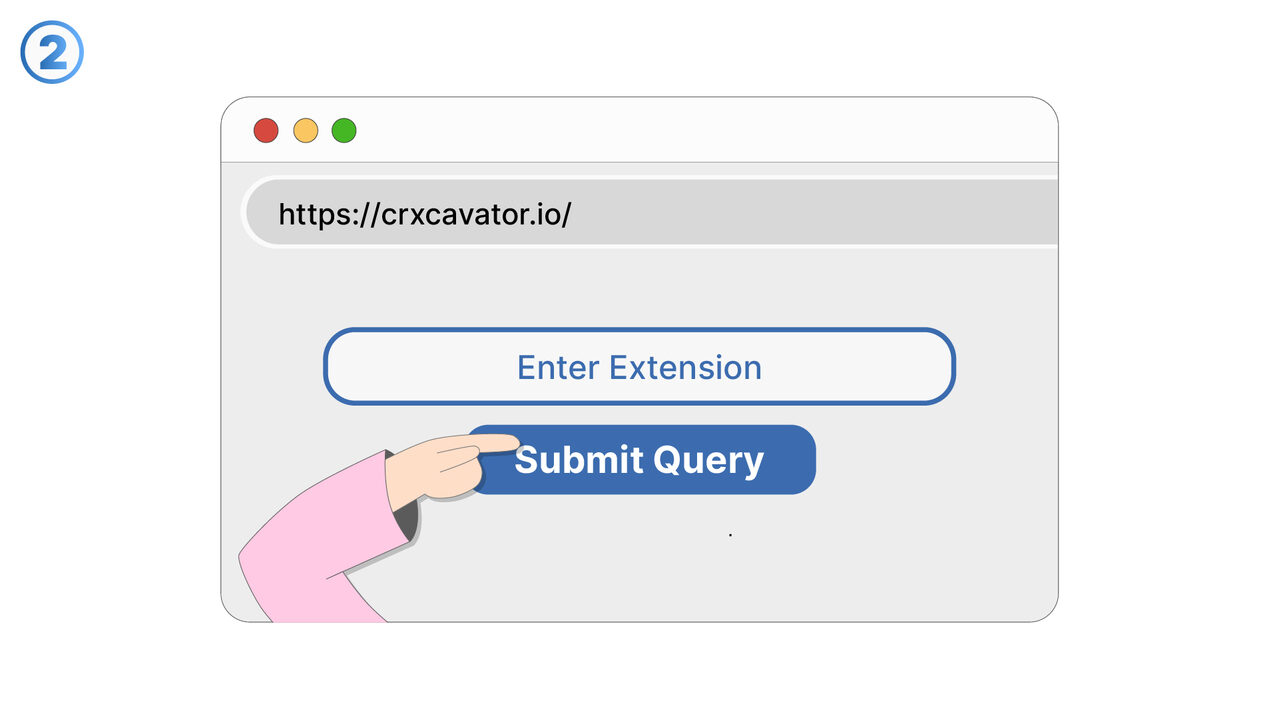
The Solution
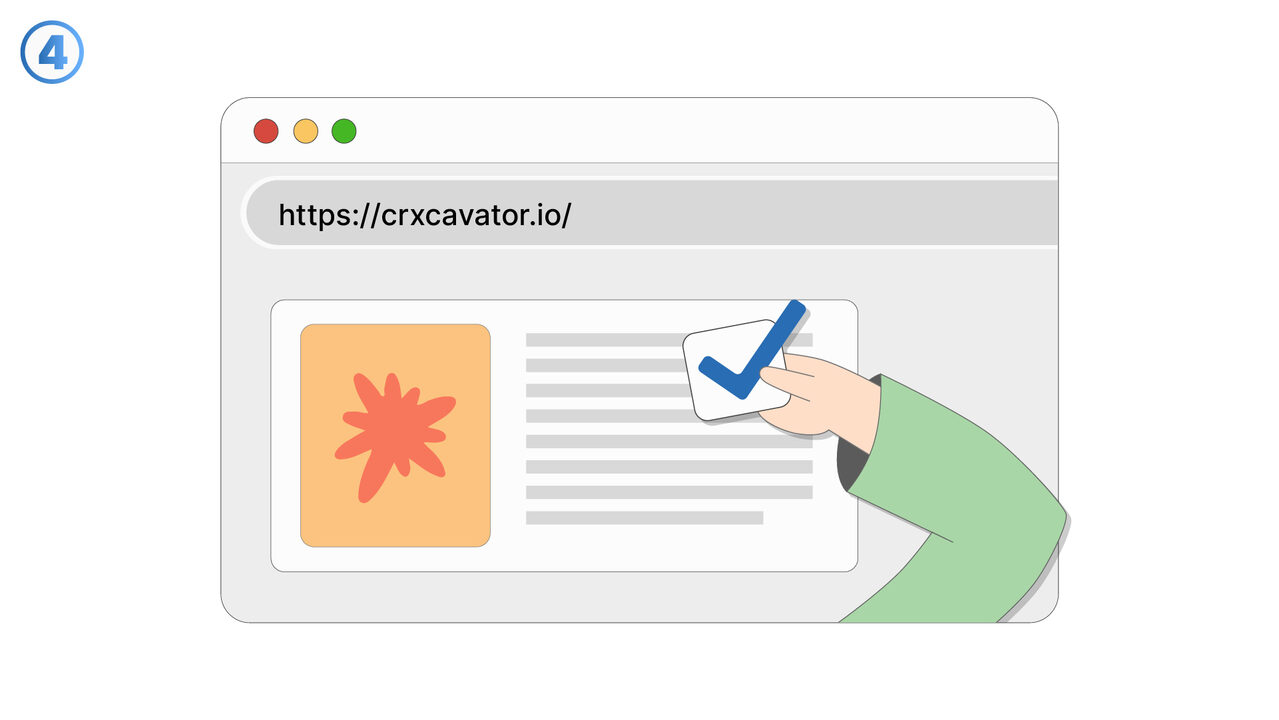
The tool CRXcavator can solve this problem by enabling a detailed analysis of the security aspects of each Chrome extension. It assesses their risk potential by evaluating different factors such as requests for permissions, webstore information, and the contents of security policies. It also checks the use of third-party libraries in the extension as these can pose an additional threat. The results are summarized in a risk value that allows a quick assessment of the security of an extension. Thus, CRXcavator provides a comprehensive overview of the potential dangers of each Chrome extension. Using this tool ensures a safer browsing experience and can help prevent data theft, security breaches, and malware.
External Resource
https://crxcavator.io/
Use this tool as a solution to the following problems
- I need a method for analyzing my Chrome extensions for possible security risks and threats.
- I need to analyze the web store data that is linked with my Chrome extensions for security risks.
- I am having trouble understanding the permission requirements of Chrome extensions and assessing them in terms of security risks.
- I need a solution to check my Chrome extensions for insecure third-party libraries.
- I need a way to evaluate the security of my Chrome extensions and identify hidden threats.
- I need a way to analyze and assess the security risks of my Chrome extensions.
- I need a way to check the security of my Chrome extensions and assess their risk factor.
- I need a way to check Chrome extensions for hidden threats like data theft.
- I need a tool for analysis and assessment of security risks in Chrome extensions.
Know a better solution? Let us know.
If you know of a tool or approach that could help people solve a problem we haven't covered yet, we'd love to hear about it.