I have difficulties identifying changes in my draft documents.
Solved by PDF24 Compare PDF
The Problem
In the business world, many users face the challenge of quickly and effectively identifying changes in their draft documents. This can be particularly problematic when it comes to comparing contracts, reports, or drafts where changes or discrepancies must be assessed quickly and accurately. This task can be time-consuming and error-prone, as it is often done manually and therefore prone to oversight or misinterpretation of small but relevant details. Additionally, there is the difficulty of clearly communicating these changes to all relevant parties. Therefore, using an effective tool for comparing PDFs could lead to a significantly more efficient way of working.
Screenshots
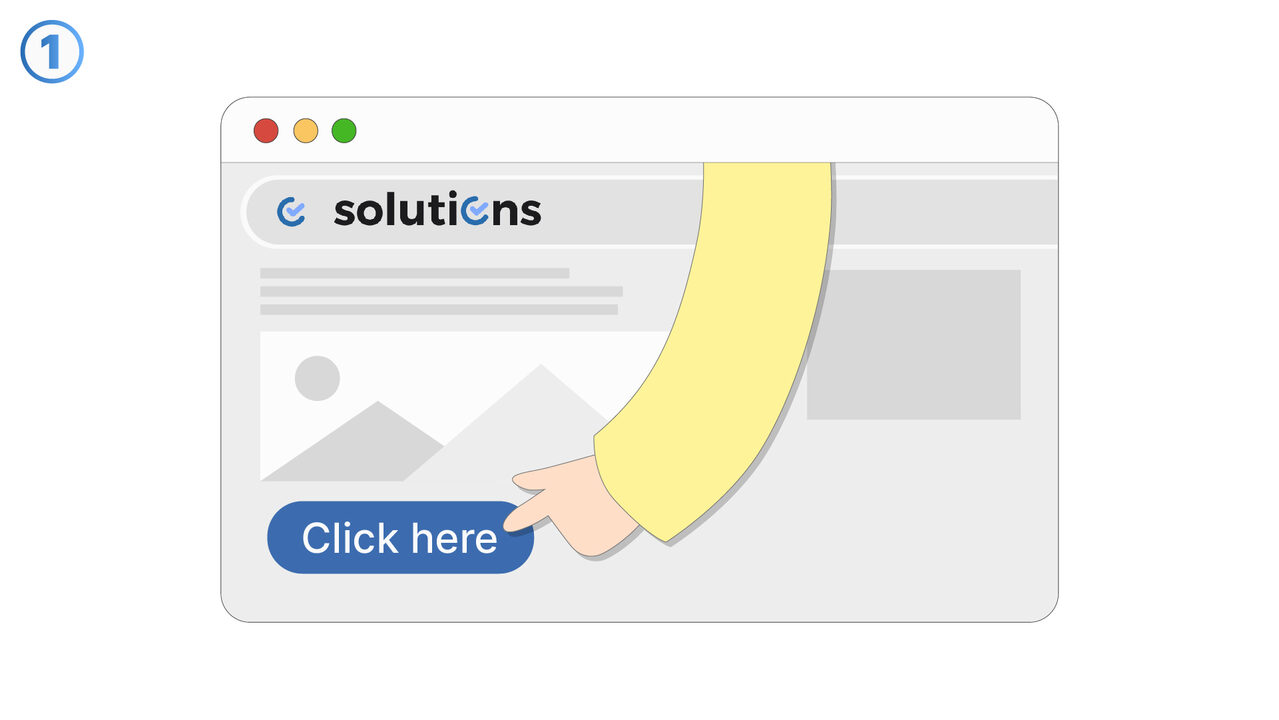
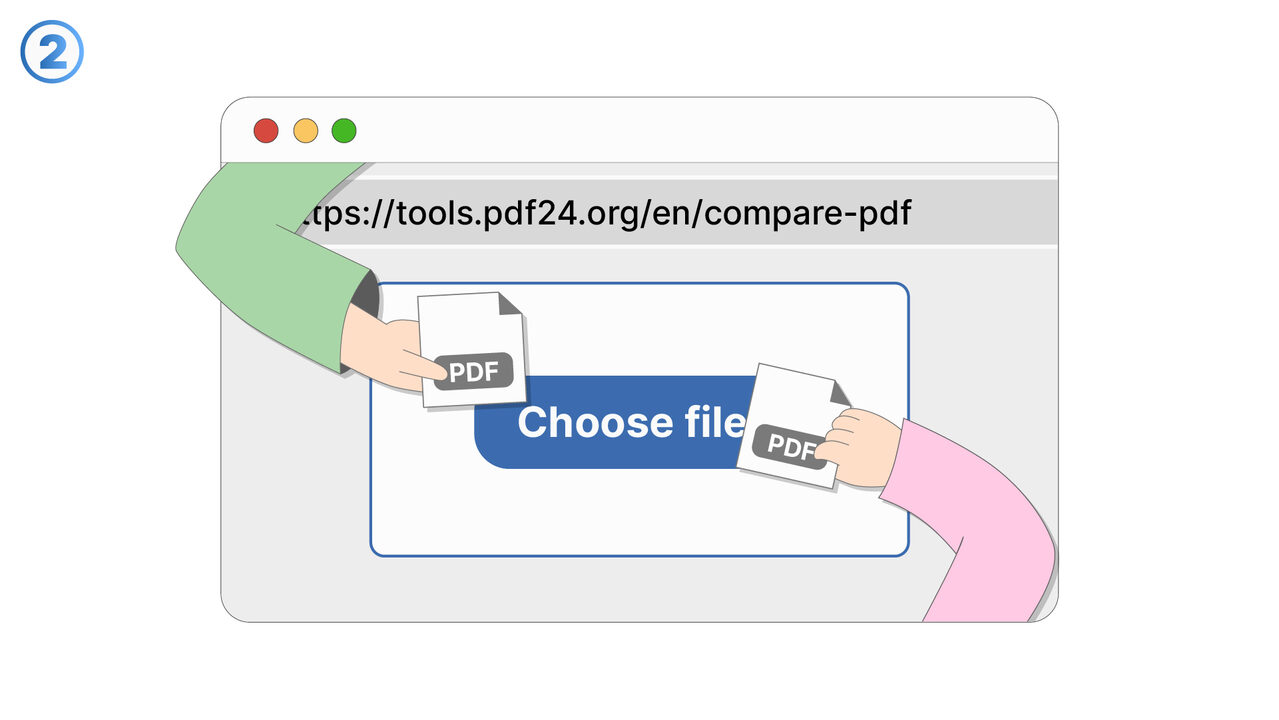
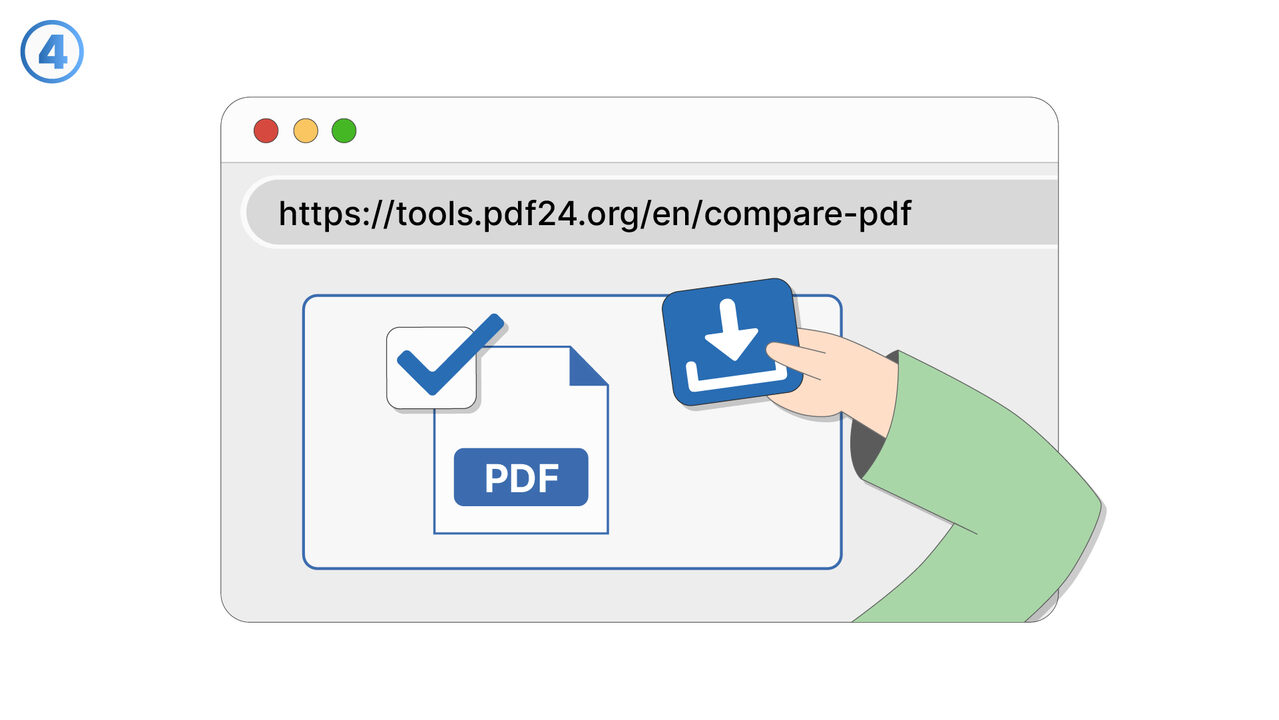
The Solution
The PDF24 Compare PDF Tool simplifies and automates the comparison process of PDF documents. It allows users to place two PDFs side by side and highlight the differences clearly. The intuitive user interface and effective functionality of the tool help to clearly identify details, changes or discrepancies that could be overlooked manually. In addition, the tool speeds up the process to save time and increase productivity. It also facilitates the communication of changes to all relevant parties by offering a clear visualization of the differences. With the PDF24 Compare PDF Tool, the error rate is reduced and the entire process of comparing documents is made more efficient. Everything is accessible online and directly in the browser, which further simplifies handling.
External Resource
https://tools.pdf24.org/en/compare-pdf
Use this tool as a solution to the following problems
- I have difficulties understanding the changes between different versions of a contract.
- I'm having trouble comparing different versions of a PDF report.
- I need an efficient way to analyze differences and discrepancies between two PDF documents.
- I need to compare two PDF files, but I don't have the appropriate software for it.
- I need a tool to effectively compare annual reports in PDF files.
- I need to analyze and compare my employees' documents to uncover discrepancies.
- I have to assess and compare changes in technical PDF drafts.
- I need to find corrections in manuscripts and compare them, which are available in PDF format.
- I need to identify discrepancies in various PDF policy documents.
Know a better solution? Let us know.
If you know of a tool or approach that could help people solve a problem we haven't covered yet, we'd love to hear about it.