I cannot determine where a shortened URL actually leads.
Solved by Check Short URL
The Problem
The use of shortened URLs is widespread on the internet, but often leads to security concerns as users cannot know which website is actually behind the shortened URL. This can result in users being redirected to malicious websites that serve to steal personal data or spread malware. In addition, URL shorteners may potentially mask SEO information that could be valuable to content creators. Therefore, it is a problem that one is not able to verify the target URL of a shortened connection. Hence, there's a need for a tool that reveals the true target URL and helps minimize internet security risks and gain SEO insights.
Screenshots
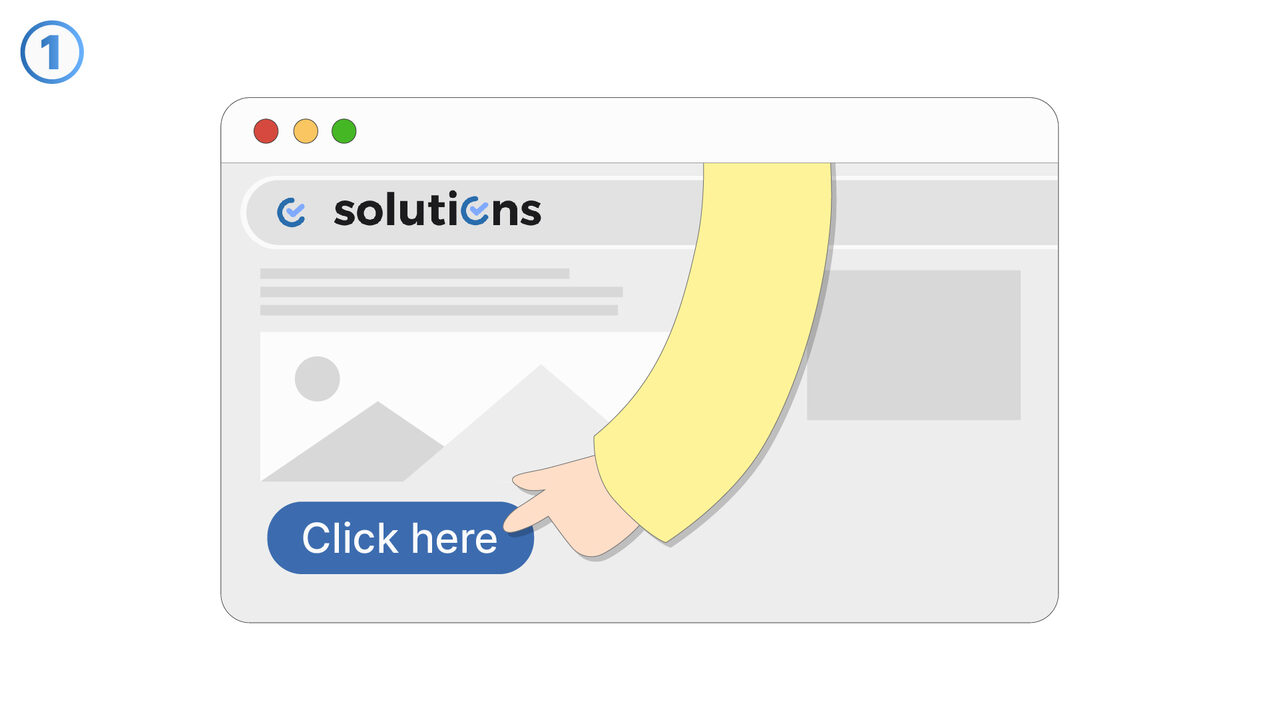
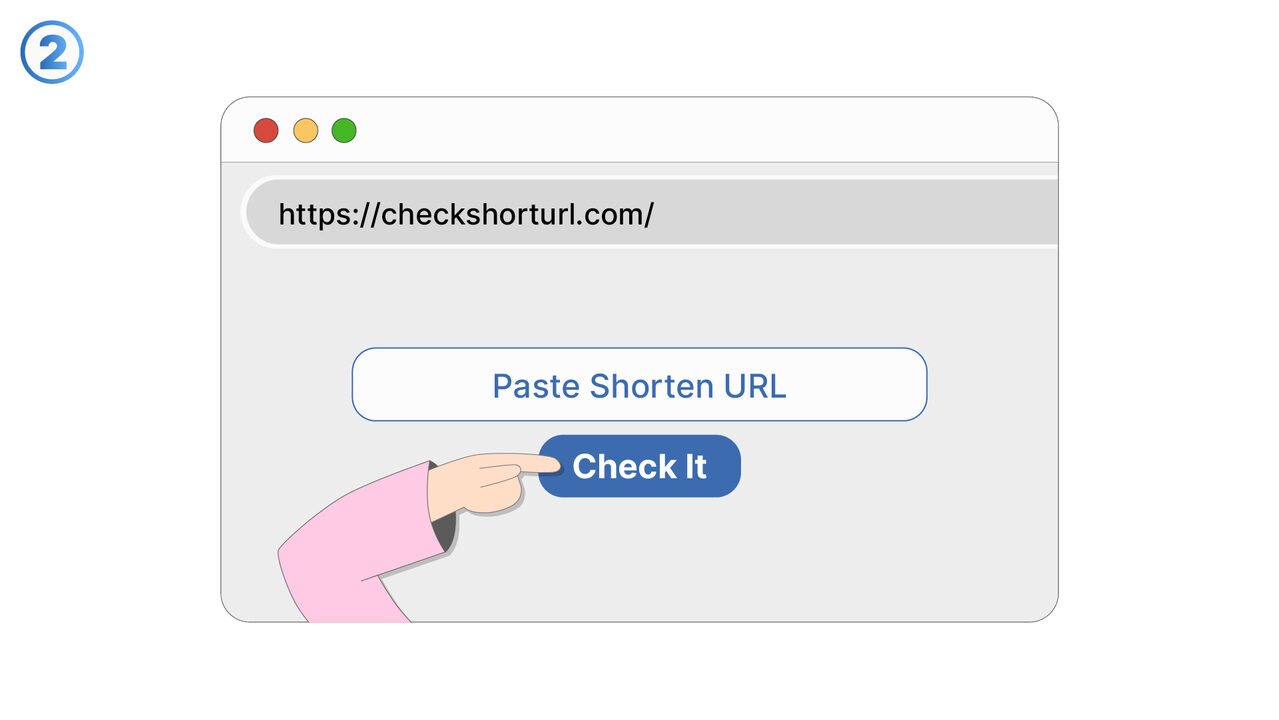
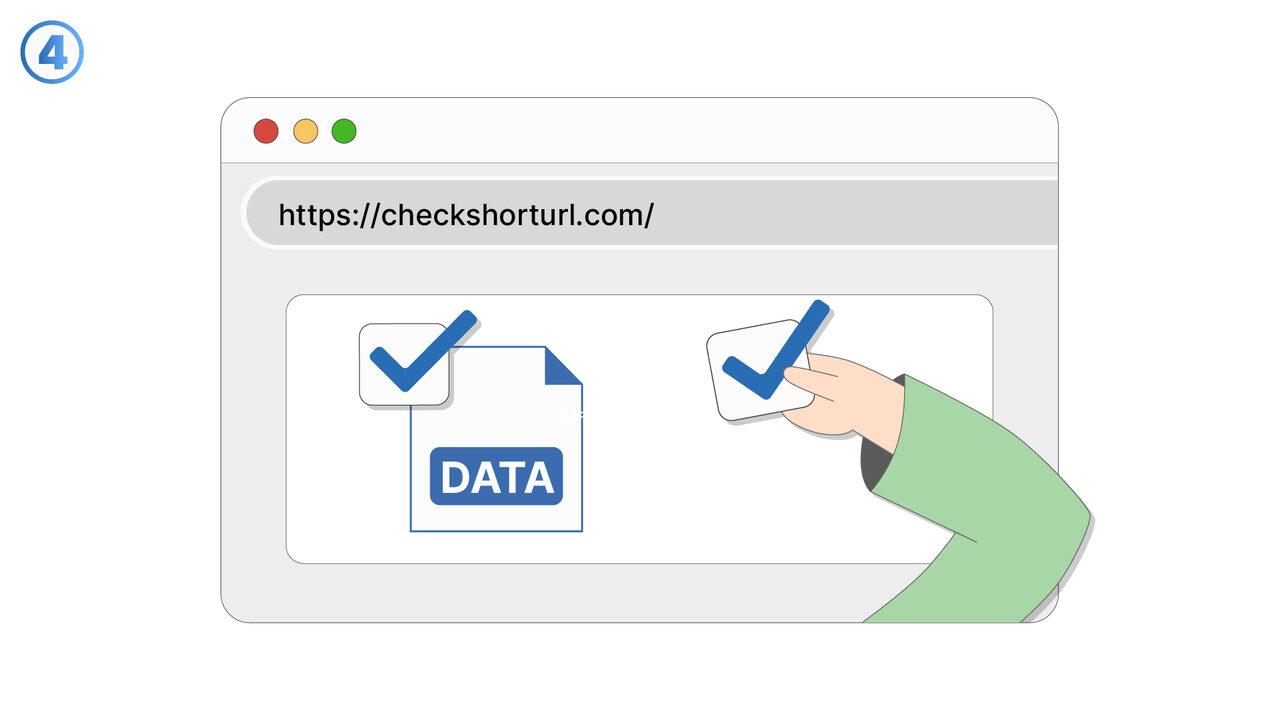
The Solution
The tool "Check Short URL" provides an effective solution to the problem of shortened URLs. By revealing the original, full URL, users can find out where the shortened URL actually leads, thus ensuring that they are not redirected to a malicious website. Furthermore, the tool provides information about the title, description and associated keywords of the target page. This can not only minimize security risks, but also provide valuable SEO insights. This additional knowledge allows the user to better judge whether the website is trustworthy. It is crucial that the tool supports all common URL shorteners such as bit.ly, goo.gl and tinyurl.com. Ultimately, "Check Short URL" is an indispensable tool for anyone who wants to use the internet safely and effectively.
External Resource
http://checkshorturl.com/
Use this tool as a solution to the following problems
- I need a tool that checks shortened URLs to avoid unwanted redirections to malicious websites.
- I need a method to securely display the real target URL of shortened links and provide additional SEO information.
- I am having trouble identifying the real target URL of a short URL and need additional information for my SEO strategy.
- I need a solution to identify the real target URLs behind shortened links and to have more transparency in URL redirection.
- I need a tool that helps me see the actual landing pages of shortened URLs to improve my SEO performance.
- I need a tool to see the original URL behind shortened links in order to prevent possible privacy breaches.
- I am having trouble identifying the real target URL behind the shortened URLs.
- I have reservations about visiting malicious websites when I click on shortened URLs.
- I need a tool to reveal the true target URL behind shortened links and to ensure my online security.
Know a better solution? Let us know.
If you know of a tool or approach that could help people solve a problem we haven't covered yet, we'd love to hear about it.