I cannot display or share design files without installed software.
Solved by Autodesk Viewer
The Problem
The issue is that as a civil engineer, architect, or designer, you often work with complex design drawings in the form of DWG files. These can usually only be opened and viewed with special software. This is a hurdle when you want to share your work quickly and easily with others, or work together on a project as a team. Furthermore, it is not always possible or practical to install the necessary software on every device you want to use to view the files. Therefore, there is a need for a solution that allows you to view DWG files online, without the need for a software installation.
Screenshots

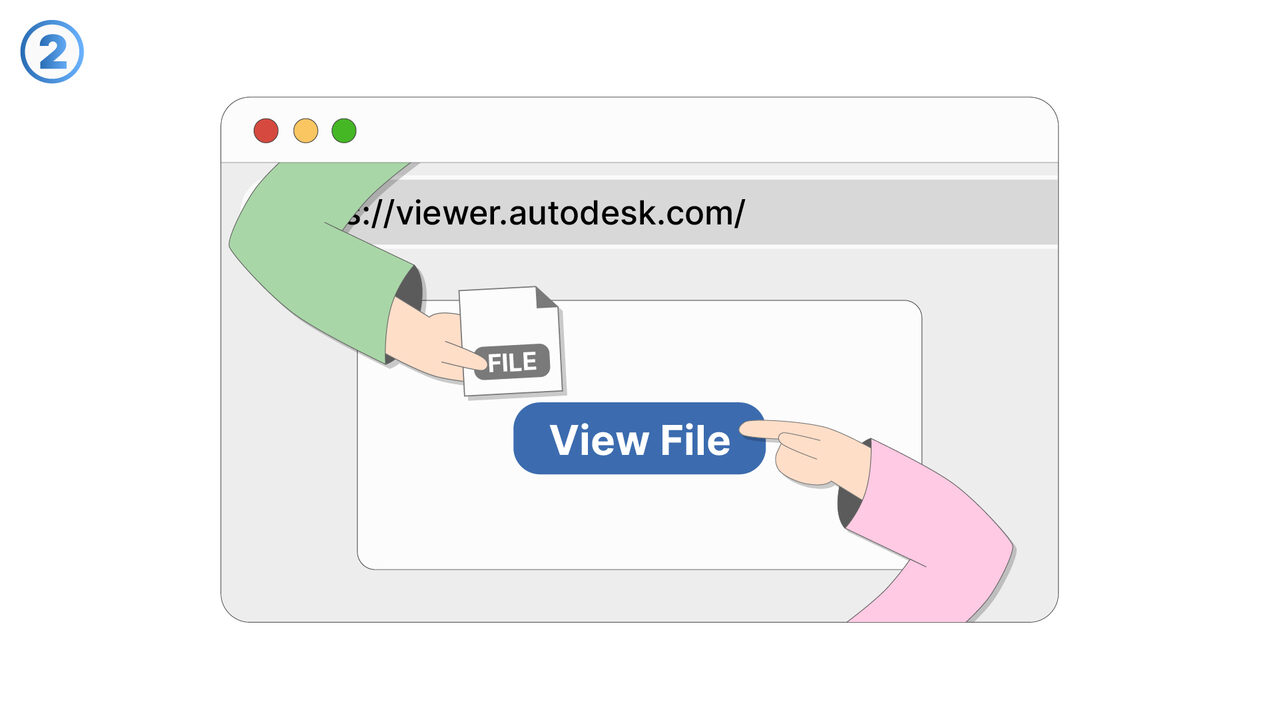
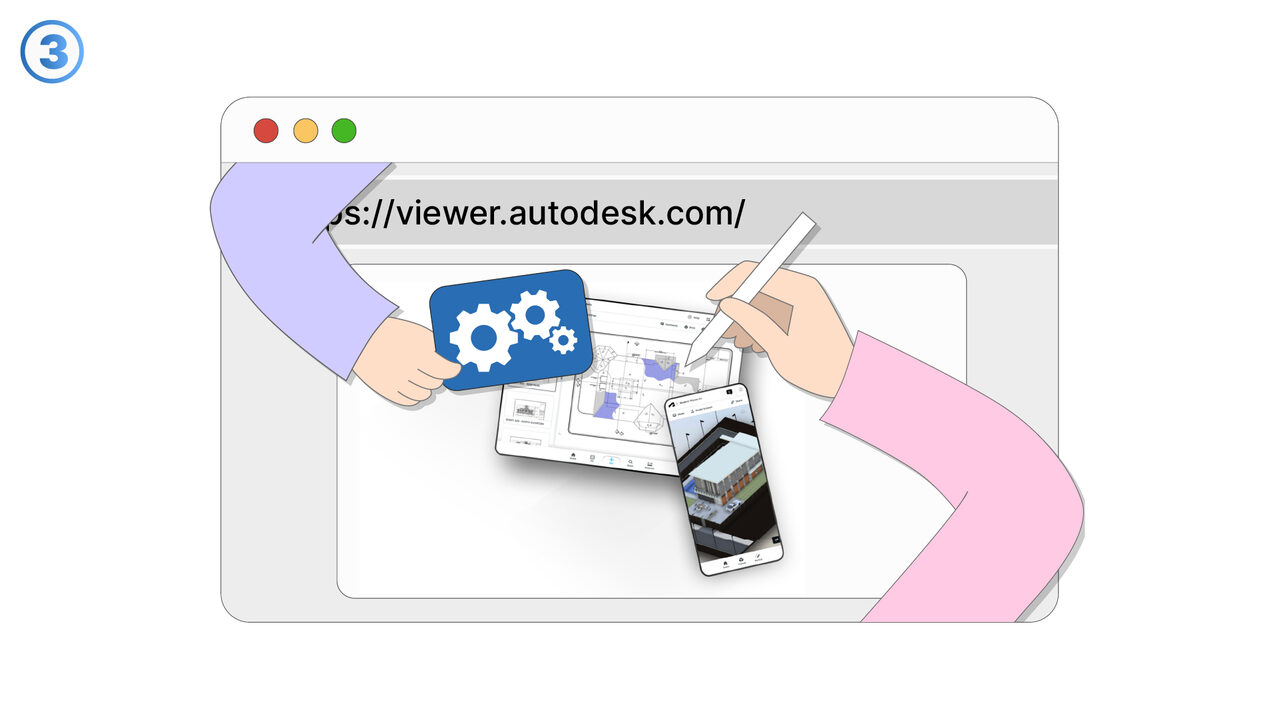
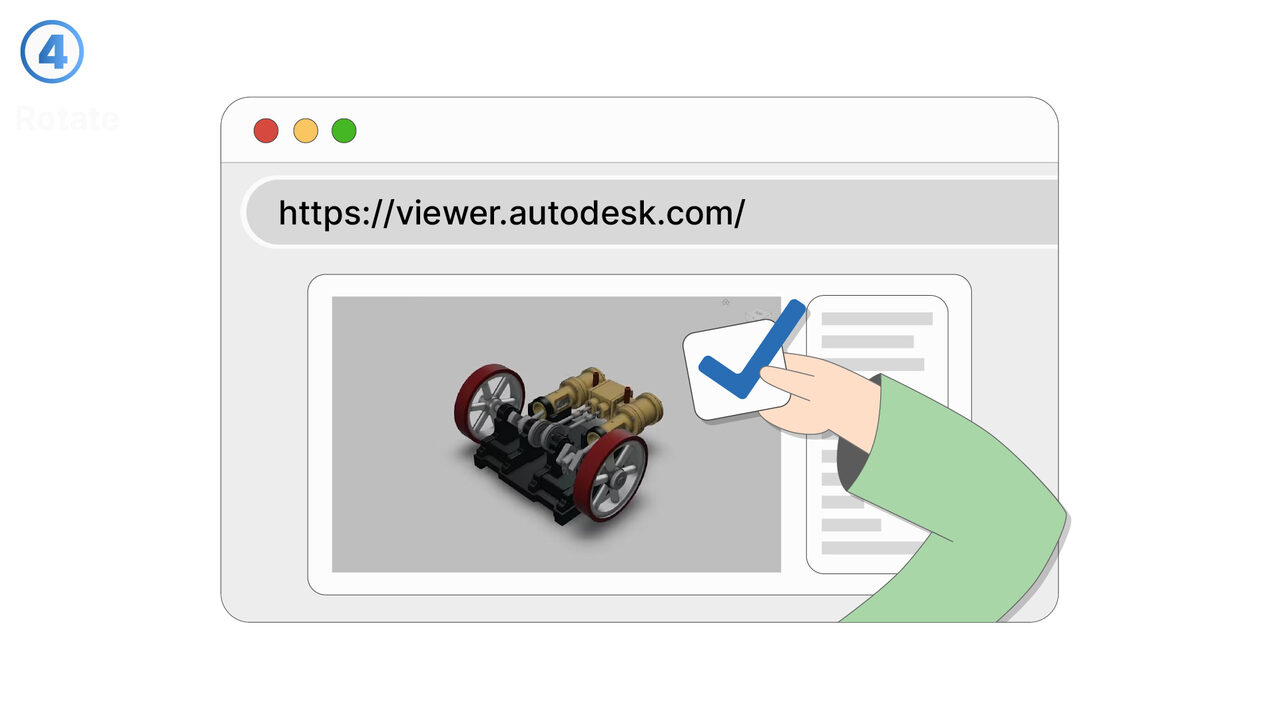
The Solution
The Autodesk Viewer is the ideal solution for this problem. As a web-based platform, it enables the viewing and sharing of DWG files without the installation of special software. Civil engineers, architects or designers can simply upload their complex 2D or 3D models and share them with colleagues. The user-friendliness of the tool enables effective project collaboration by allowing all project participants to access the design drawings regardless of their location. Furthermore, no installation is required on the device being used, which increases the accessibility and practicality of the tool. Thus, the Autodesk Viewer masters the challenges of file sharing and project collaboration in a simple and efficient way.
External Resource
https://viewer.autodesk.com/
Use this tool as a solution to the following problems
- I can't view my DWG files online.
- I have difficulties sharing my design files quickly and efficiently.
- I am having problems displaying 2D and 3D models with the Autodesk Viewer.
- I have difficulties sharing and displaying DSG files effectively for project collaboration.
- I need additional features in my design tool to work more efficiently as a civil engineer, architect or designer.
- I need a more efficient way to view DWG files online.
- I'm having issues with the quality display of design files when viewing them.
- I need a user-friendly solution to access complex design drawings without having to install additional software.
- I have problems viewing all design layers in my models with the Autodesk Viewer.
Know a better solution? Let us know.
If you know of a tool or approach that could help people solve a problem we haven't covered yet, we'd love to hear about it.