The Problem
As a content creator, I often create extensive audio files that need to be optimized for my work as well as for transmission to my audience. A central problem that I encounter is the need to compress my audio files to save storage space and increase transmission speed. In this process, I'm always looking for methods to reduce the file size without significantly affecting the audio quality. Currently, the lack of high-quality, effective audio file compression tools complicates this process. This situation makes a platform like AudioMass, which allows me to compress audio files directly in my browser, indispensable.
Screenshots
The Solution
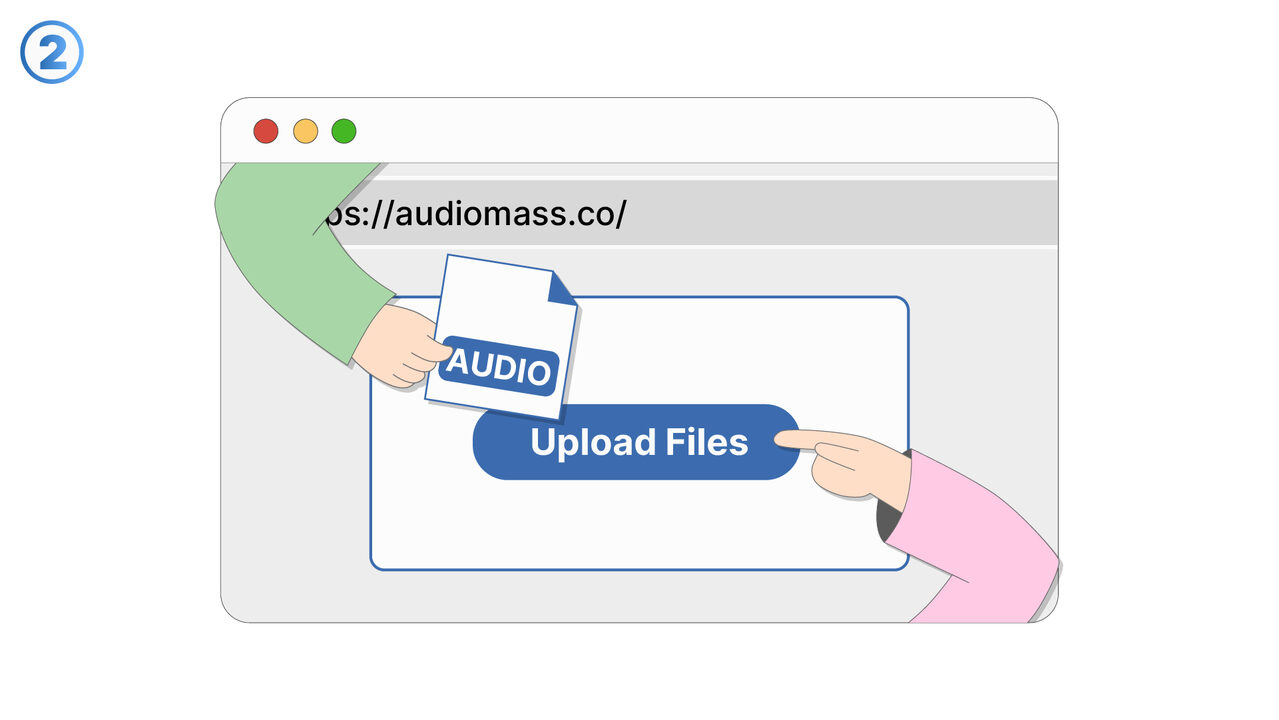
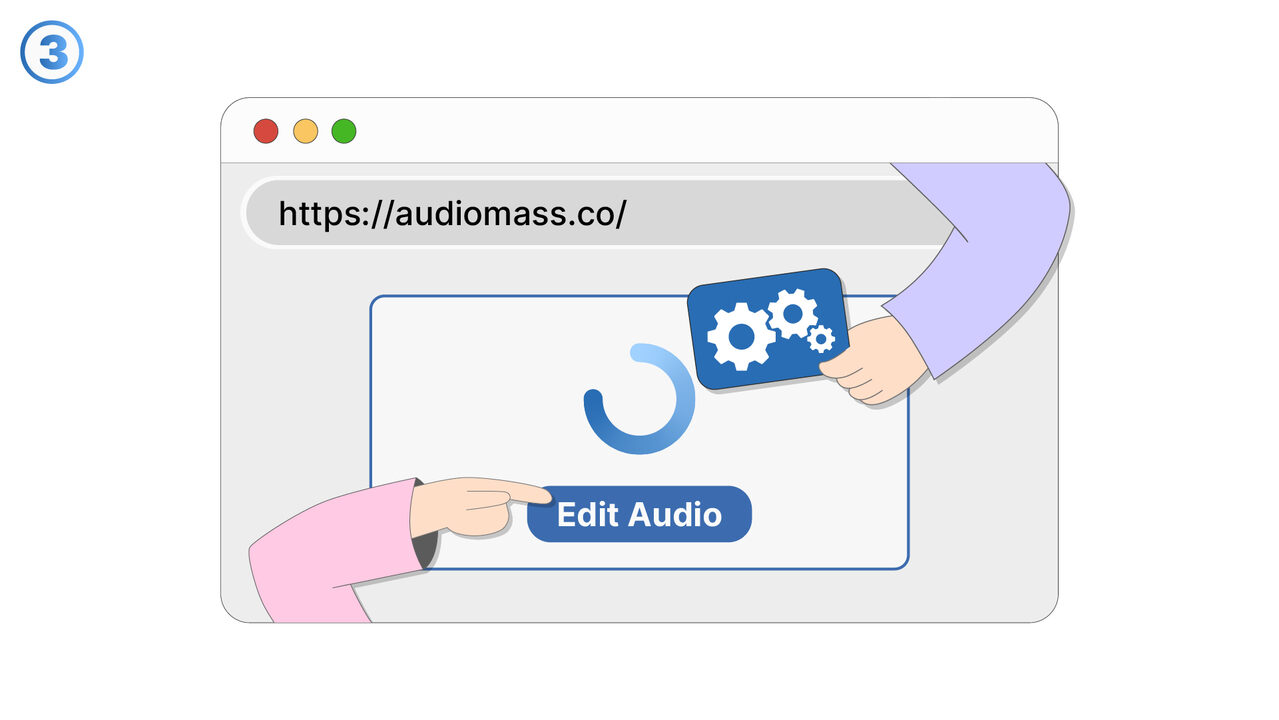
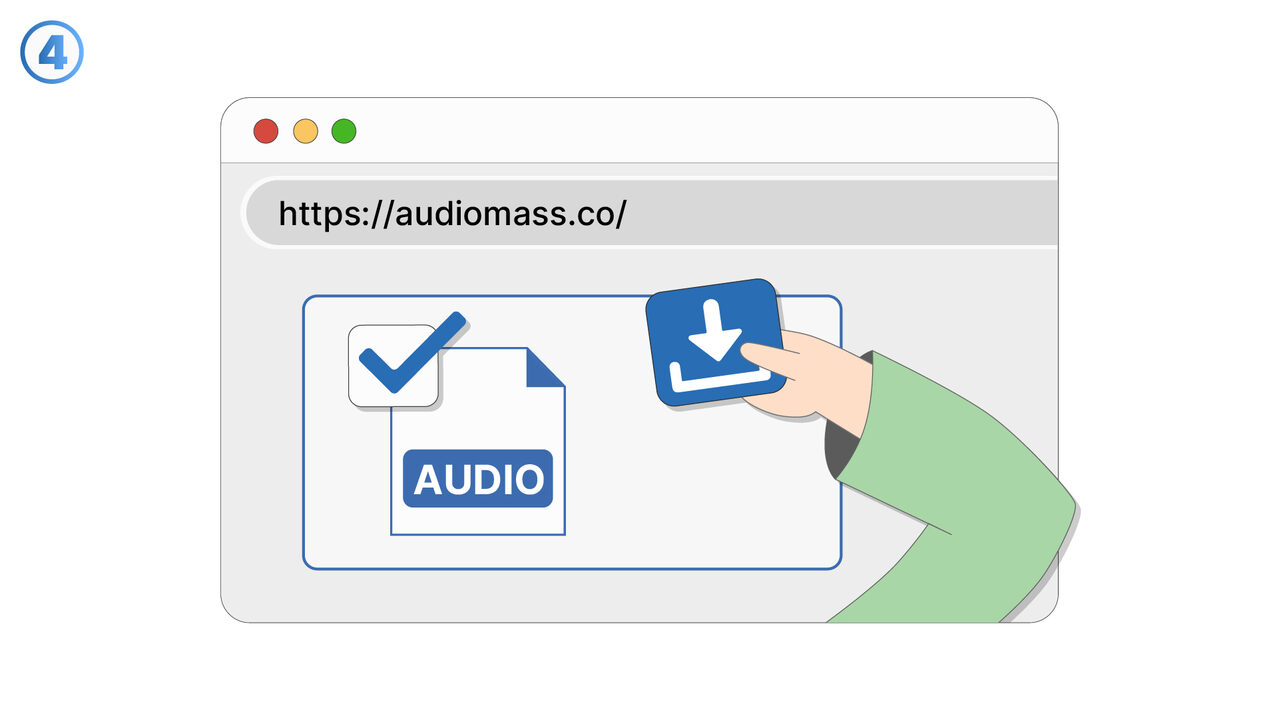
AudioMass allows content creators to compress audio files directly in the browser, providing immediate access and user-friendliness. Reduced file sizes significantly save storage space and increase the transmission speed of the files. Simultaneously, due to the high-quality audio compression technology of AudioMass, the files maintain excellent audio quality. This tool is especially useful when producing extensive audio files, which must be optimized for both work and the audience. With AudioMass, users can additionally amplify the volume, add reverb or echo, and normalize the audio. The simple and intuitive user interface also makes handling audio files easier for those who do not have technical experience. This way, every user, regardless of their technical competence, can benefit from the compression function of this tool.
External Resource
https://audiomass.co/
Use this tool as a solution to the following problems
- I'm looking for a way to remove unwanted background noise from my audio recordings.
- I need to increase the volume of my audio file, but I don't know of a suitable tool for that.
- I need a simple way to normalize the volume of my audio files.
- I need a way to add reverb to an audio track without any special technical knowledge.
- I need to remove unwanted sections from my audio file.
- I need an online tool for easy editing of my podcast audios.
- I need to adjust the audio balance of my recording and am looking for a suitable tool for this purpose.
- I need an online tool to convert the format of my audio file.
- I have difficulties adjusting the pitch and speed of my audio files.
Know a better solution? Let us know.
If you know of a tool or approach that could help people solve a problem we haven't covered yet, we'd love to hear about it.