I need to be able to control the position of the page numbers.
Solved by PDF24 Tools: Add page numbers to PDF
The Problem
The requirements for the layout and design of documents can vary, particularly with official reports, academic works, or professional presentations, where the position of page numbers can affect the reading flow and aesthetic impact of the document. An inflexible placement of page numbers can collide with the design of the document or obscure important information. Therefore, it is important to have a tool that offers flexibility in the placement and design of page numbers in order to preserve the integrity of the document layout.
Screenshots

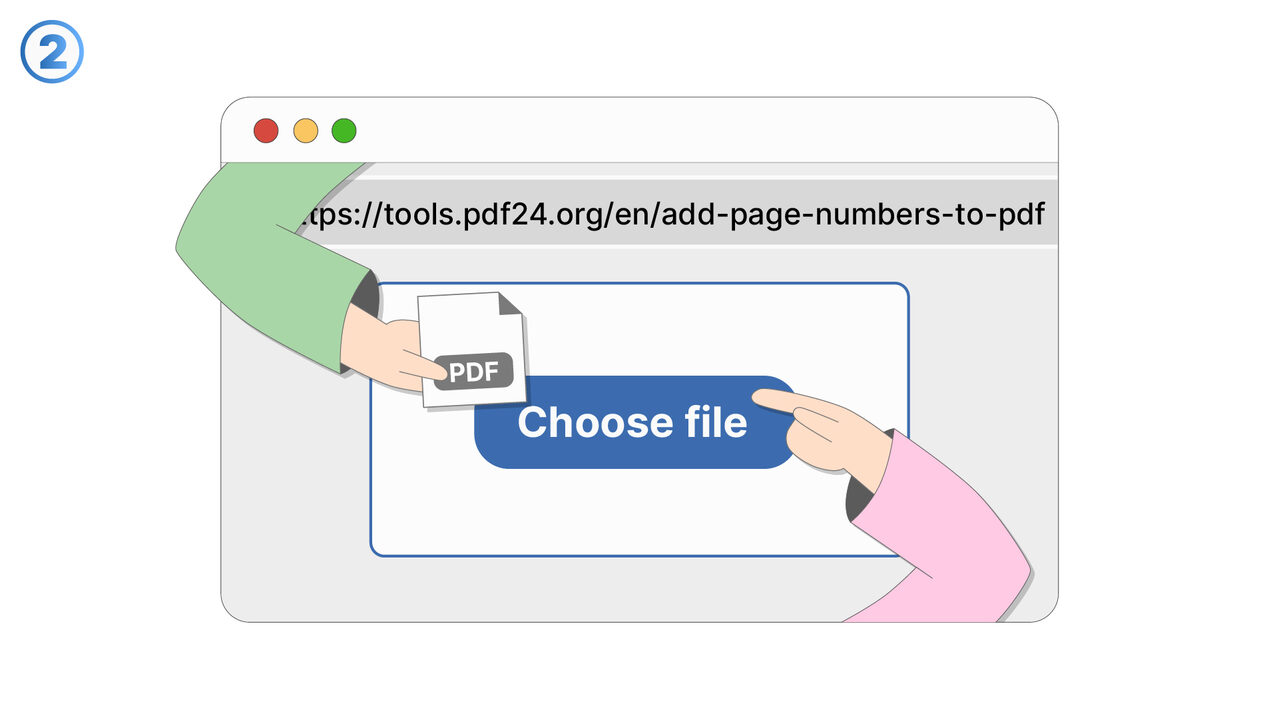
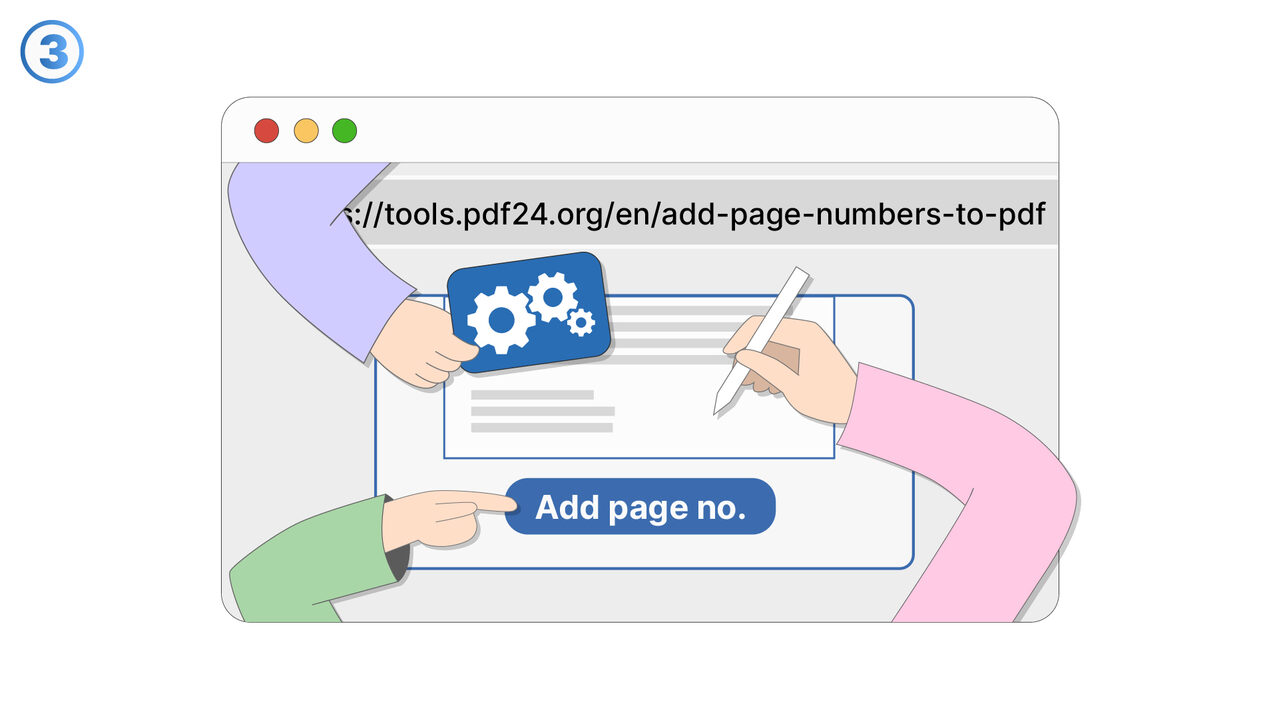
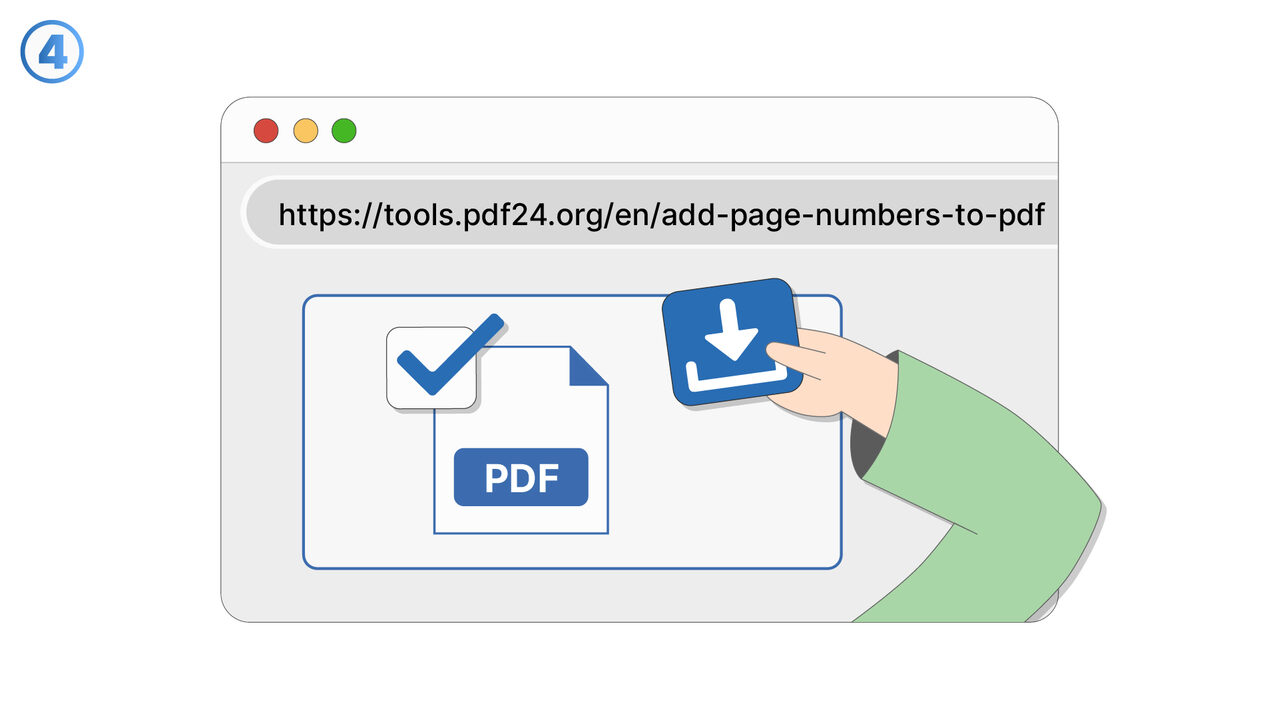
The Solution
The PDF24 tool gives users full control over the placement of page numbers in their PDF documents. After uploading, they can precisely specify where the page numbers should appear, whether it's on the edge, in the corner, or centered on the page. These customization options make it possible to harmoniously integrate the page numbers into the existing layout without disturbing the content or design. This flexibility is particularly valuable for documents where the visual appearance is as important as the content.
External Resource
https://tools.pdf24.org/en/add-page-numbers-to-pdf
Use this tool as a solution to the following problems
- I need to add page numbers to a PDF document.
- I have difficulties retaining reference points in a PDF.
- I have a problem with unnumbered PDFs.
- I need a tool for adding page numbers to my PDF that supports multiple platforms.
- I need a tool to add page numbers to my PDF which I can use without having to download any software.
- I have a problem navigating through my PDF.
- Need to perform tasks without downloading software
- Trouble navigating through a PDF
- Problem with keeping track of pages in a lengthy PDF
Know a better solution? Let us know.
If you know of a tool or approach that could help people solve a problem we haven't covered yet, we'd love to hear about it.