Težava
I have difficulty editing PDF files on different computers. Each computer has different software versions and sometimes these versions are outdated, making it complex and time-consuming to constantly perform updates or install new software. In addition, not all programs allow for editing PDFs or only offer limited functions. I also encounter problems with protecting PDF files, as not all programs have a password protection feature. Adding annotations to a PDF file or filling out certain forms also poses a challenge.
Posnetki zaslona
Rešitev
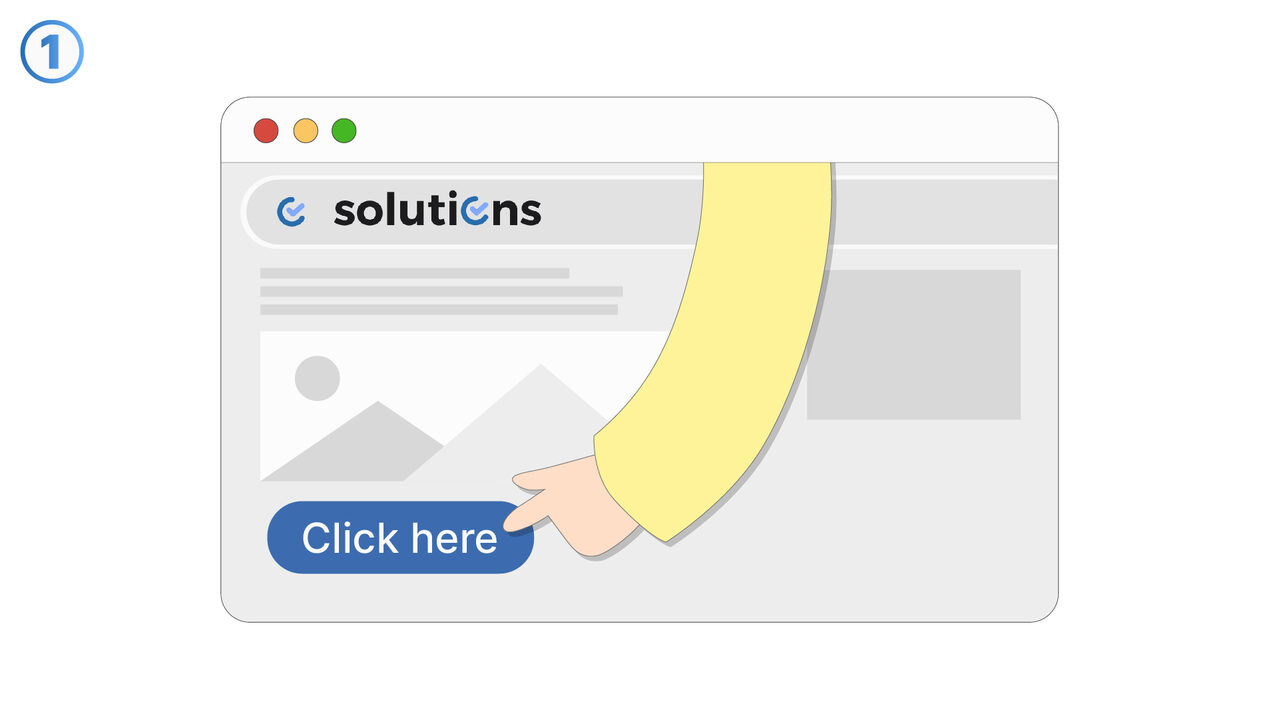
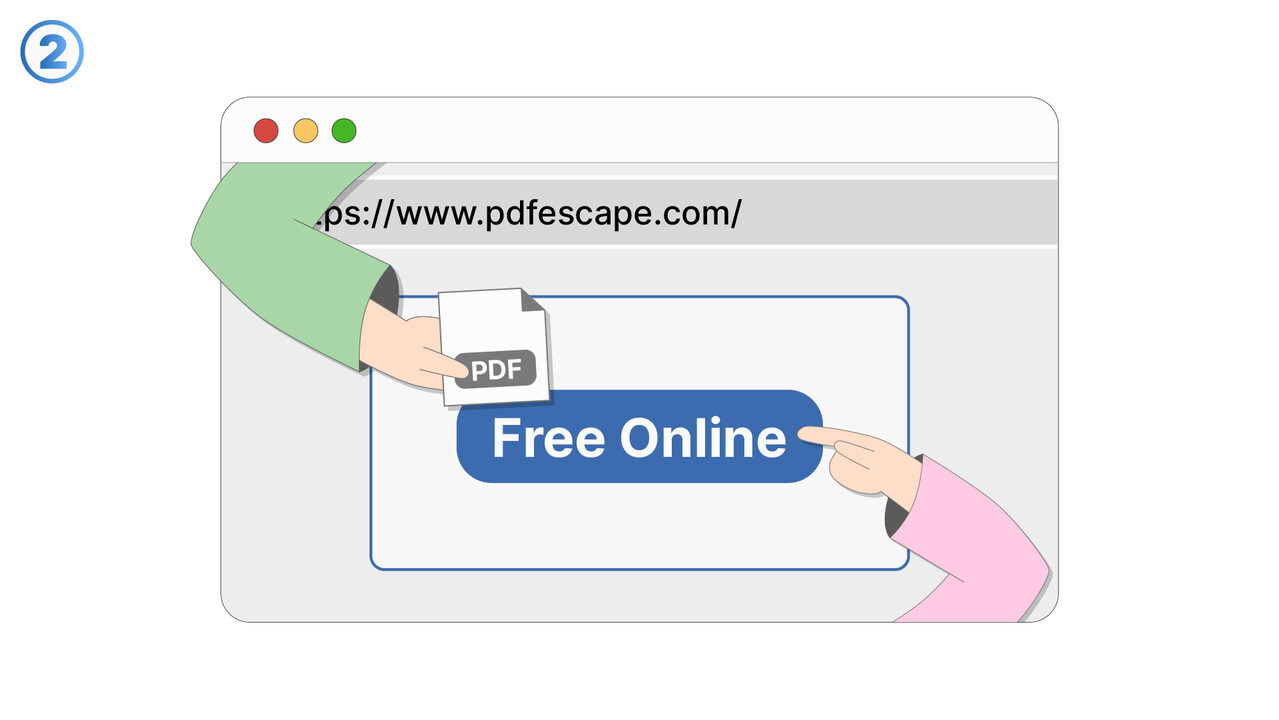
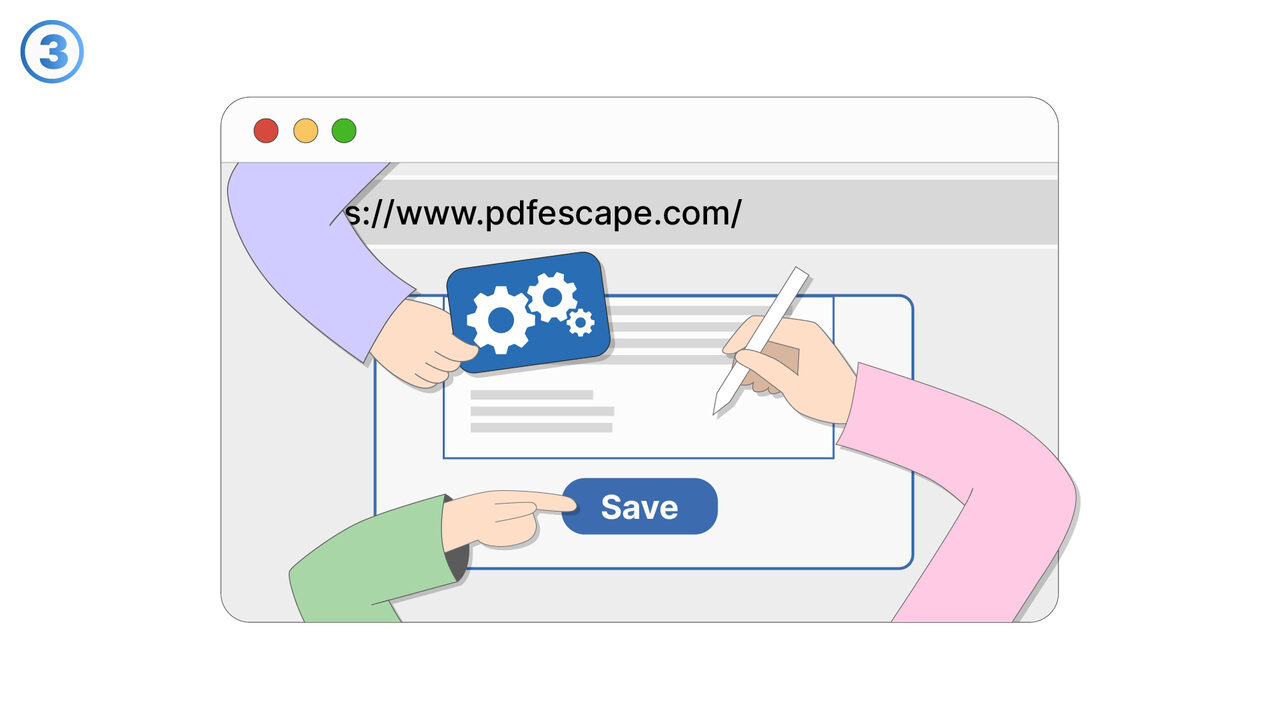
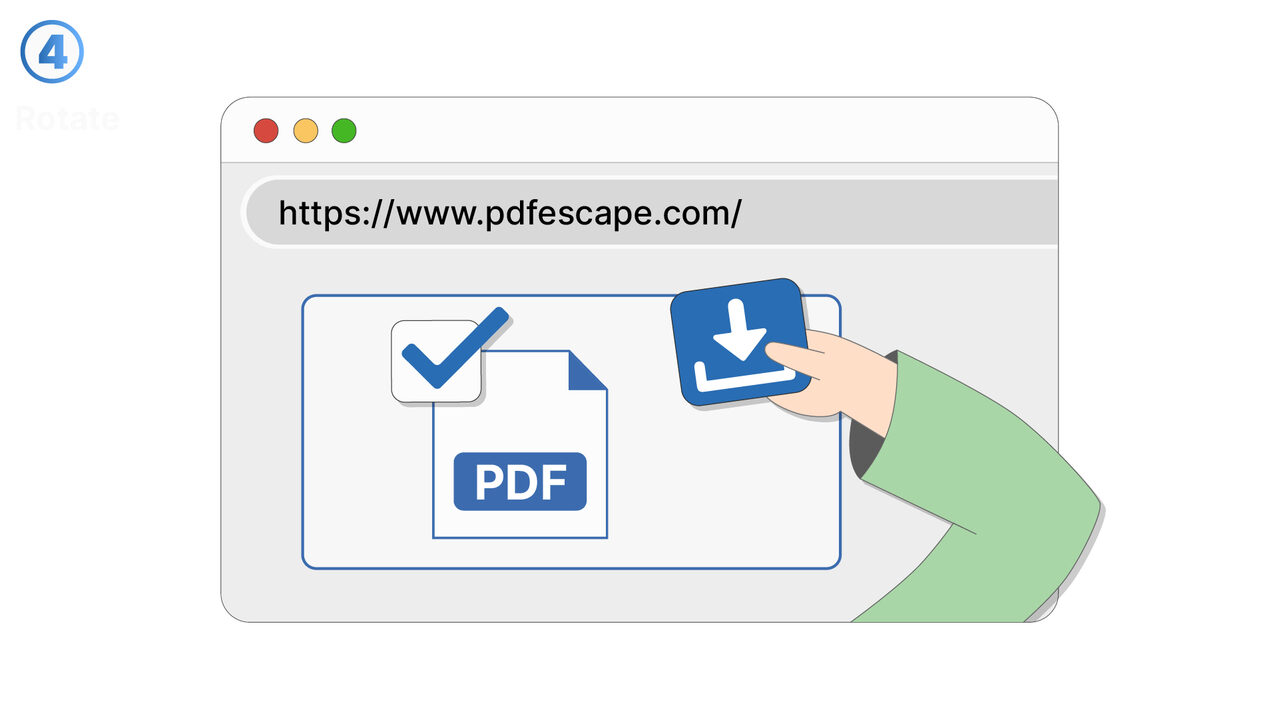
PDFescape is the solution for your problems. As a web-based tool, it requires no software installations and is independent of software versions or updates, saving time and effort. You can create, edit and view PDF documents, no matter which computer you are currently working on. In addition, you can add annotations and fill out PDF forms. For the protection of your documents, PDFescape offers highly secure password protection options. Even with limited technical skills, the intuitive design of the tool is easy to navigate. This makes PDFescape the perfect tool to bypass the constraints of traditional PDF software.
Zunanji vir
https://www.pdfescape.com/
Uporabite to orodje kot rešitev za naslednje težave
- I need an online tool to create a new PDF file without having to download any software.
- I'm having trouble editing the content of my PDF file.
- I am having trouble adding annotations to my PDF file.
- I cannot fill out PDF forms online.
- I am having trouble protecting my PDF file with a password.
- I am having trouble with the installation of software for PDF editing.
- I'm having trouble handling and editing my PDF files without having to install software.
- I'm having trouble managing and editing my PDF files securely without having to install special software.
- I am encountering obstacles with free PDF editing software and need an effective solution without installation.
Poznate boljšo rešitev? Sporočite nam.
Če poznate orodje ali pristop, ki bi lahko pomagal rešiti težavo, ki je še nismo obravnavali, bi radi to slišali.