I only have one monitor and have to lead a presentation.
解決ツール Spacedesk HTML5 Viewer
問題
As the leader of a presentation, you face the problem of having only a single monitor at your disposal. This can make it harder to conduct and present content, especially if you have to display information from several sources at once. It's also problematic if you need to access additional materials or applications during the presentation, as switching between different windows costs time and energy, reduces focus, and interrupts the flow of the presentation. Additionally, it can be difficult for viewers to follow your presentation when you need to jump back and forth between different applications. This problem becomes even more pronounced if you have to lead your presentation remotely and need additional screens for support.
スクリーンショット
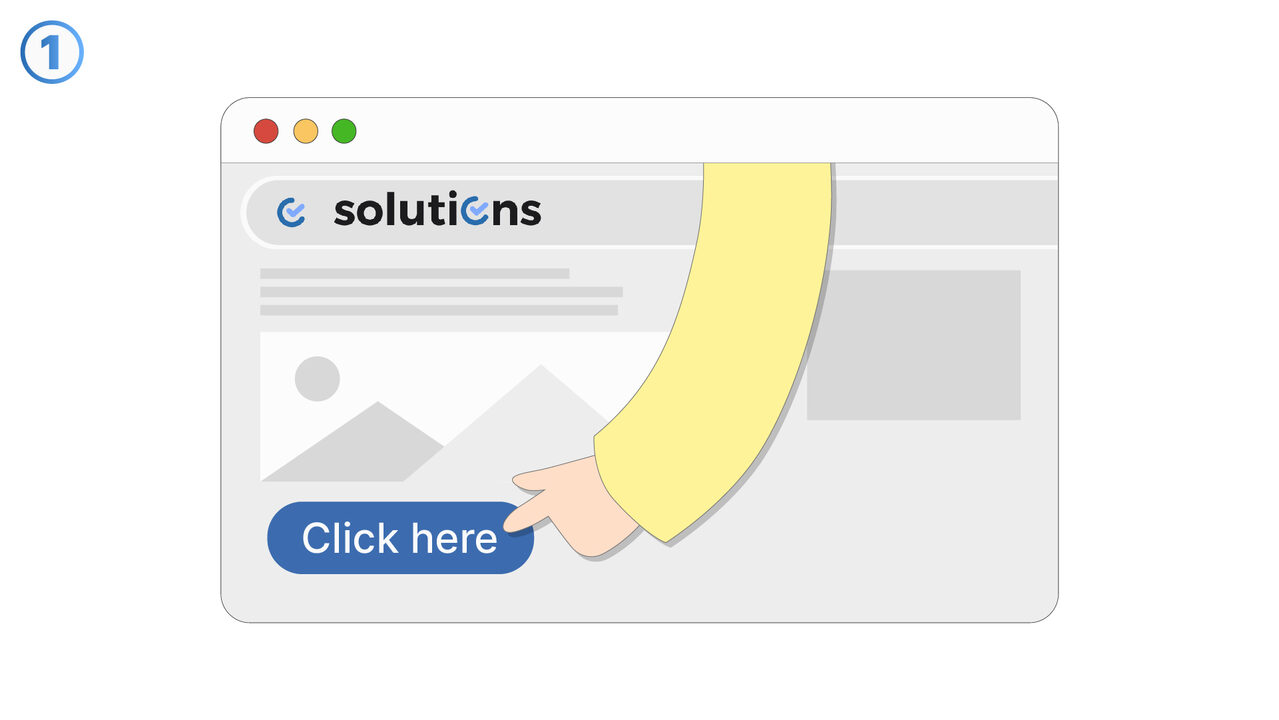
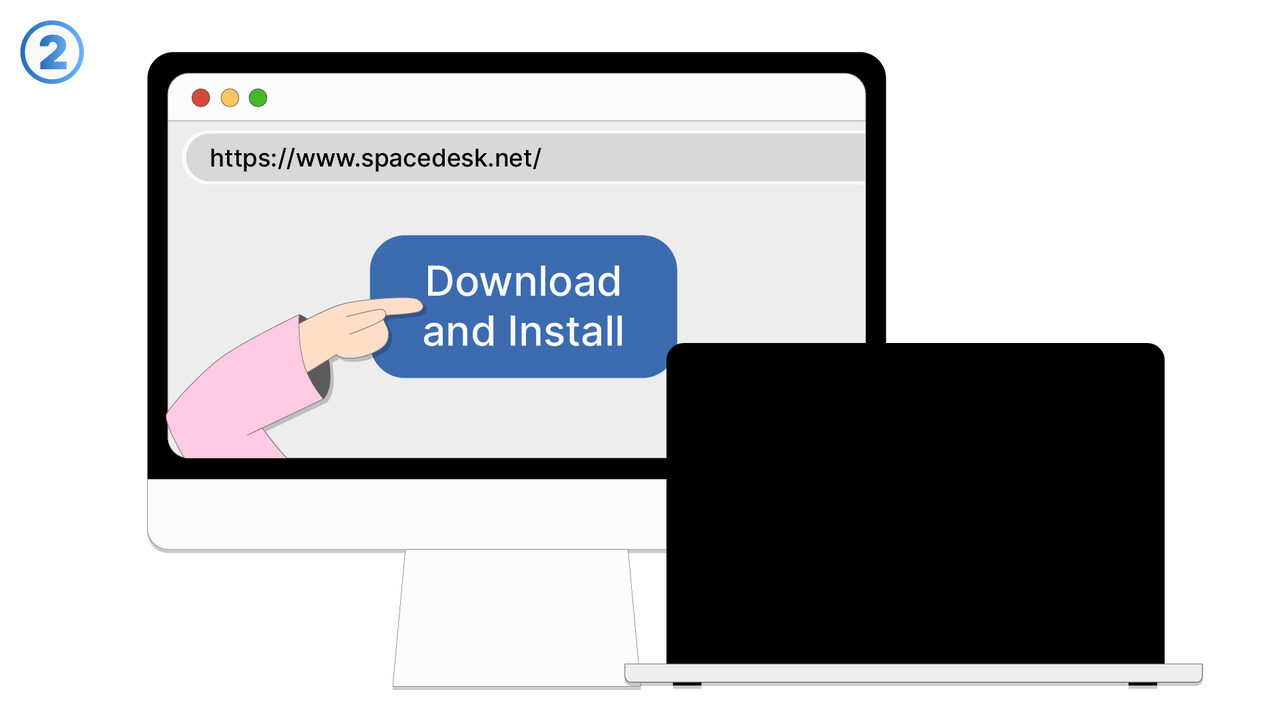
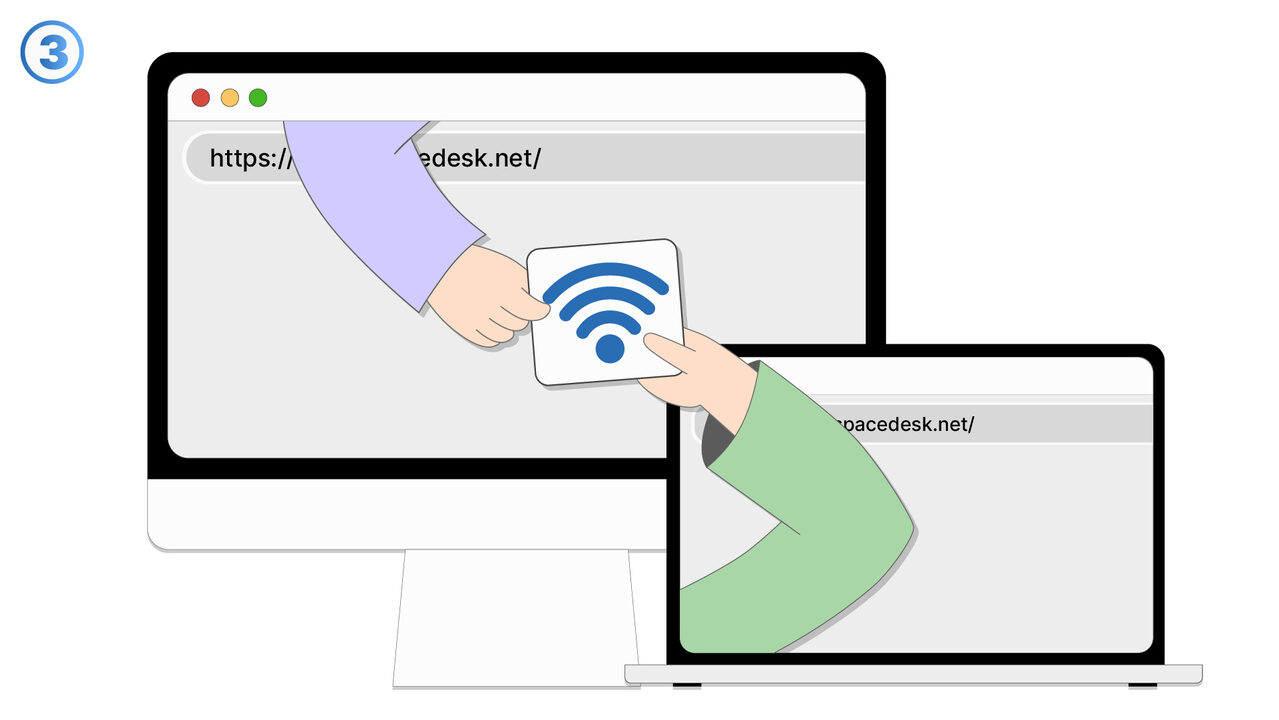

解決策
With the Spacedesk HTML5 Viewer, you can overcome your single-monitor problem by using your computer or other digital platforms as a secondary display unit. You can display information from multiple sources simultaneously, without having to switch back and forth between windows, increasing work productivity and concentration. Screen mirroring and desktop duplication offer advanced display options that facilitate presentation. Remote presentations additionally benefit from the ability to use screen captures over the network. And thanks to the tool's compatibility with a variety of devices and web browsers, you can flexibly and situationally adapt the setup to meet your requirements.
外部リソース
https://www.spacedesk.net/
以下の問題の解決策としてこのツールをご活用ください
- I need more screen space for effective multitasking.
- I need an additional display for my computer, but I don't have a physical second monitor available.
- I need a solution for technical setup for games with multiple displays.
- I have difficulties effectively managing multiple application windows.
- I need a solution that allows me to use a secondary screen for video calls during my work.
- I need to oversee different dashboards simultaneously and need an effective solution for this.
- I need a solution to expand my digital workspace.
- I need a tool to boost my productivity by setting up an additional virtual screen.
- I have to manage both work and personal tasks simultaneously and need an additional display unit for my computer.
より良い解決策をご存知ですか? お知らせください。
まだ取り上げていない問題を解決できるツールやアプローチをご存知でしたら、ぜひお知らせください。