I have difficulties creating graphic designs in my OpenOffice documents.
解決ツール OpenOffice
問題
When using OpenOffice, I encounter challenges when creating graphic designs in my documents. Despite the extensive features and tools that the software package offers, I find it difficult to achieve the quality and aesthetics I need for my designs. There is uncertainty about using the special tools for graphic design and appropriate formatting. In addition, the interface is not as intuitive when working with graphics, which makes the process more cumbersome. This hinders my workflow and reduces the efficiency of my work.
スクリーンショット

解決策
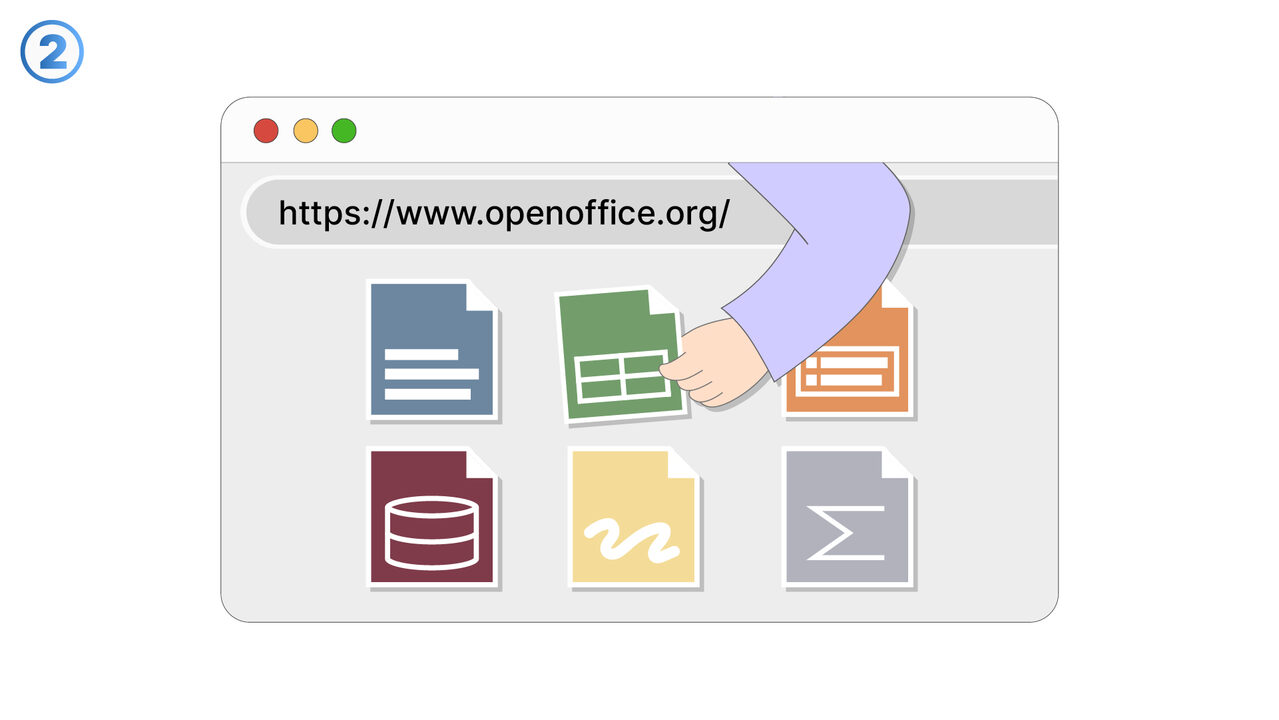
OpenOffice offers an integrated graphics editor called Draw, which provides extensive functions for creating and editing graphics. These can be inserted directly into your documents. The range of tools includes elements such as shapes, lines, curves, and text boxes that allow you to create your own designs. To simplify its use, there is also a help function as well as online tutorials and instructions. In addition, you can save and export your graphics in various formats. With a little practice and patience, you can create high-quality and aesthetically pleasing graphic designs with OpenOffice.
外部リソース
https://www.openoffice.org
以下の問題の解決策としてこのツールをご活用ください
- I am having difficulty paying the high licensing costs for my Office Suite software.
- I have difficulties exchanging documents between different Office suites.
- I am looking for an office software that ensures data security and is not reliant on cloud storage.
- I feel restricted by the limited features of my current office software.
- I am having problems exchanging documents with other Office tools.
- I am having problems editing my PDF files with OpenOffice.
- I'm having trouble opening certain file formats with OpenOffice.
- I have problems accessing my documents when I'm offline.
- I need a formula editor in my office toolkit.
より良い解決策をご存知ですか? お知らせください。
まだ取り上げていない問題を解決できるツールやアプローチをご存知でしたら、ぜひお知らせください。