問題
As a user of the online tool "I Love PDF", I encounter difficulties when it comes to password protecting a PDF document. Despite the versatile functions of the tool, which include merging, splitting, compressing and converting PDF files, I seem unable to find an effective method for assigning a password to my PDF files. This problem occurs even though the tool offers a user-friendly interface and requires little technical knowledge for most of its functions. This issue affects the security of my PDF documents and has an impact on my work, both in the private and professional context. Furthermore, it raises questions about the security of the data stored on the I Love PDF servers, which is supposed to be deleted after a certain period of time.
スクリーンショット

解決策
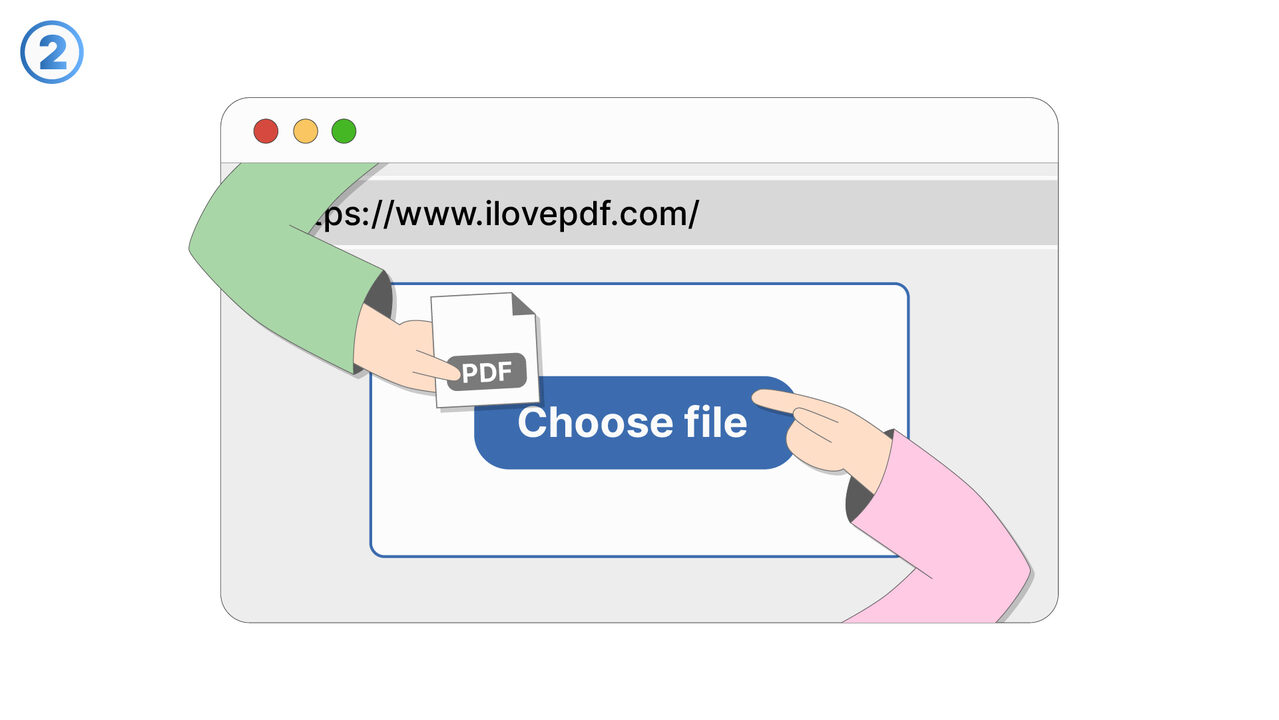
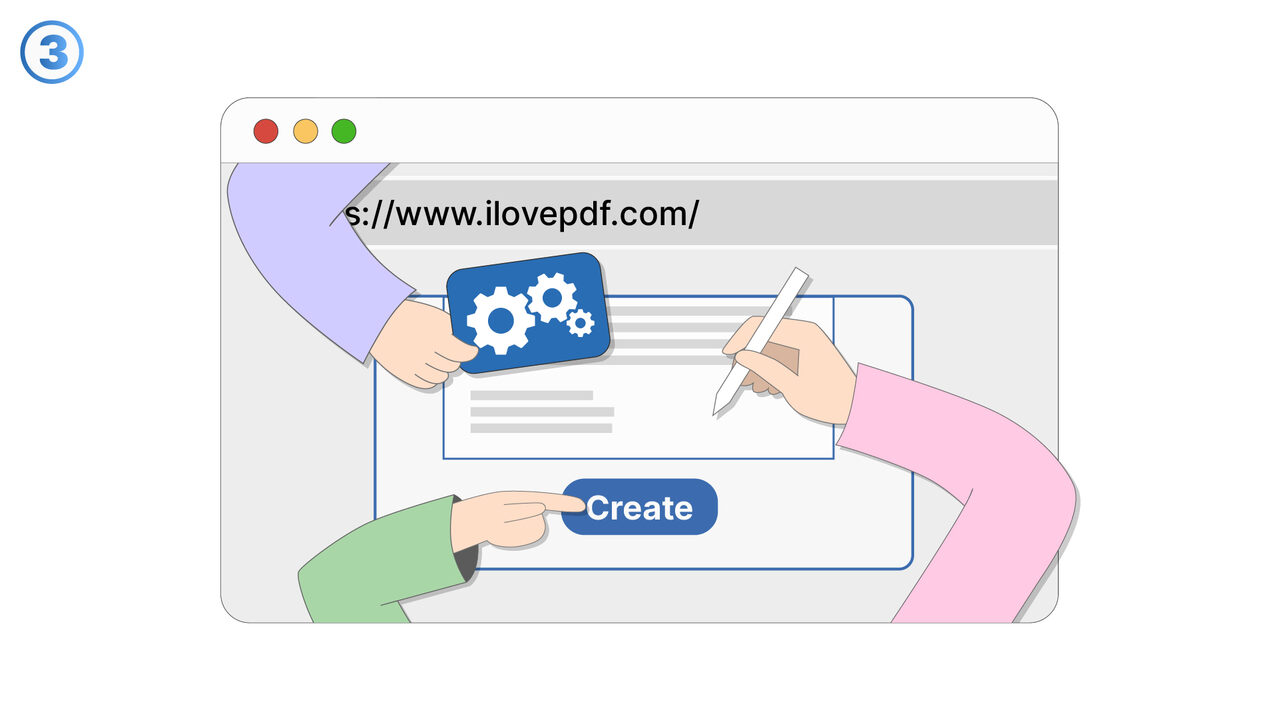
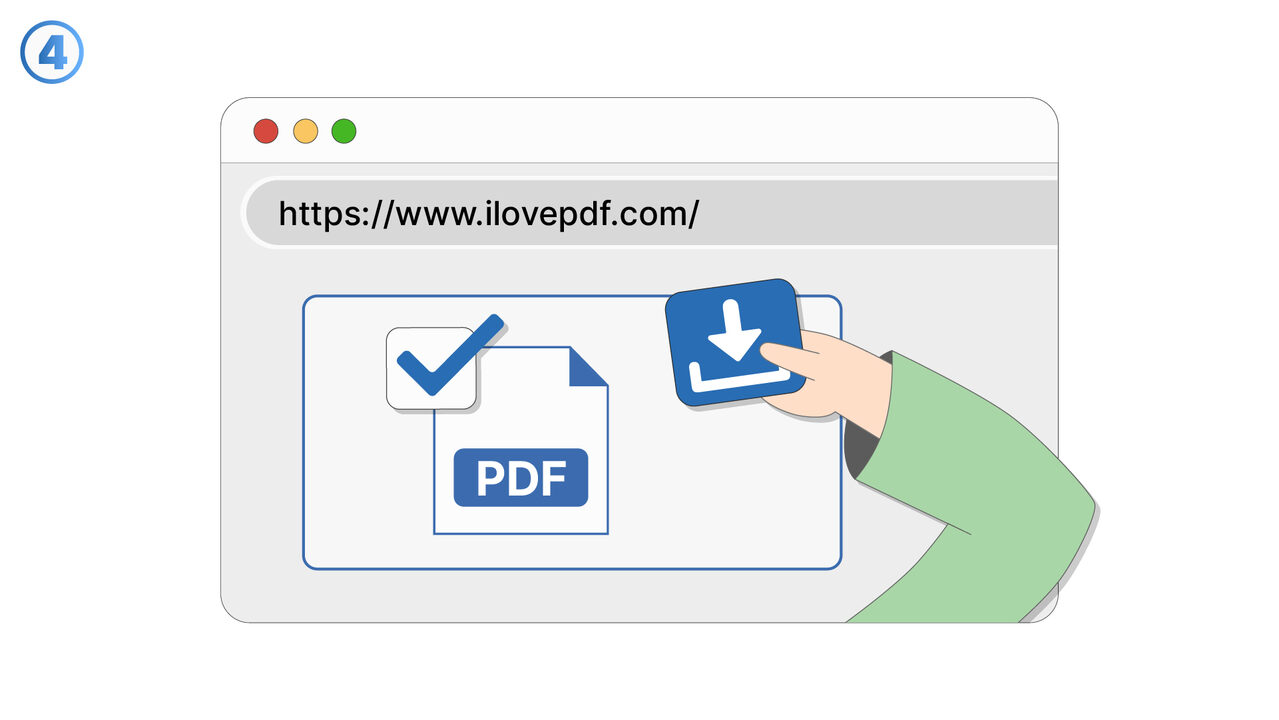
To protect a PDF document with I love PDF, you can use the "Password protection" feature. After uploading your document, select this option from the menu. Enter your desired password in the corresponding field and confirm it before clicking on "Protect PDF". Your PDF document will then be secured with the specified password and downloaded. The next time the document is opened, this password must be entered to view it. In this way, I Love PDF offers a user-friendly and effective way to ensure the data security of your PDF documents.
外部リソース
https://www.ilovepdf.com/
以下の問題の解決策としてこのツールをご活用ください
- I need to merge several PDF files into a single one.
- I need to split a PDF document into individual pages.
- I am having difficulties compressing a large PDF file.
- I can't convert my PDF document into another format.
- I need to extract text from a PDF document.
- I cannot edit my PDF and need a user-friendly online tool for it.
- I am having trouble adding watermarks to a PDF document.
- I need to repair a damaged PDF document.
- I need a tool with which I can change the orientation of pages in a PDF.
より良い解決策をご存知ですか? お知らせください。
まだ取り上げていない問題を解決できるツールやアプローチをご存知でしたら、ぜひお知らせください。