問題
The user is having difficulties with the manual synchronization of their files across different devices. This issue occurs when the user edits the latest version of a file on one device and does not see the changes on the other devices. This situation causes confusion and makes the work process inefficient. This is particularly problematic when the user needs to access important documents and they are not up-to-date. Manually synchronizing files can be time-consuming and cumbersome, and requires a high level of technical understanding.
スクリーンショット
解決策
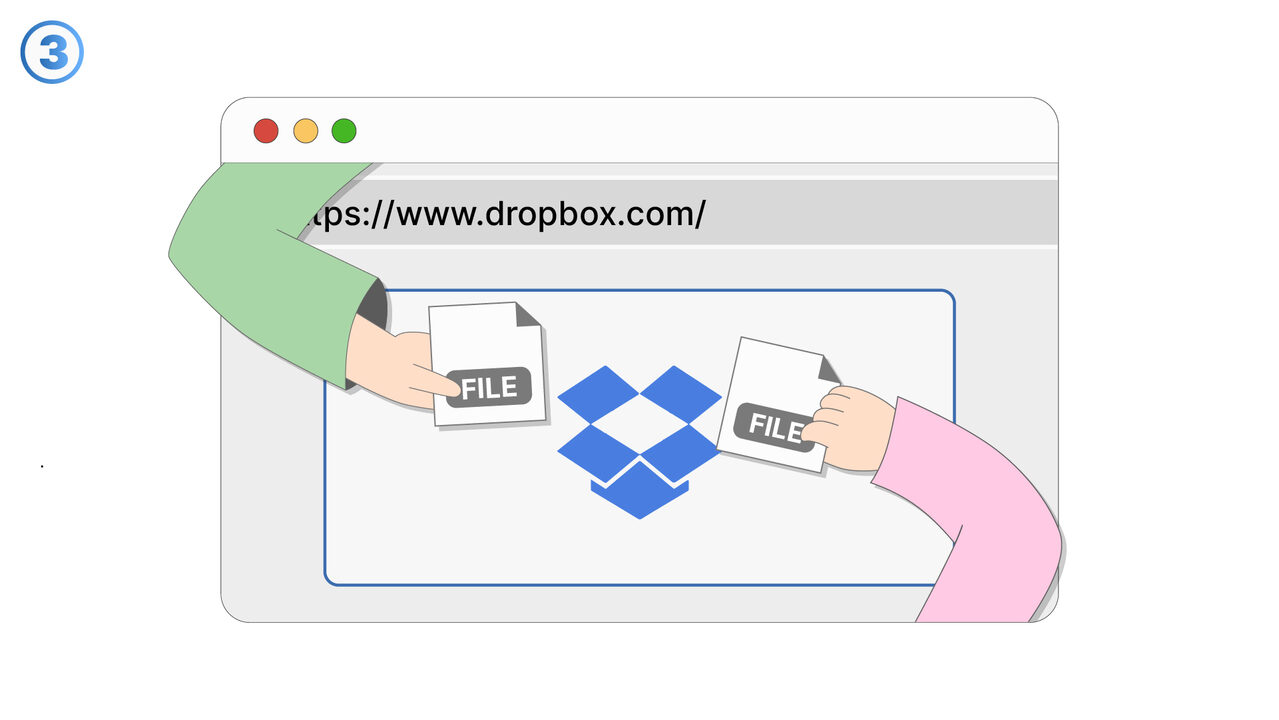
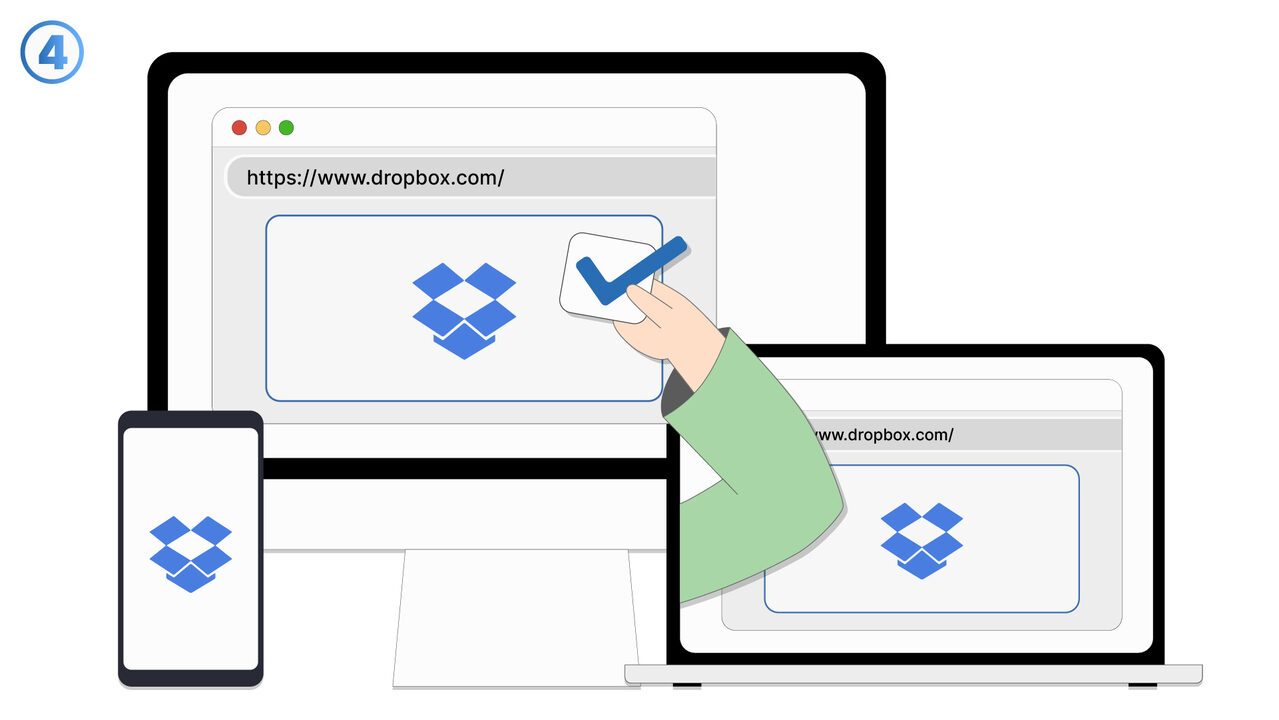
Dropbox solves this problem with its automatic synchronization feature. As soon as a user changes a file in their Dropbox account, these changes are automatically updated on all devices connected to the same account. This happens almost in real-time and doesn't require any manual intervention by the user. Users don't have to worry about different versions of a file on different devices. Through this feature, the workflow is optimized, and time and effort for manual synchronization is saved. It also improves the availability and reliability of the stored data, as the latest version of the file is always accessible everywhere. Users are not expected to have technical knowledge, as the software performs this task automatically.
外部リソース
https://www.dropbox.com/
以下の問題の解決策としてこのツールをご活用ください
- I can't access my files while on the go.
- I do not have enough storage space on my devices and need a solution for data backup and access from anywhere.
- I am concerned about the security of my files in the cloud.
- I struggle with inefficiencies in sharing and collaborating on files.
- I lose my data due to device failure and need a secure storage solution.
- I am having trouble tracking versions of my files in Dropbox.
- I cannot restore deleted files in my Dropbox.
- I need a central platform to easily and securely organize my files.
- I have trouble finding files in my overloaded cloud system.
より良い解決策をご存知ですか? お知らせください。
まだ取り上げていない問題を解決できるツールやアプローチをご存知でしたら、ぜひお知らせください。